User Manual
7.2.4: ACS EQUALISER SECTION
DSP ELEMENTS > ACS > EQUALISER
7.2.4: DSP ELEMENTS > ACS > EQUALISER
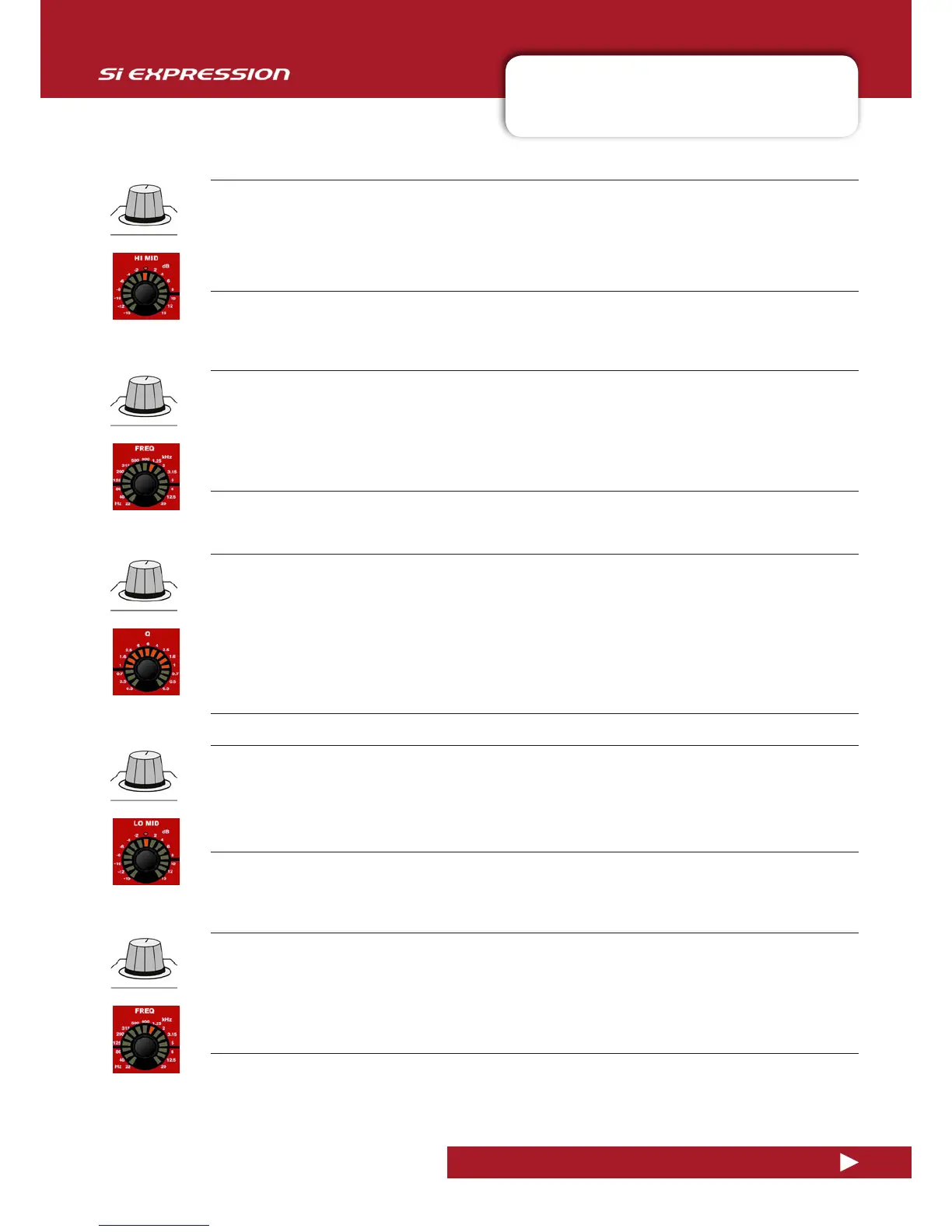
HI MID Level
Adjust the boost/attenuation of the HI MID lter.
HI MID Q
Adjust the Q of the HI MID Filter
Q is ‘magnification’ at resonance, and is inversely proportional to bandwidth. For an equaliser it is useful to think
of it simply as a bandwidth control (the width of the ‘bell’ in the case of a bell-shaped filter). That is, the higher
the Q, the lower the bandwidth - or the more ‘focussed’ the filter. Bandwidth (in octaves) is shown on the Touch
Screen with the Function Focus feature.
HI MID FREQ
Adjust the centre frequency of the HI MID lter.
Frequencies above and below this, within the bounds of the Q setting will be aected by the HI MID level control.
That is, Q eectively sets the ‘width’ (bandwidth) of the filter’s bell shape and FREQ sets the frequency at the
centre of the bell shape.
LO MID Level
Adjust the boost/attenuation of the LO MID lter.
LO MID FREQ
Adjust the centre frequency of the LO MID lter.
Frequencies above and below this, within the bounds of the Q setting will be aected by the LO MID level control.
That is, Q eectively sets the ‘width’ (bandwidth) of the filter’s bell shape and FREQ sets the frequency at the
centre of the bell shape.










 To Next Page