INSTRUCTION MANUAL
SPACE s.r.l.
ER 200 - ER 220
ER150 - ER160 - ER165
Code M0076 - rev.1.6
(04/2005)
Page 36/ 40 SPACE s.r.l. – 10090 Trana (TO) Via Sangano, 48
Tel. (+39) 011/ 933.88.65 – Fax (+39) 011/ 933.88.64
e-mail: info@spacetest.com
12 CALIBRATION
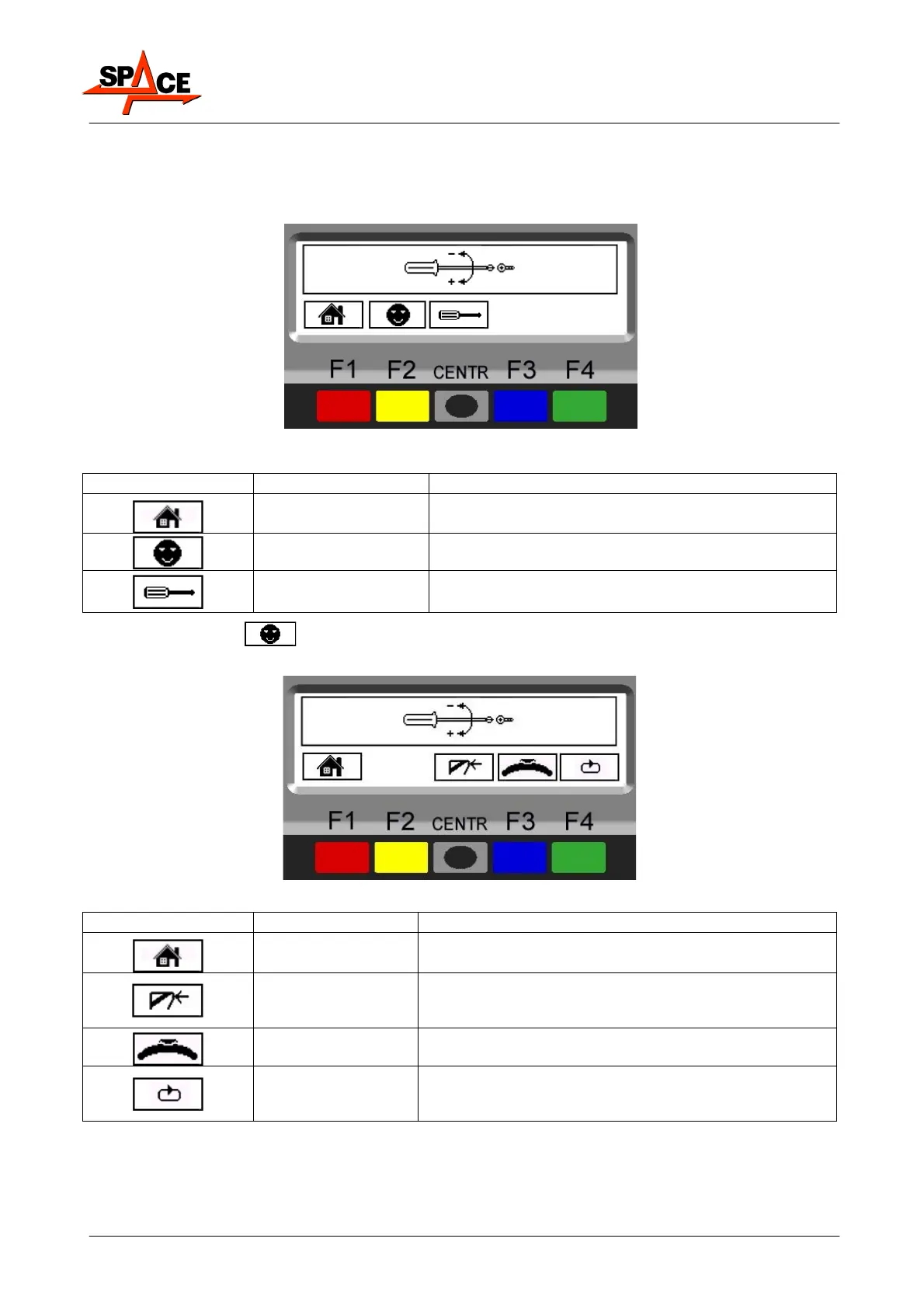
From the opening program presentation page (
Figure 5
on page 13) press the “F1 key"; the
program shows the following page:
Figure 46
ICON KEY DESCRIPTION
RED (F1) Return to program opening page
YELLOW (F2)
Client configuration. Enter the password:
F1-F2-CENTR-F3
CENTRE Technical assistance only
Press the “F2 key” , enter the password
F1-F2-CENTR-F3
, the program displays the
following page:
Figure 47
ICON KEY DESCRIPTION
RED (F1) Return to previous page
CENTRE
"Zero chucking-table" setting with empty shaft
This operation must necessarily be performed after
setting the weight sensor machine calibration.
BLUE (F3) Perform weight sensor machine calibration
GREEN (F4)
Displays unit of measurement, resolution, and
car/motorcycle mode setting operations (chap. 11
page 34)



 To Next Page