Installation and Reference Manual
Platform Overview
Installation and Reference Manual v3.2/0410/6 7
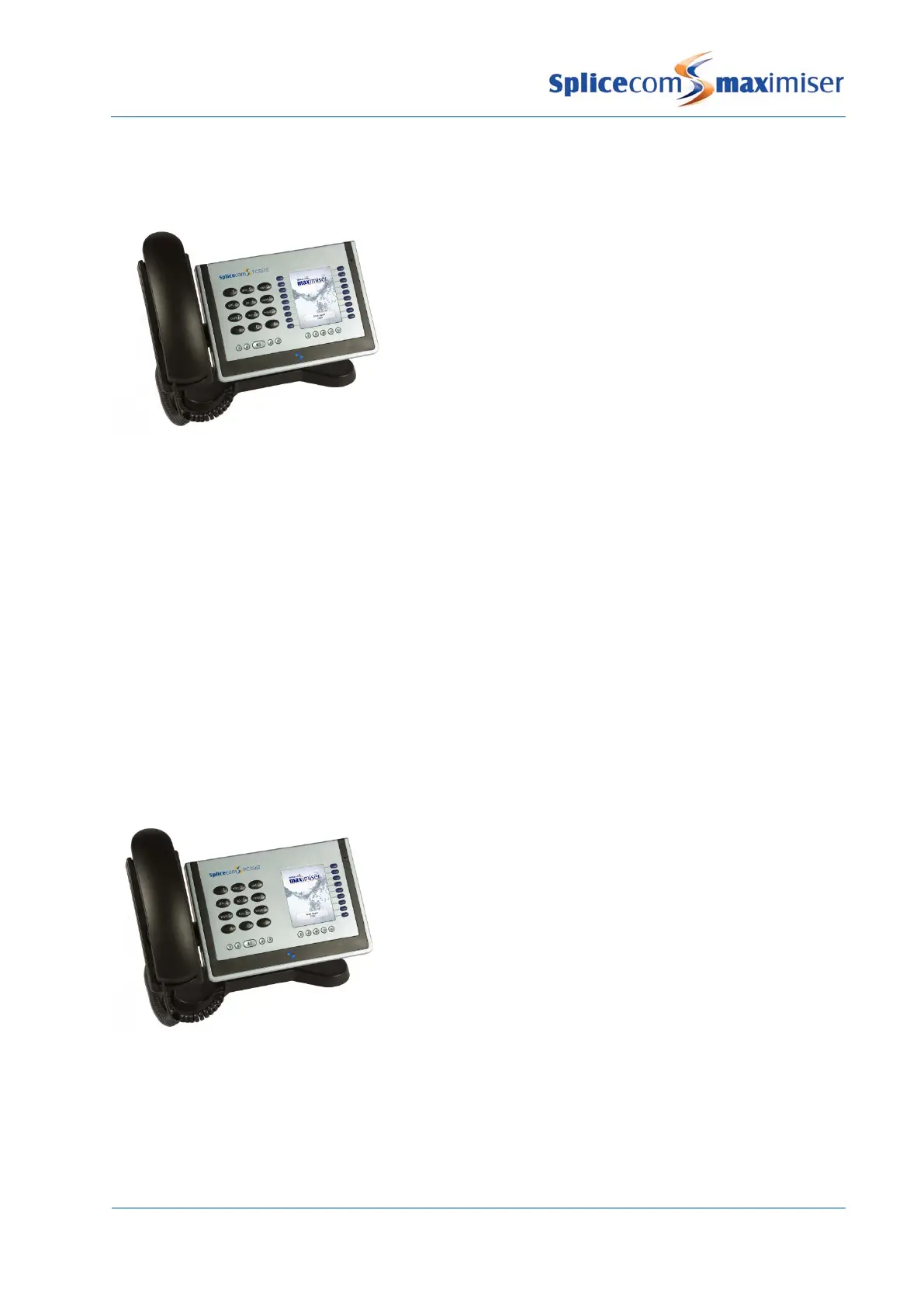
This IP phone provides:
• Standard 12 button telephony functionality
• Full colour, backlit, graphics display (240 x 320) with auto-
dimming, context sensitive
• Wide-angle tilting keypad/display panel
• 18 intuitive, multi-functional context sensitive keys
• 10 fixed function keys
• Power - 802.3af Power over Ethernet
• 2 Port 10/100 Mbps FDX LAN switch – supporting
automatic MDI-MDIX crossover, Diffserv Quality of Service,
802.1q VLAN and 802.3af Power over Ethernet
• USB port – USB 2.0 interface for WiFi and external
keyboard
• Headset connector
• Message waiting/do not disturb “S” LED
• Dual Mode – SIP (configured via the Call Server) & H.323
• Fully integrated with the LDAP system database for access to the directories of Users, Departments
and Contacts.
• Can be wall mounted
• Can be partnered with PCS 60 or PCS 50
This IP phone provides the same functionality as the PCS 570 except it has a Gigabit interface providing a
2 Port 10/100/1000 Mbps FDX LAN switch.
This IP phone provides:
• Standard 12 button telephony functionality
• Full colour, backlit, graphics display (240 x 320) with auto-
dimming, context sensitive
• Wide-angle tilting keypad/display panel
• 9 intuitive, multi-functional context sensitive keys
• 10 fixed function keys
• Power - 802.3af Power over Ethernet
• 2 Port 10/100 Mbps FDX LAN switch – supporting automatic
MDI-MDIX crossover, Diffserv Quality of Service, 802.1q
VLAN and 802.3af Power over Ethernet
• Headset connector
• Message waiting/do not disturb “S” LED
• Dual Mode – SIP (configured via the Call Server) & H.323
• Fully integrated with the LDAP system database for access to the directories of Users, Departments
and Contacts.
• Can be wall mounted
• Can be partnered with PCS 60 or PCS 50



 To Next Page