Installation and Reference Manual
Platform Overview
8
Installation and Reference Manual v3.2/0410/6
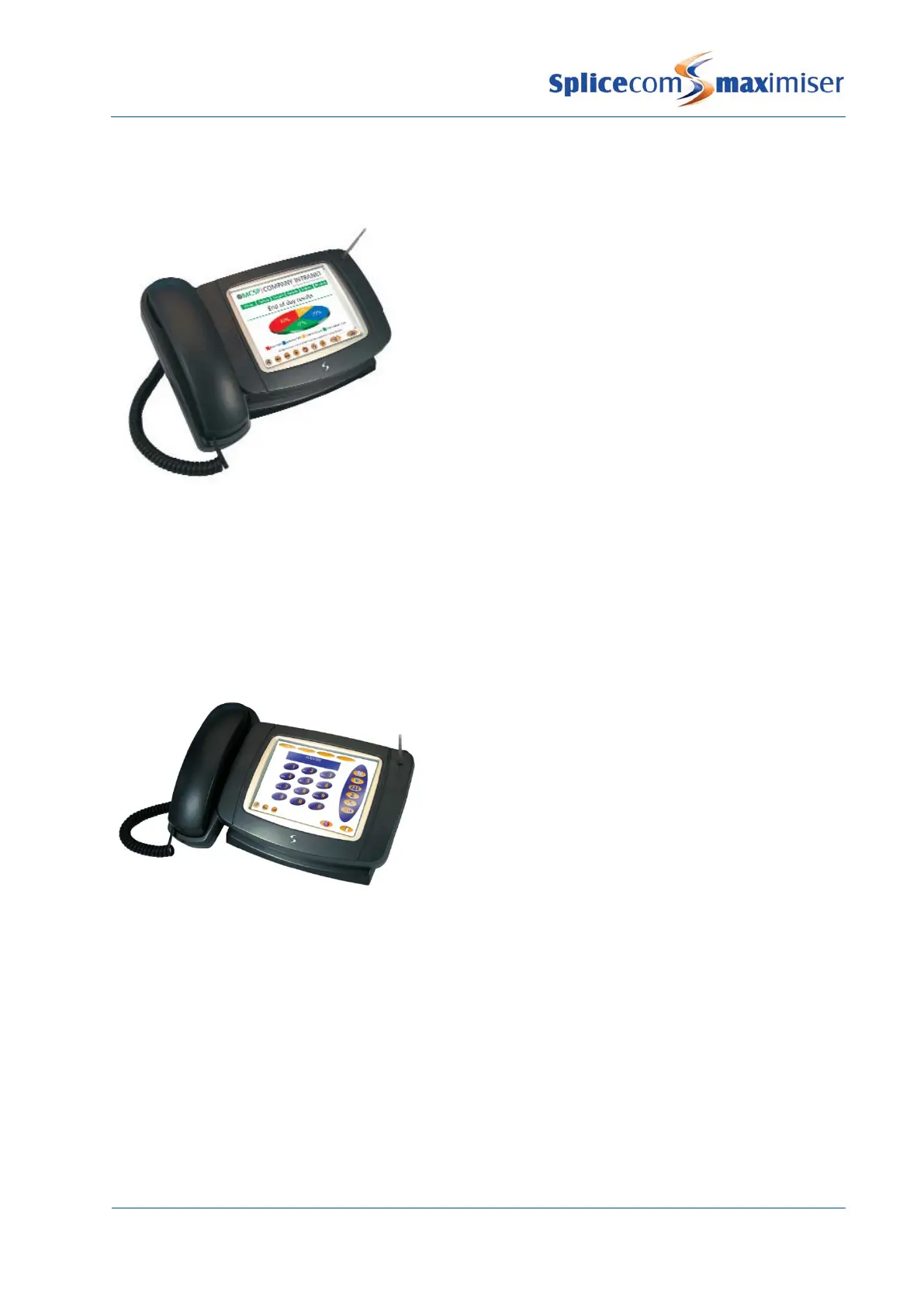
This IP Phone provides:
• Standard telephony functionality
• Graphical touch screen LCD interface
• Context Sensitive Screen
• Ability to display real time video and graphical information
during call
• Power over Ethernet support – can be powered via a LAN
port on the Call Server, via the network, or via the optional
dedicated PSU
• 2 Port 10/100 Mbps FDX LAN switch
• USB port for connection of mouse and keyboard
• Internal USB for WiFi
• Headset connection
• Fully integrated with the LDAP system database for viewing and annotating customer records and
notes
• Integral web browser
• Can be wall mounted
• Can be partnered with PCS 60 or PCS 50
This IP Phone provides:
• Standard telephony functionality
• Graphical touch screen LCD interface
• Ability to display real time video and graphical
information during call
• Context Sensitive Screen
• Power over Ethernet support – can be powered via
the network, via the Powered Ethernet PSU or optional
dedicated PSU
• Provides LAN port for PC
• 802.11b PCMCIA Card Slot for Wireless LAN
• USB port for connection of mouse and keyboard
• Headset connection
• Fully integrated with LDAP system database for viewing and annotating customer records and notes
• Integral web browser
• Can be wall mounted
• Can be partnered with PCS 60 or PCS 50



 To Next Page