Installation and Reference Manual
Configuring PBX functionality
Installation and Reference Manual v3.2/0410/6 163
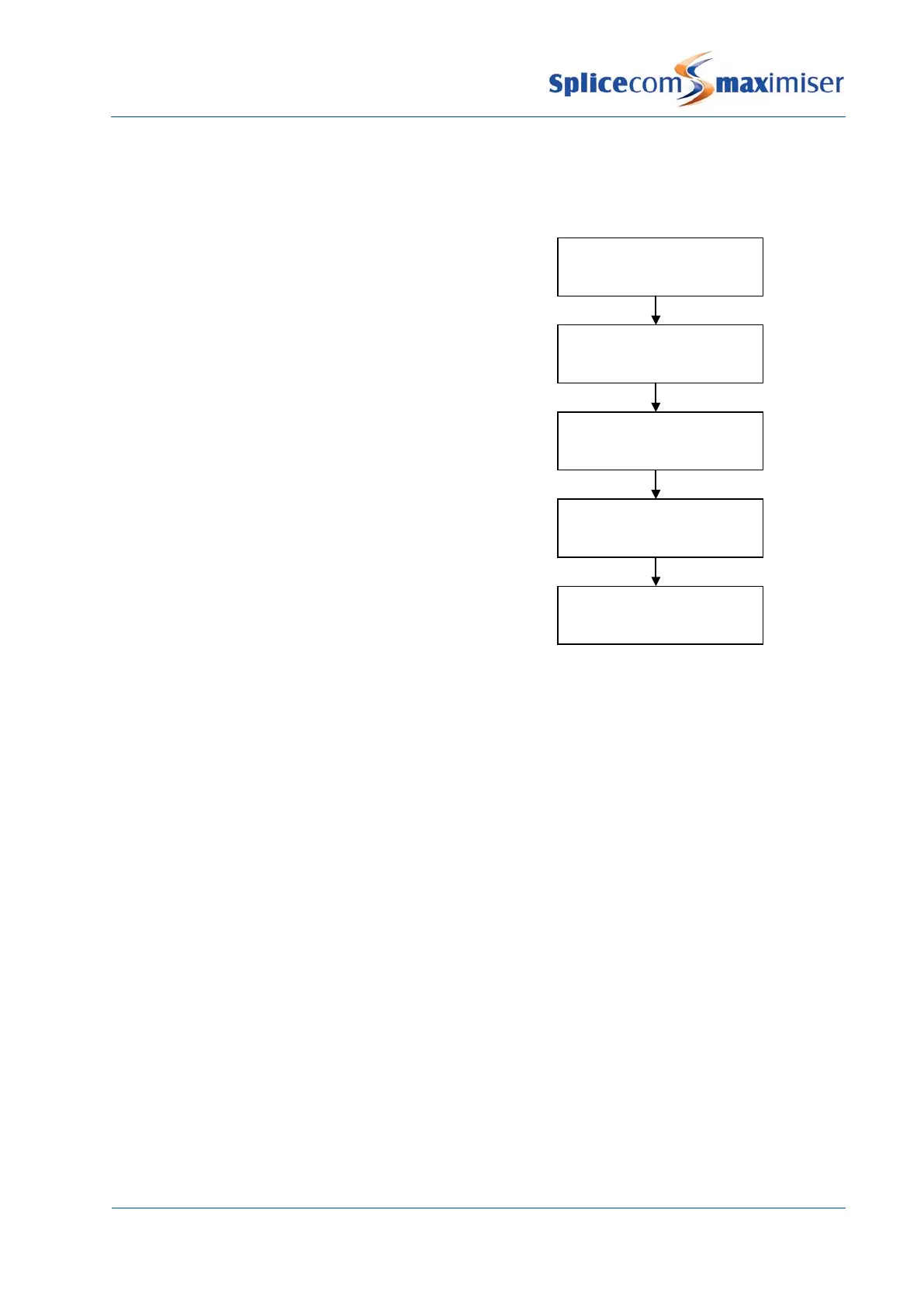
Route of an Outgoing Call
The following diagram displays the route of an outgoing call made by a User of the system.
Setting up a Trunk port as a NT port
All ISDN ports on a Call Server or Trunk Module can work in NT mode. Network Termination mode is
pretending to be an exchange so that other PBXs can connect to the system.
NT mode can be configured as follows:
1 In Manager select Trunks
2 Select the relevant module containing the trunk required, eg CallServer
3 Select the trunk required
4 Change the Description of the port if required
5 In the Presentation Number field enter the number to be presented as CLI on this port if required.
(Please note that the Translate CLI to field in a Dial Plan entry and a DDI Call Plan entry will have
priority over the Presentation Number.)
6 Select the ETSI page.
7 In the TEI Number field enter 127 (this may solve communication problems with the remote end.
This is not required on a PRI Trunk port).
8 Select the NT Mode field. A tick will indicate that this field is enabled.
9 Select Update or Apply when ready.
1
User
2
Dial Plan
3
LCR Plan
4
Trunk Group
5
Trunk
Number dialled by a
Number matched to a Dial Plan entry
Number matched to a LCR Plan entry
LCR plan specifies the
Call presented to a
(Outgoing CLI determined by DDI Plan or



 To Next Page