Installation and Reference Manual
Configuring PBX functionality
172
Installation and Reference Manual v3.2/0410/6
1
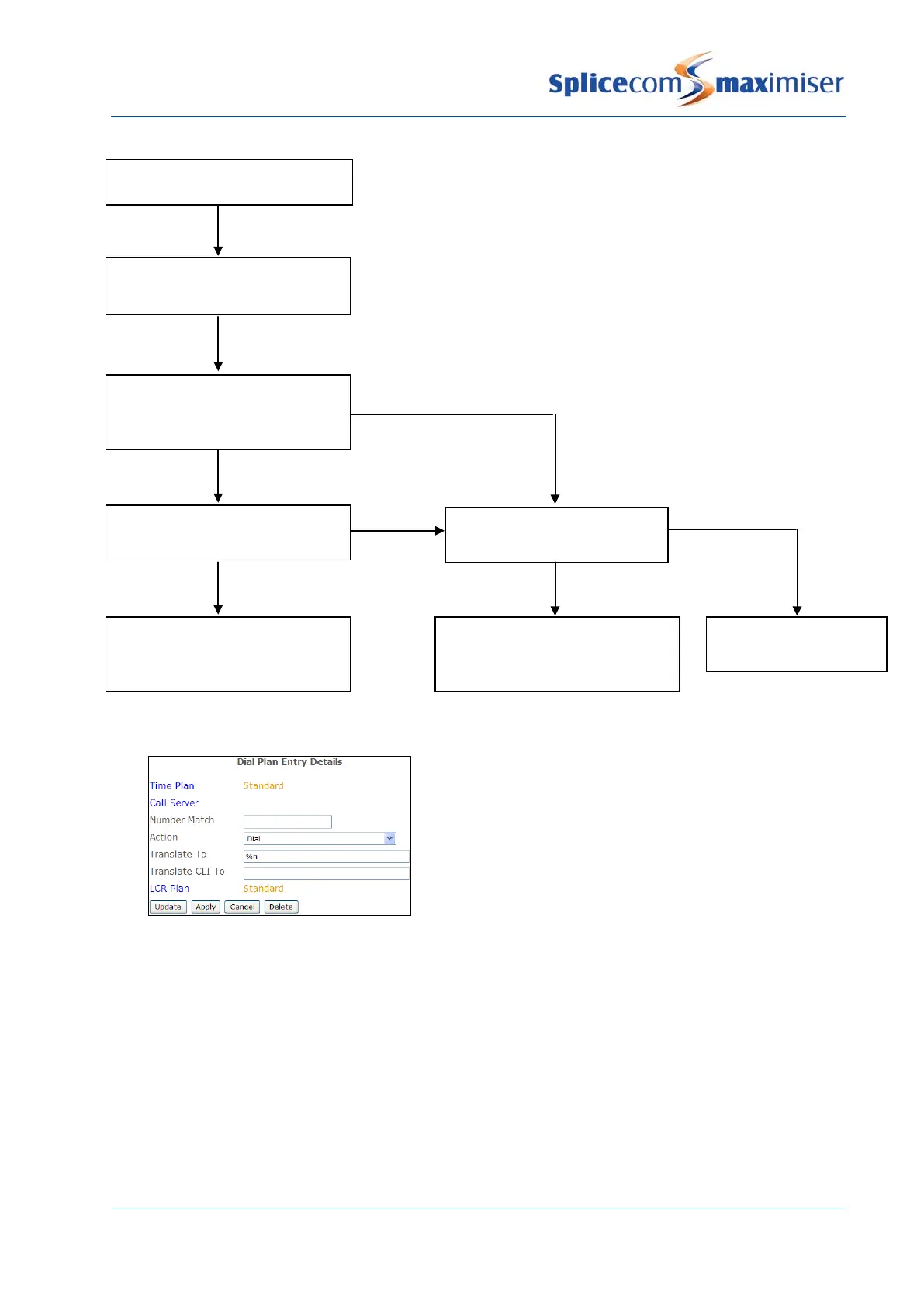
A User on extension 2001 dials an external number,
which is matched by the default Dial Plan entry. The
Translate CLI To field is blank so no outgoing CLI has
been specified. The LCR Plan determines the Trunk
that this call will use. The DDI Plan assigned to this
Trunk is checked for an entry for extension 2001. No
entry exists therefore the Trunk’s Presentation
number is sent as the outgoing CLI.
User dials from extension “x”
Digits dialled are matched by a
Dial Plan entry
Extension number “y” found in
Translate CLI To field of the Dial
Plan entry
Extension number “y” matched
in DDI Plan entry
DDI number in Number Match
field of DDI Plan entry sent as
CLI
Yes
Yes
Extension number “x”
matched in DDI Plan entry
DDI number in Number Match
field of DDI Plan entry sent as
CLI
Yes
No
No
Trunk Presentation
Number sent as CLI
No



 To Next Page