Installation and Reference Manual
System Operation
32 Installation and Reference Manual v3.2/0410/6
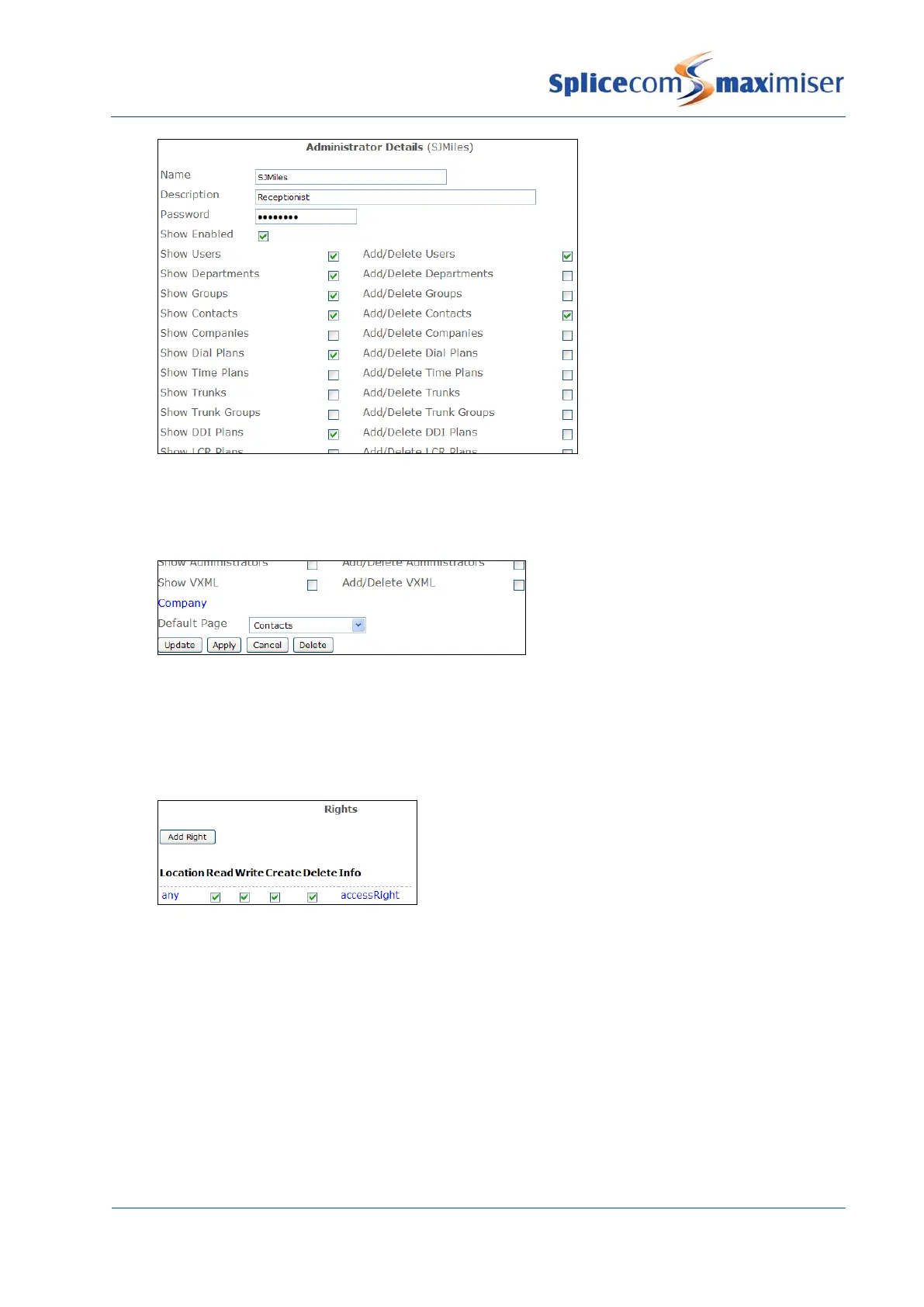
11 If you wish the administrator to be shown a specific page of the database on opening Manager
from the Default Page list box select the page required, eg Contacts.
12 Select Apply
Assigning rights to the Administrator
13 Within the Rights section at the bottom of the page select the Add Right button. A new entry will
be displayed providing full rights to the database dependent on the options selected above.
14 Select Update when ready.
Authorising the Administrator
15 From the Administrator List select Manager
16 Within the Authorised Access section select the Add Access button
17 Select the Administrator field
18 From the Select Administrator list select the administrator created above. (This entry will provide
full rights to the database dependent on the options selected within the Administrators
configuration form.)
19 Select Update or Apply when ready.



 To Next Page