Installation and Reference Manual
System Operation
42 Installation and Reference Manual v3.2/0410/6
The Product Version field will display which version of software is currently running on the Phone Module.
For information on upgrading this software please refer to page 260.
Each port on the Phone Module can now be configured independently, see page 77 for further details.
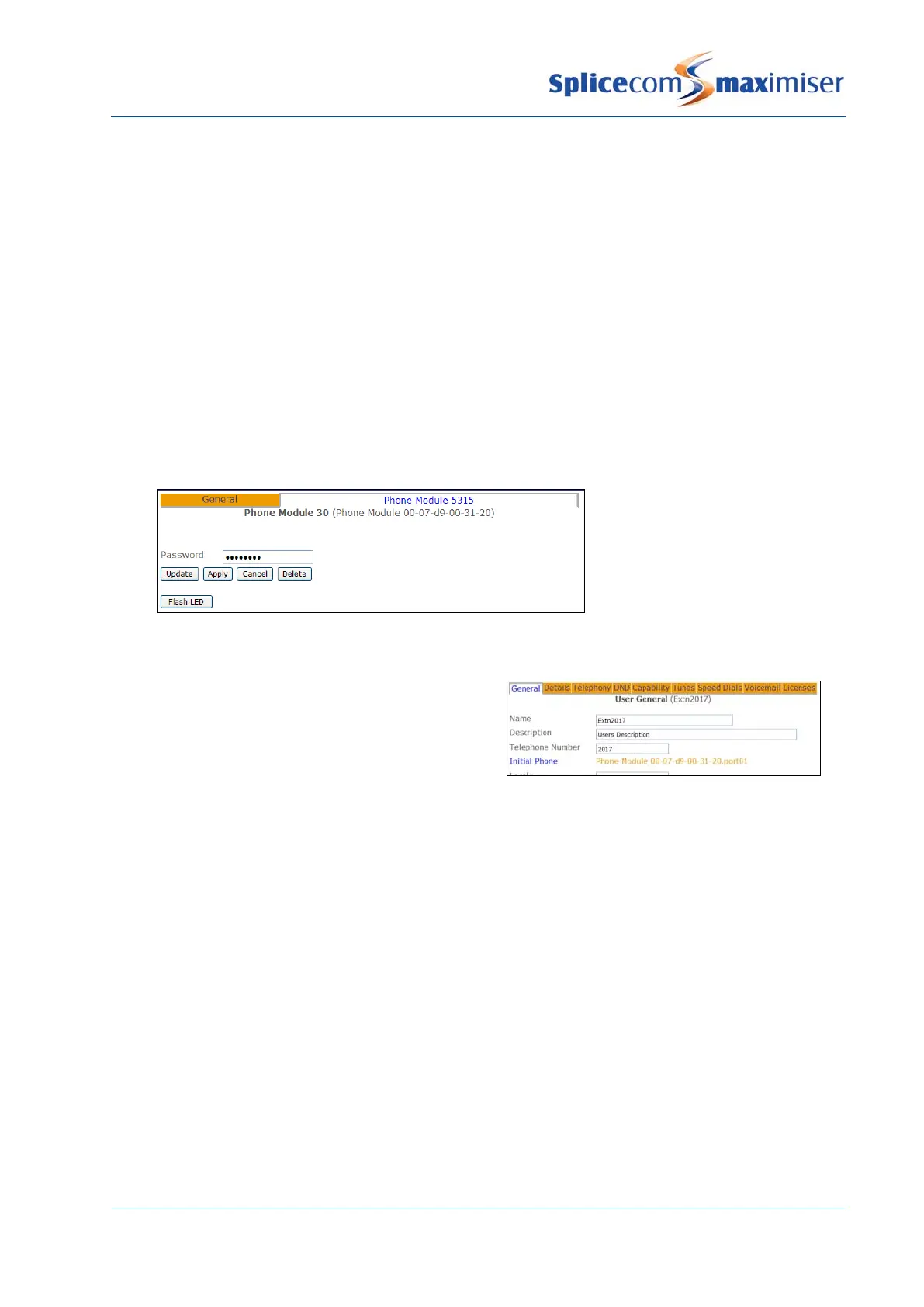
When accessing a Phone Module via Telnet, when upgrading for example, the module’s password is
entered on connection. By default this is set to 7388. However this password can be changed as follows:
1 In Manager select Modules
2 Select the Phone Module required
3 Select the Phone Module page
4 In the Password field enter the password required
5 Select Update or Apply when ready.
6 Reboot the Phone Module
Once a Phone Module has registered with the system
each port on the Phone Module, eg Port01, Port02 etc,
will be automatically assigned to a User eg Extn2017,
Extn2018 etc, and given an extension number, eg
Extension numbering starts with the next available number, therefore if, for example, the existing
extension number range on a system is 2001-2016, and a 5130 Phone Module is installed the Users
automatically created will be given an extension number within the range of 2017-2046.
Each User can be amended to change this default configuration if required, see page 80 for further
details.
To change the extension number range automatically used when a Phone Module registers with a
system, eg 6001-6030, the following steps can be taken:
1 Before the Phone Module is connected to the system create a new User with an extension number
one before the start of the range required, eg 6000
2 Connect the Phone Module as described on page 39.
3 The new Users created will be given an extension number within the new extension number
range, eg 6001-6030.
4 The User created in step 1 can be deleted if no longer required.



 To Next Page