Installation and Reference Manual
System Operation
Installation and Reference Manual v3.2/0410/6 41
The Phone Module controls:
• Ringing of the telephones at the requested cadence
• Presentation of the CLI
• Recognition of off-hook state
• Recognition of dialed DTMF tones
• Presentation of DTMF for fax servers
• The left hand LED on a port displays when a phone is ringing
• The right hand LED on a port displays when a phone is in use
Please note:
• Anti static precautions are advised when handling, inserting or removing PCMCIA cards with respect to
the 4300 Phone modules.
• Calls placed on hold will be automatically taken off hold after 10 minutes
• On a reboot of the Phone Module each analogue handset will ring once to confirm communication
with system and display the number of new voicemail messages waiting for the User assigned to that
phone (if voicemail enabled).
Configuring a Phone Module
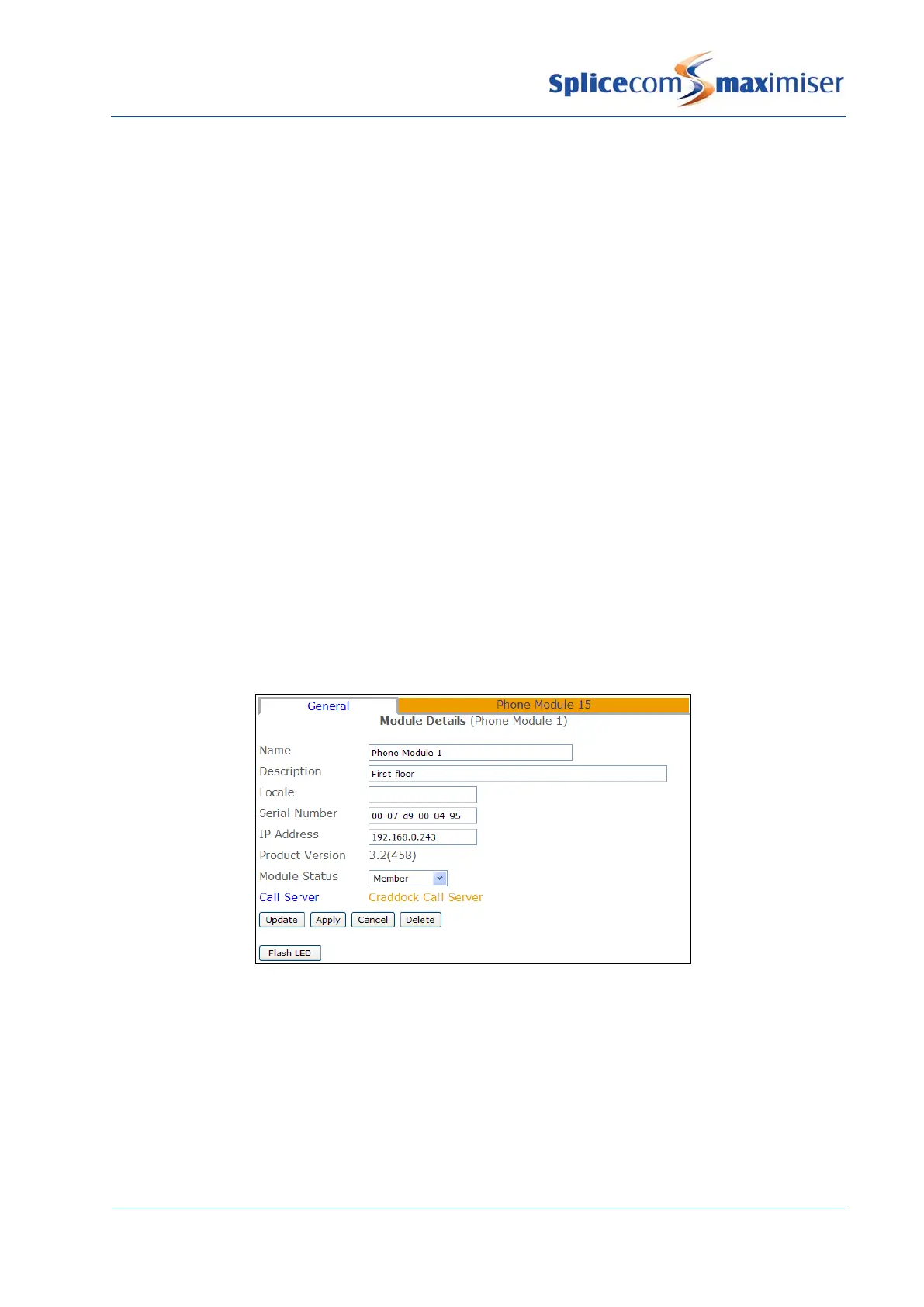
1 In Manager select Modules
2 The Phone Module will be displayed together with its MAC address
3 Select this link to view and configure this module.
4 For example, you may wish to edit the Name and Description of this module to give an identity and
location for future reference.
5 Select Update or Apply when ready.
The Call Server field indicates to which Call Server the Phone Module is registered. The Call Server is
responsible for replicating relevant configuration information to the Phone Module. In turn the Phone
Module will store in RAM configuration information relevant to its functionality. The Phone Module will
also pass back configuration changes, eg User configuration, to the Call Server.
The Flash LED button will instruct the Phone Module’s SpliceCom LED to flash. This feature is useful when
multiple Phone Modules are being used on a system and will identify the physical Phone Module from its
corresponding configuration form.



 To Next Page