7
CONTACTS
SPOT X can hold up to 70 contacts and/or contact groups. Individual contacts can either be manually added to or
deleted from the SPOT X on the fly or they can be input via SPOT My Account and synced to the SPOT X by using
the SPOT X Firmware Updater.
Contacts supported:
• Mobile Number
• Email
• Contact Groups
MANUALLY ADDING A CONTACT
1. On the Main Menu screen, select and press the Enter button to display the Messages screen, then
select Contacts.
2. On the Contacts screen, scroll down until the is highlighted or press the right button from the directional pad
and highlight the
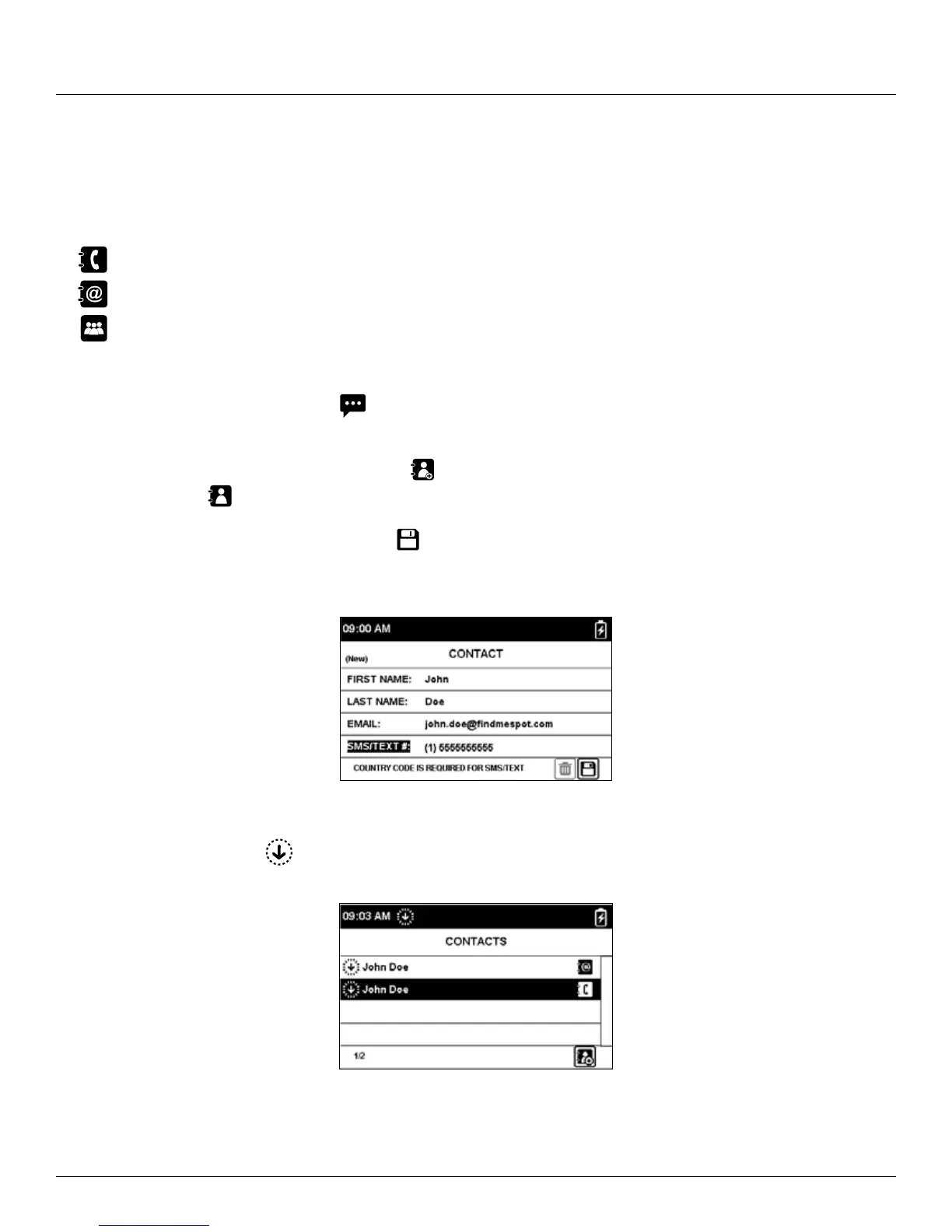
. Then press the Enter button to display the New Contact screen.
3. Enter the appropriate information and select
and press Enter button to save the contact to your SPOT X device.
If both Email and Text # fields are filled in, the SPOT X will create two separate contacts, one for the email and one
for the text number.
4. Additionally, there will be
displayed next to the new contact’s name indicating that the SPOT X will need to
sync with SPOT My Account.



 To Next Page