10
PREDEFINED MESSAGES
Make texting even easier by sending a Predefined Message. Predefined Messages can be created in your SPOT
My Account and up to 14 can be stored on your SPOT X so you can quickly update your friends and family.
Simply create a new message and select the
to access the Predefined Messages you have created.
Syncing your SPOT X with SPOT My Account is required for the changes to reside on your SPOT X.
SOCIAL MEDIA
Link your Facebook and Twitter accounts to your SPOT X directly from your SPOT My Account. Once you’ve linked
your accounts you will be able to send 140 character updates to those accounts from your SPOT X at any time.
1. On the Main Menu screen, select
then select where to post your message.
2. Select Next.
3. You can include your elevation by checking
and/or include your GPS coordinates by
checking
.
4. Select
to post to social media.
Syncing your SPOT X with SPOT My Account is required for the changes to reside on your SPOT X.
VIEWING ALL MESSAGES
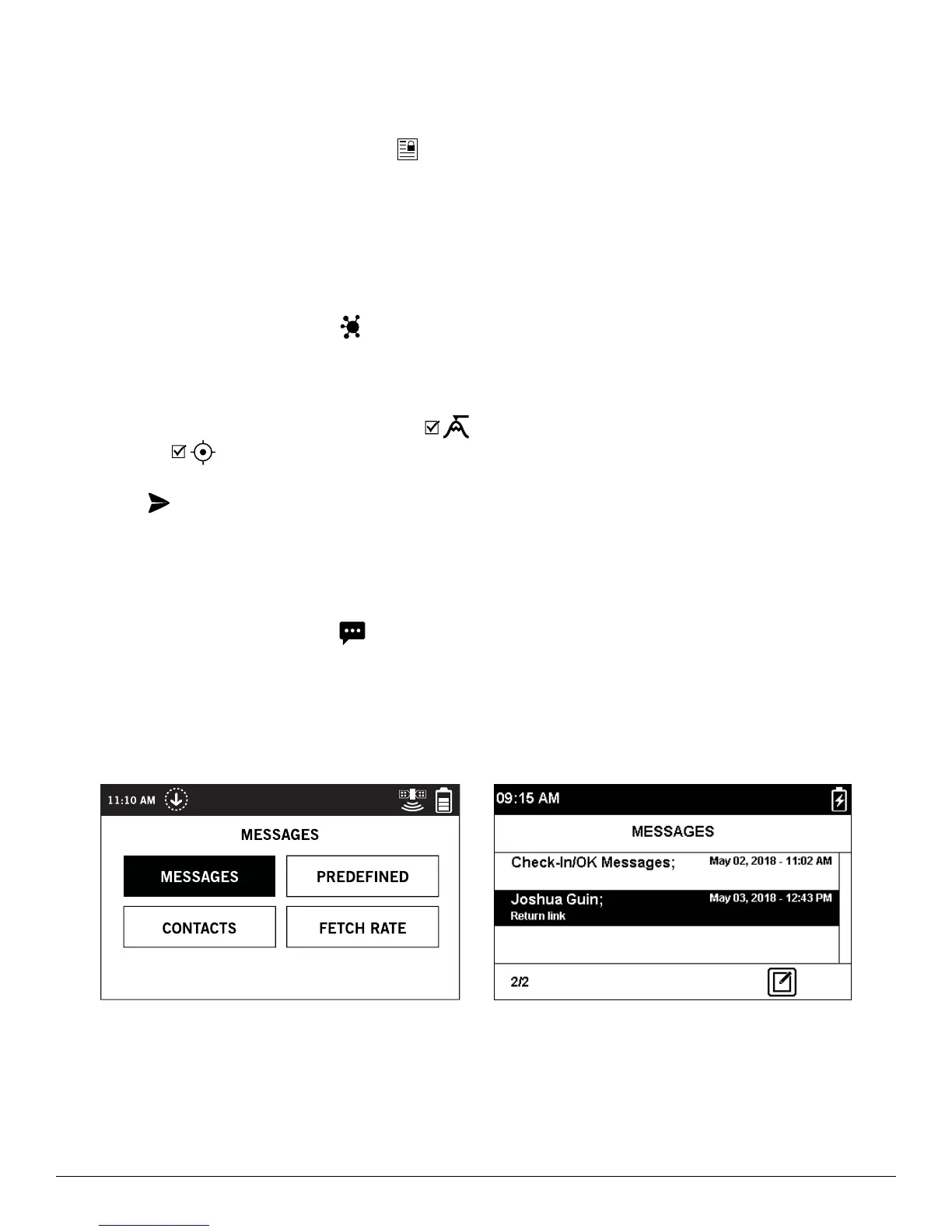
1. On the Main Menu screen, select to display the main Messages screen, then select Messages to view
all of your message threads.
2. Highlight and select the message thread you wish to open.



 To Next Page