31
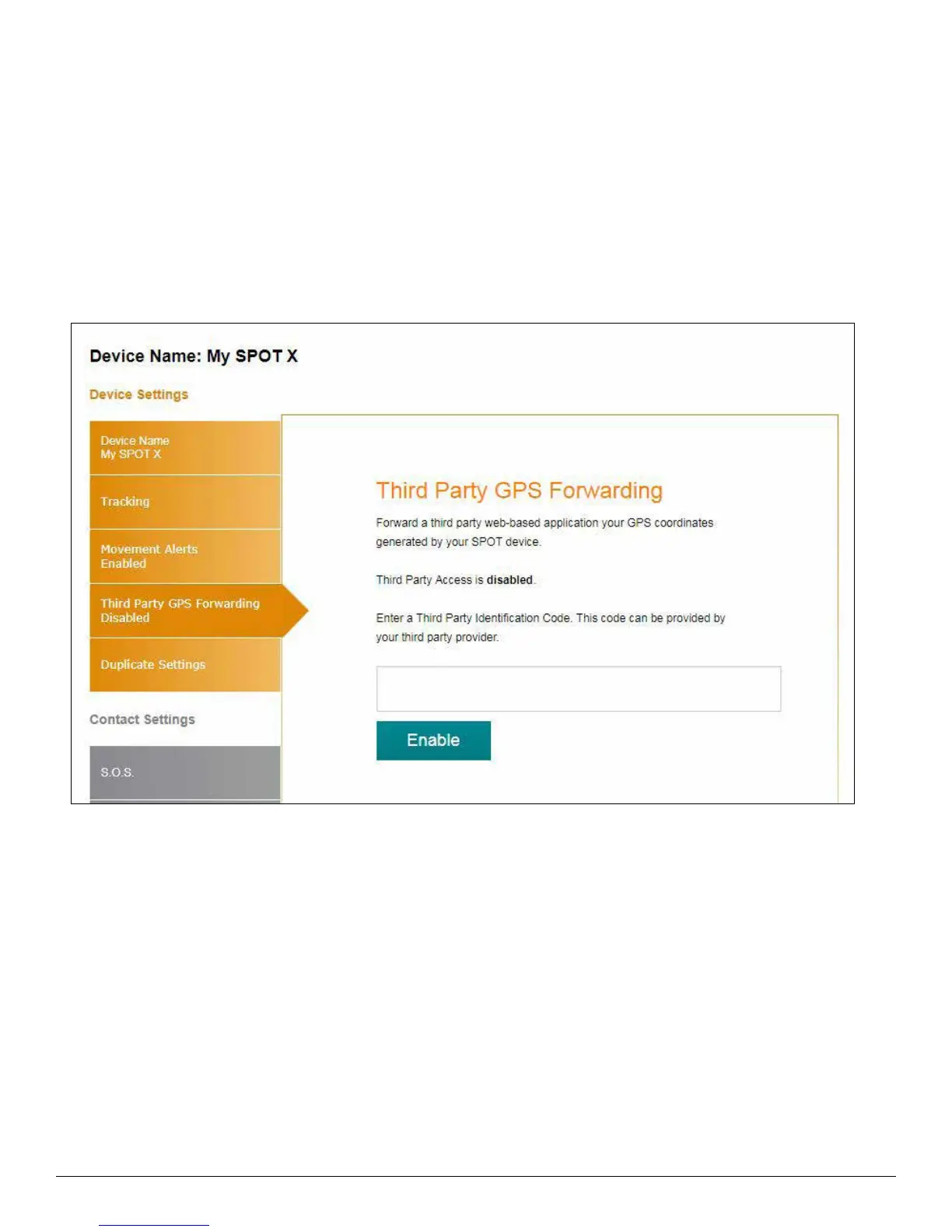
THIRD PARTY GPS FORWARDING TAB
Third Party GPS Forwarding sends the SPOT X’s GPS coordinates to a designated third-party web-based
application; by default this ability is disabled.
If a third party application provider has partnered with SPOT:
1. Request the Third Party Identification Code from your third party provider.
2. Enter the Third Party Identification Code in the Third Party field.
3. Select Enable.



 To Next Page