13
SPOT S.O.V. (SAVE OUR VEHICLE)
SPOT S.O.V. can be used during non-life threatening situations and allows you to send 2-Way text messages
to Nation Safe Drivers. SPOT S.O.V. services provided by Nation Safe Drivers, are only available to subscribing
customers in the U.S., Puerto Rico, Washington, D.C. and Canada. Visit FindMeSPOT.com/SPOTSOV to learn more.
INITIATING SPOT S.O.V.
If Nation Safe Drivers service was added to the plan, this contact will automatically be listed under the SPOT X
contact list.
1. On the Main Menu screen select
to display the main Message screen, then select Messages.
2. Select
.
3. Select
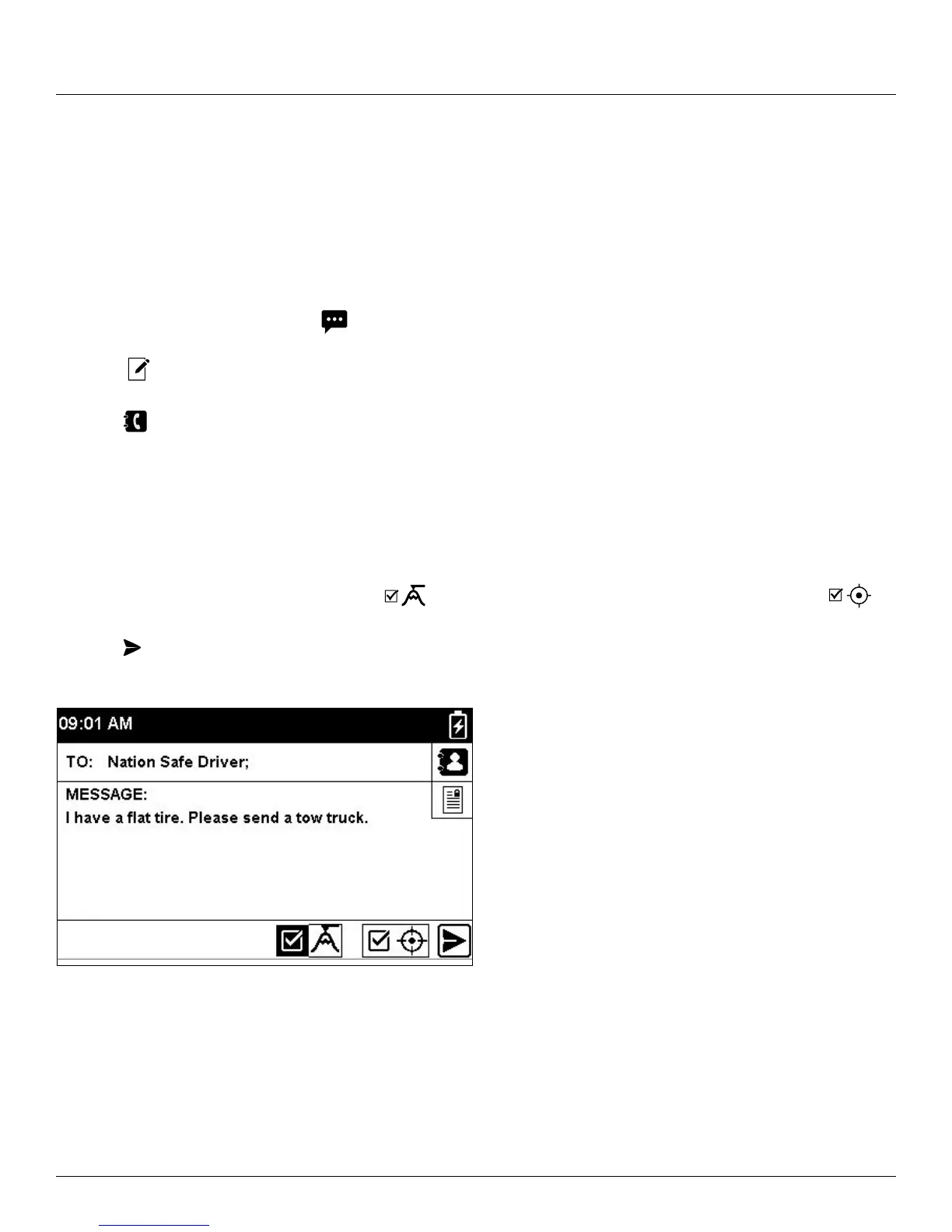
4. Select Nation Safe Driver from your contact list.
5. Select the Message field to display the New Text screen. From here you can choose to create a new message.
Select Done to continue.
6. Include your Elevation by checking next to
and/or include your GPS Coordinates by checking next .
7. Select
to send your message.



 To Next Page