39
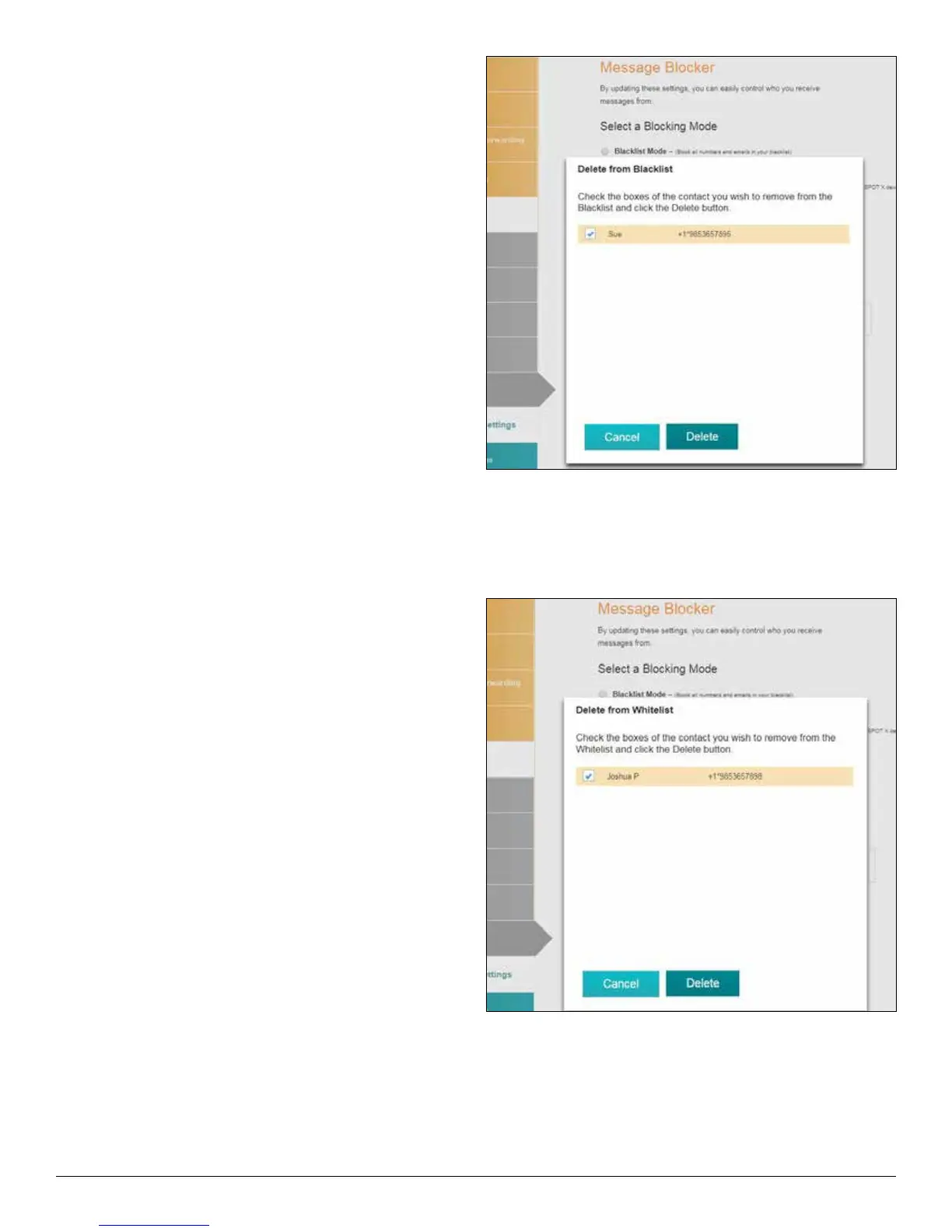
DELETE FROM THE BLACKLIST
1. In the Blocking Mode section, select View/Edit
and the Delete from Blacklist pop-up will
be displayed.
2.Check the boxes of the contacts you wish to
remove from the Blacklist and click Delete.
DELETED FROM THE WHITELIST
1. In the Blocking Mode section, select View/Edit
and the Delete from Whitelist pop-up will
be displayed.
2.Check the boxes of the contacts you wish to
remove from the Whitelist and click Delete.



 To Next Page