43
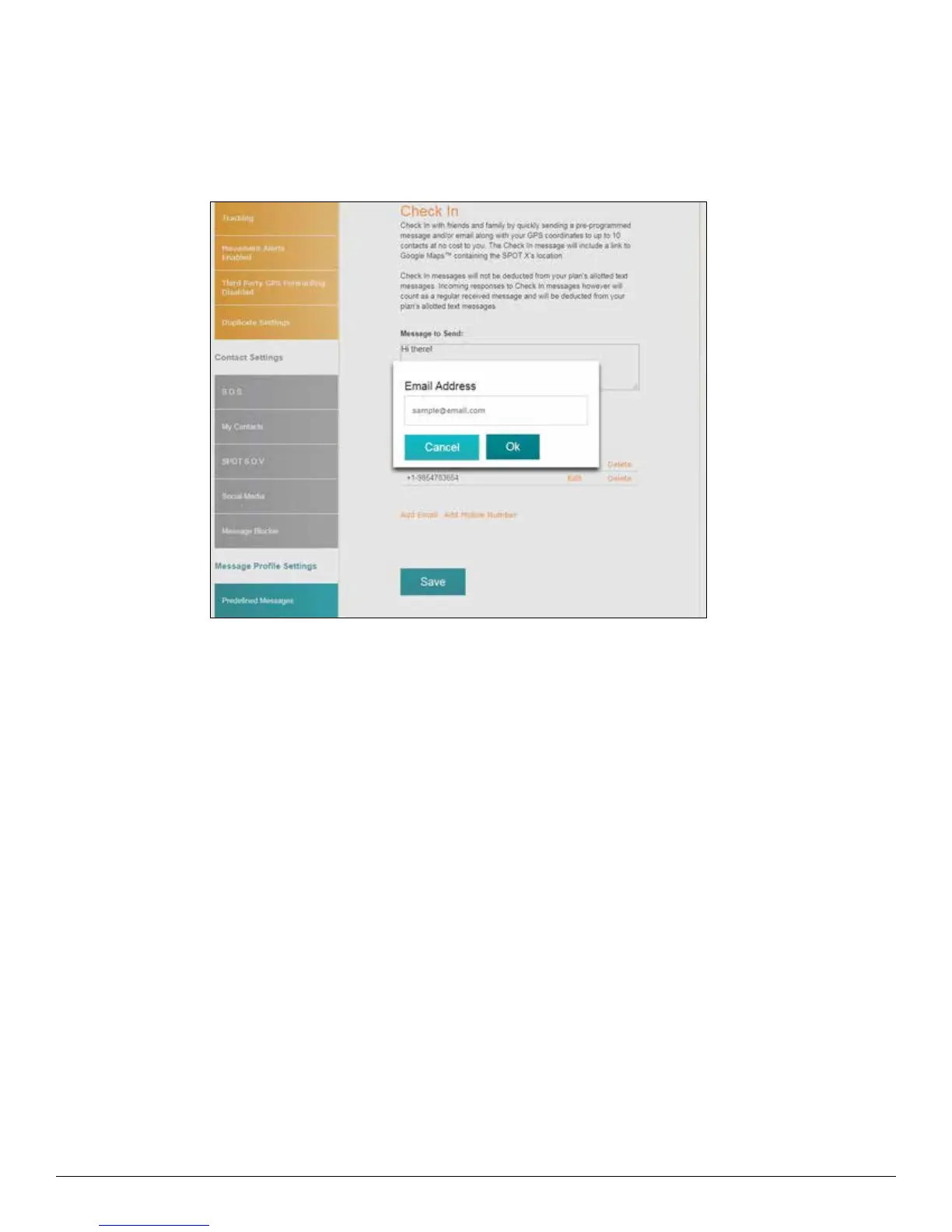
EDITING AN EMAIL ADDRESS OR MOBILE NUMBER
1. In the Check In section, select Edit next to the email or mobile number to be edited and the Edit the Mobile Number
or Email Address popup will be displayed.
2. In the Mobile Number or Email Address field, edit the information and click OK.
DELETING AN EMAIL ADDRESS OR MOBILE NUMBER
1. In the Check In, section, select Delete next to the Email or Mobile number to be removed.
2. Click Save.



 To Next Page