40
PREDEFINED MESSAGES TAB
Make texting even easier by sending a Predefined Message. Send an unlimited number of Predefined Messages to
your contacts at no cost.
Up to 14 Predefined Messages can be created and stored on your SPOT X device so you can quickly update your
friends and family. Each message can be up to 140 characters in length.
NOTE: Syncing your SPOT X with SPOT My Account is required for the changes to reside on your SPOT X.
CREATING A PREDEFINED MESSAGE
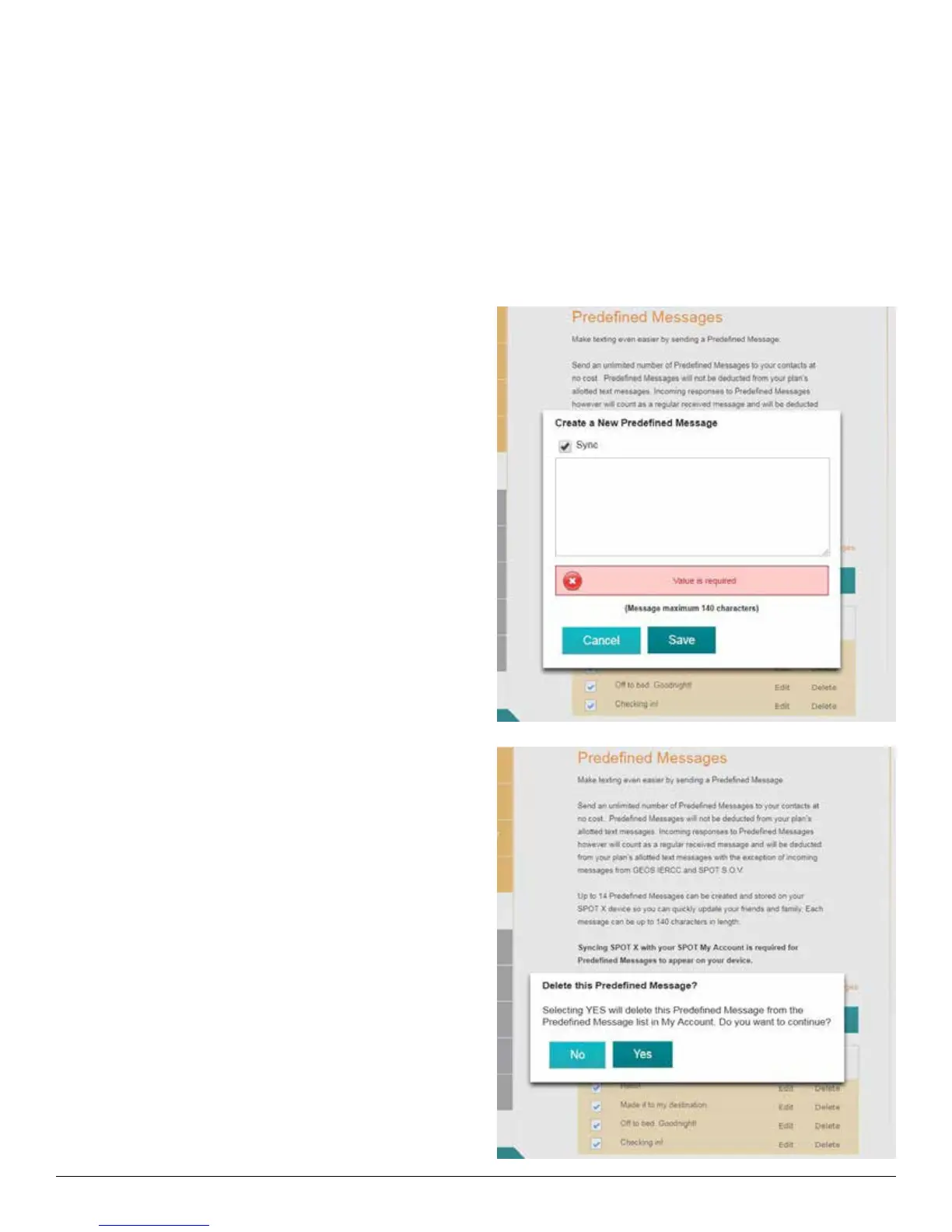
1. Select Create a New Predefined Message and
the Create a New Predefined Message popup
will be displayed.
2. In the Message field, enter a maximum of 140
character message and click Save.
DELETING A PREDEFINED MESSAGE
1. In the Predefined Message section, Select Delete
next to the message to be edited and the Delete
this Predefined Message popup will be displayed.
2. Select Yes to Delete.



 To Next Page