17
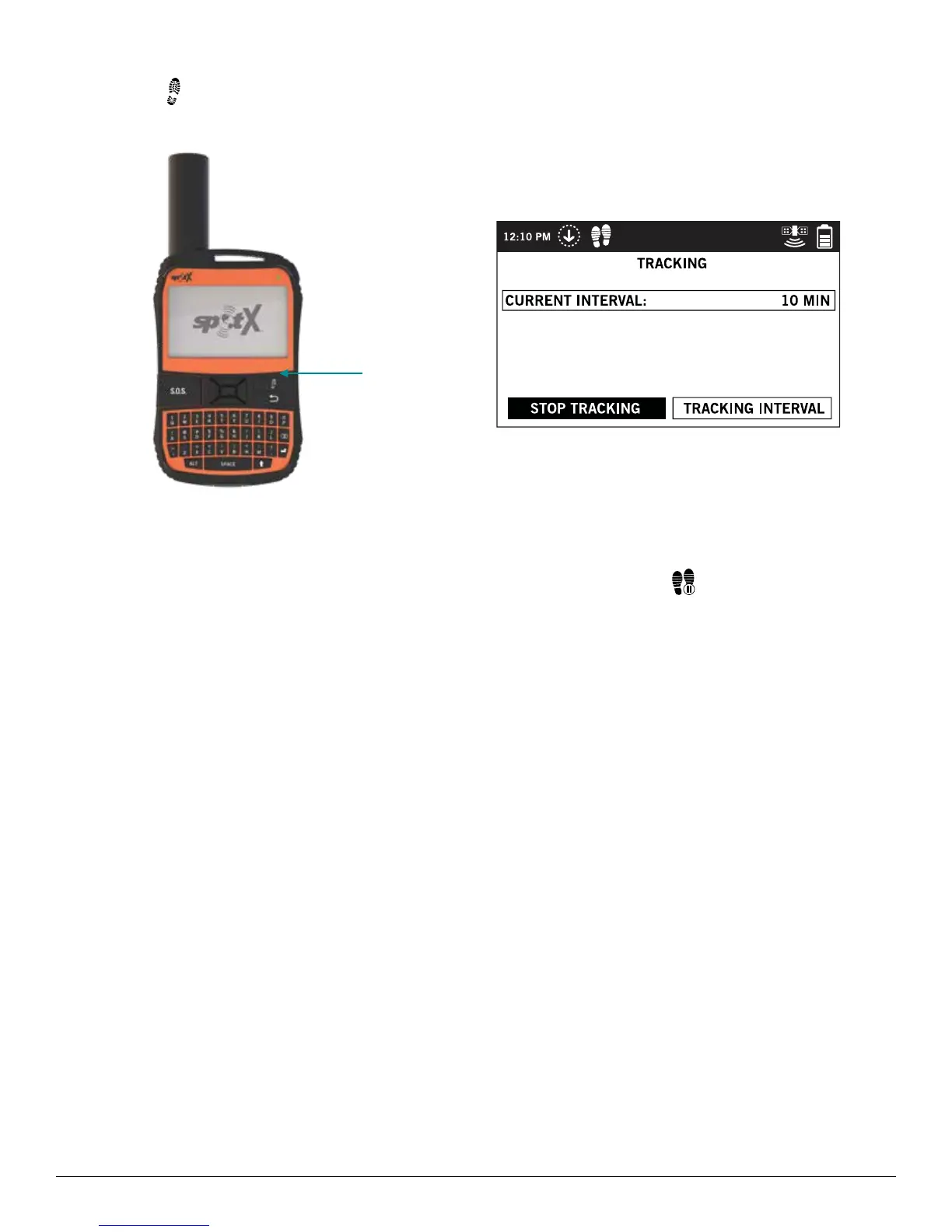
CANCELING TRACKING
Long press the on the device for 3 seconds and follow the onscreen instructions. You can also cancel Tracking by
selecting Stop Tracking from the Tracking screen and following the onscreen instructions.
SUSPENDED TRACKING MODE
SPOT X only sends tracks when Tracking mode is active and the device is moving. When the device is stationary for
more than 5 minutes, SPOT X will enter Suspended Tracking mode and you will see
in the Status Bar.
SPOT X will automatically send one more track from your resting location. While at rest, SPOT X will not send tracks.
Tracking will automatically resume after the accelerometer detects the unit has begun moving again.
Tracking
Button



 To Next Page