20
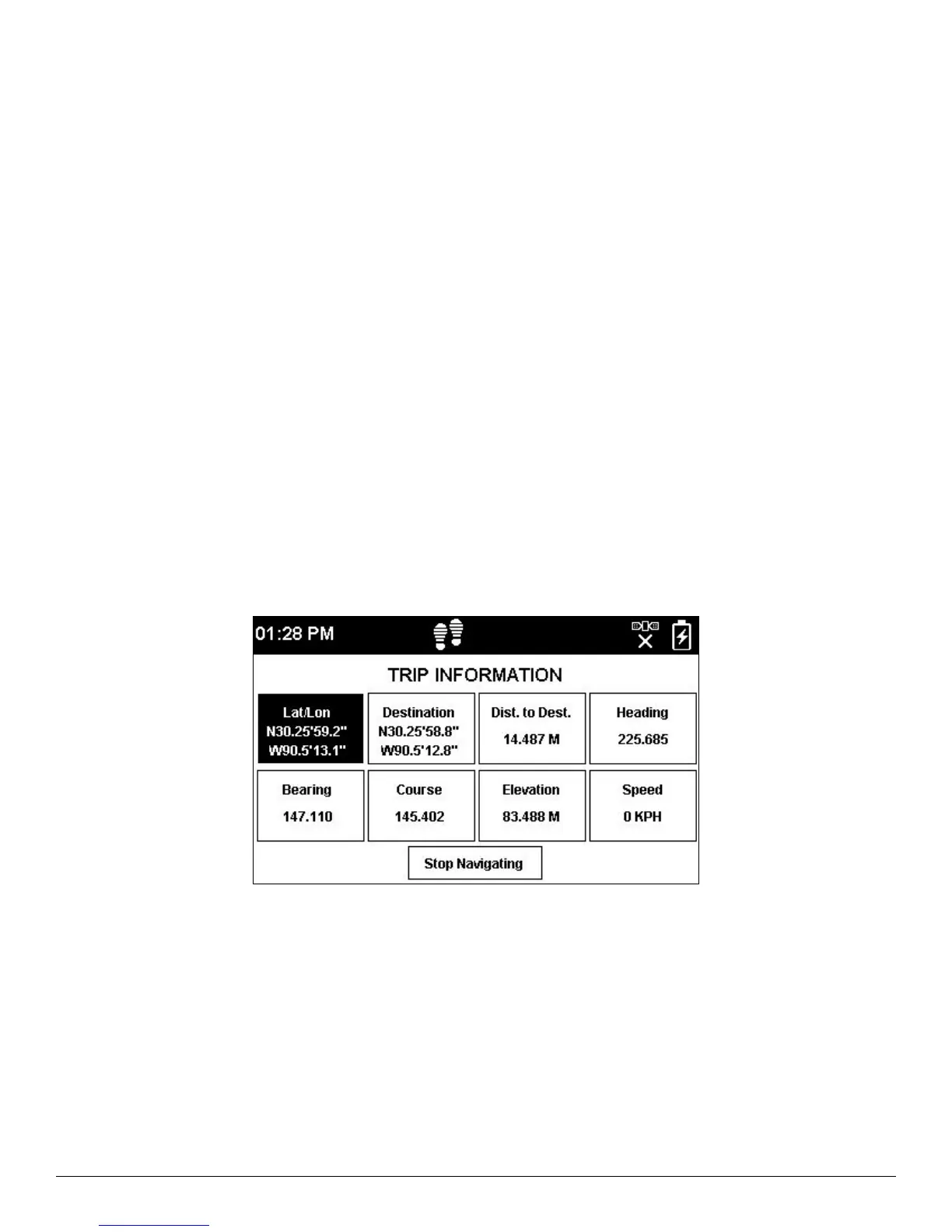
TRIP INFORMATION DATA FIELDS
The SPOT X Compass screen is able to display four Trip Info Data Fields at a time. Each data field can be easily
configured and changed by selecting from seven different choices:
• Location (Lat/Lon)
• Destination (Lat/Lon)
• Distance to Destination
• Heading
• Bearing
• Course
• Elevation
• Speed
CONFIGURING TRIP INFORMATION DATA FIELDS
1. On the Compass screen, select Trip Info. If a calibration has never been done before, the Calibrate Compass
screen will be displayed. Select Start Calibration to begin and follow the onscreen instructions.
2. Using the Navigation Pad, highlight and select the Data Field you wish to change.
3. The Trip Info Data Field screen will be displayed. Highlight and select the appropriate navigational data you wish
to be displayed in that field.



 To Next Page