35
DELETING CONTACTS
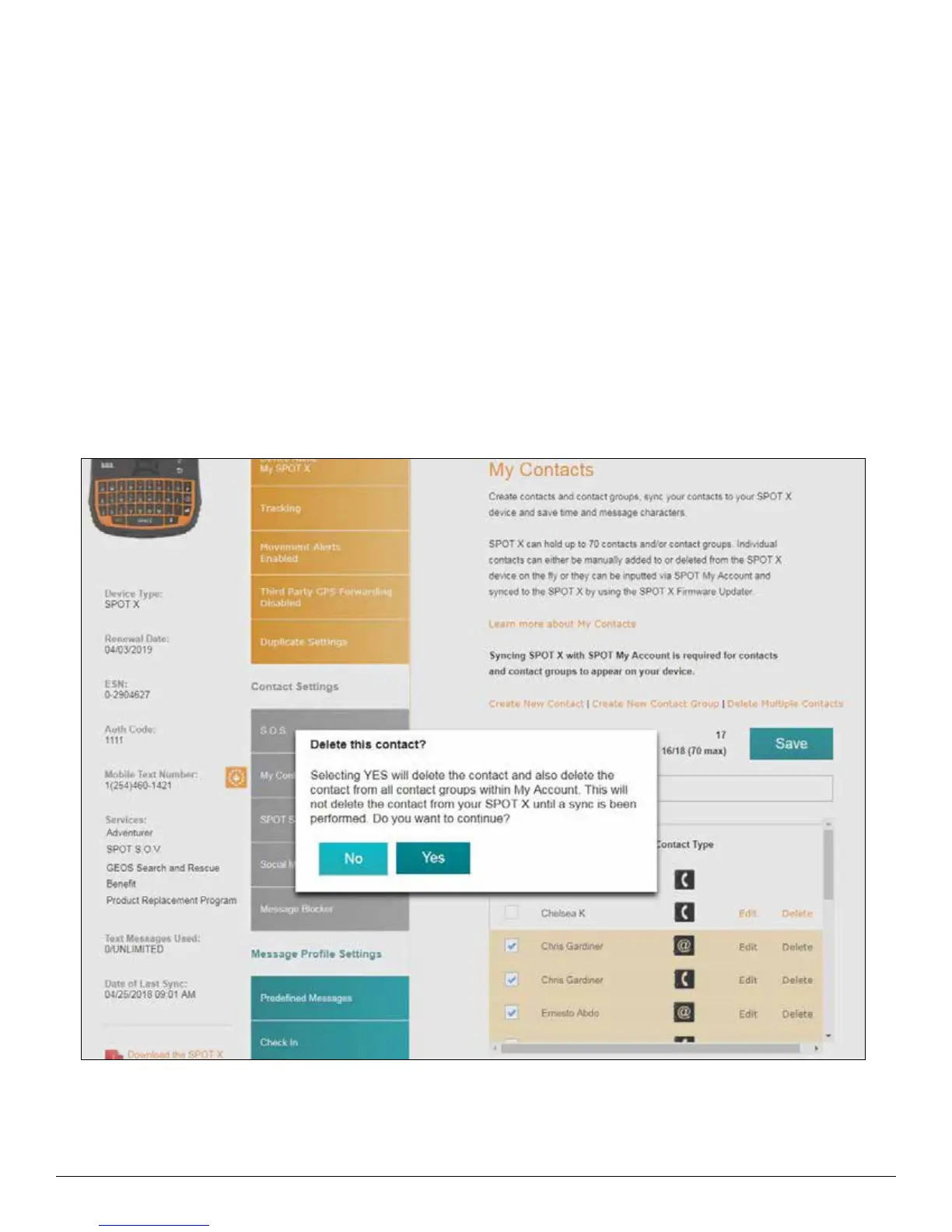
Syncing SPOT X with SPOT My Account is required for contacts and contact groups to be removed from your device.
1. In the Contact Name field, select Delete next to the name you want to remove.
2. A pop-up message will display asking to confirm the action requested.
3. Confirm Changes at the top of the page.
4. Sync the SPOT X with My Account.
5. Sync & update your device using the SPOT X Firmware Updater.



 To Next Page