8
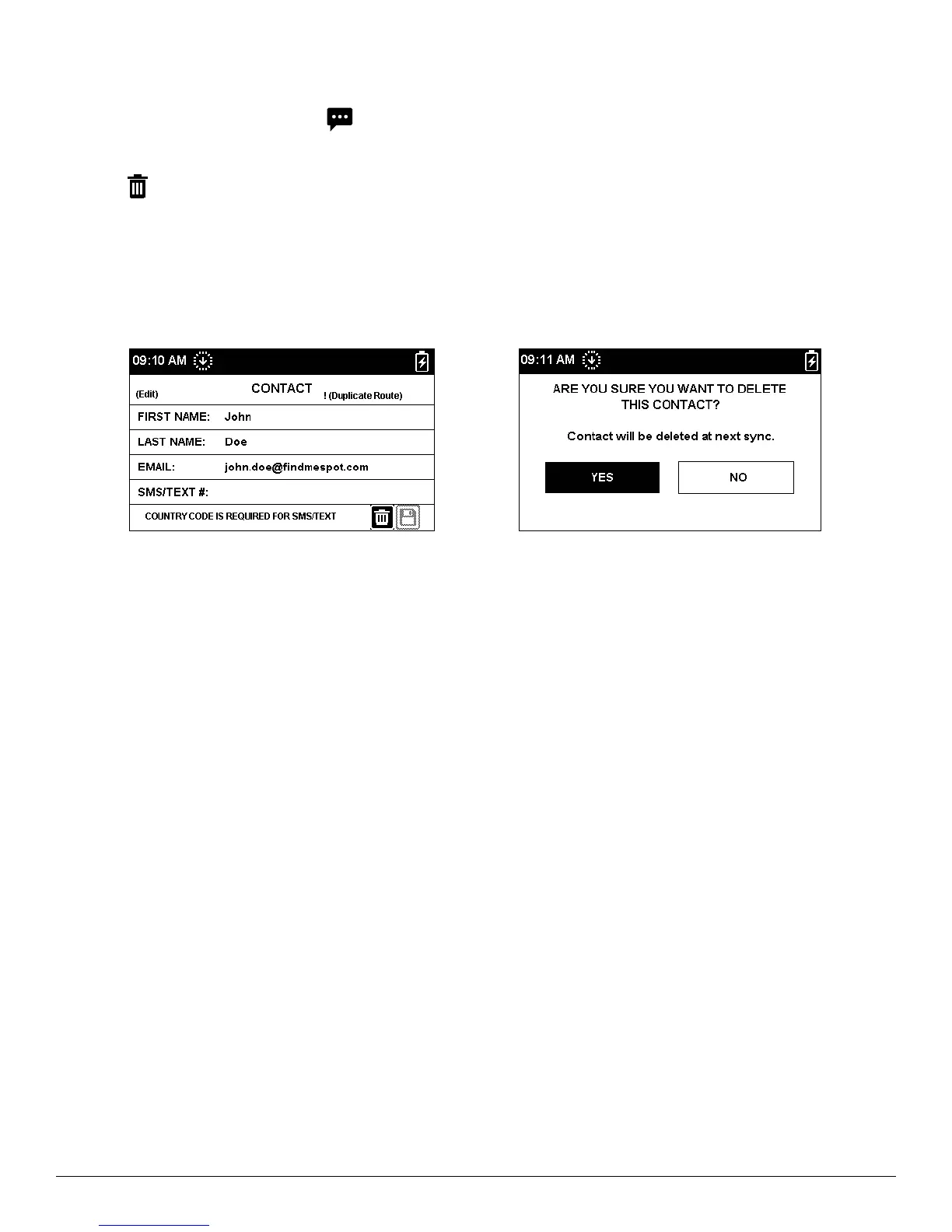
DELETING A CONTACT
1. On the Main Menu screen, select and then select Contacts. Scroll down and highlight the contact you want
to delete. Press the Enter button.
2. Select to delete the contact and follow the onscreen instructions to remove it from your SPOT X device
permanently.
3. Additionally, if the SPOT X device had been previously synced with SPOT My Account and the contact was
present in both locations, once a new sync is performed the deleted contact will be also removed from the
contact list in SPOT My Account.



 To Next Page