42
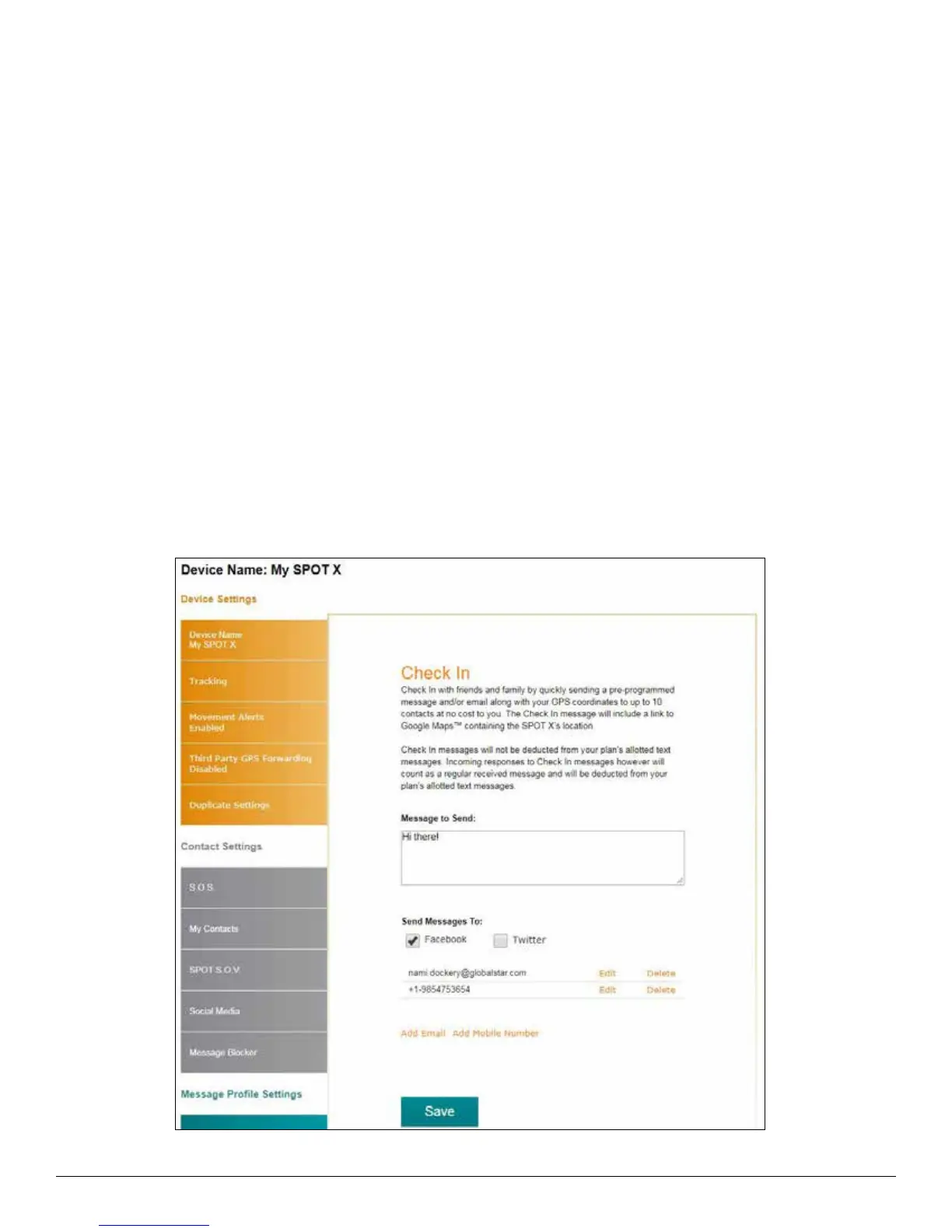
CHECK IN TAB
Check In with friends and family by quickly sending a pre-programmed message and/or email along with your GPS
coordinates to up to 10 contacts at no cost to you. The Check In message will include a link to Google Maps™ showing
the SPOT X’s location. The Check In feature cannot be used unless it is setup before going on your adventure off the grid.
A default message will be used unless a custom message is set up.
The Check In message can be created and assigned to contacts via SPOT My Account at any time.
CONFIGURING THE CHECK IN MESSAGE
1. In the Message to Send field, enter the Check In/OK message to send.
2. Select Add Email and/or Add Mobile Number, enter the appropriate contact information, and click OK.
3. Repeat Step 2 for additional recipients (up to 10).
4. Click Save.
NOTE: The messages can also be posted to Facebook and Twitter.



 To Next Page