32
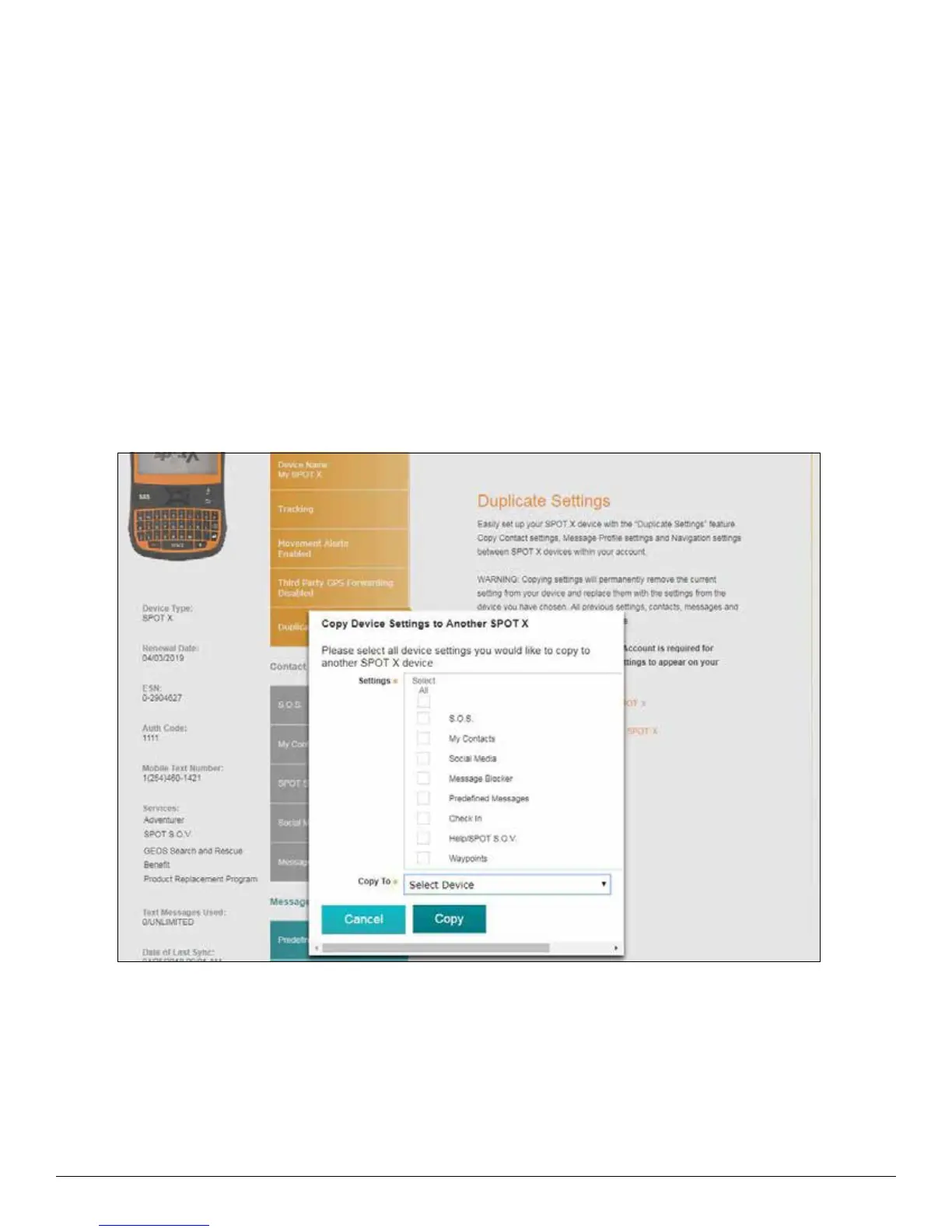
DUPLICATE SETTINGS TAB
The Duplicate Settings tab allows for the copying and transferring Contact, Message and Navigational settings
between SPOT X devices within My Account.
COPY DEVICE SETTINGS TO ANOTHER SPOT X
1. Select Copy Device Settings to Another SPOT X and the Copy Device Settings to Another SPOT X popup
will be displayed.
2. In the Settings section, select the settings to be copied.
3. In the Copy to section, select the SPOT X to copy the settings to and click on Copy.
4. Sync the SPOT X with My Account.
NOTE: All settings selected will copy over previous settings in the selected SPOT X.



 To Next Page