41
EDITING A PREDEFINED MESSAGE
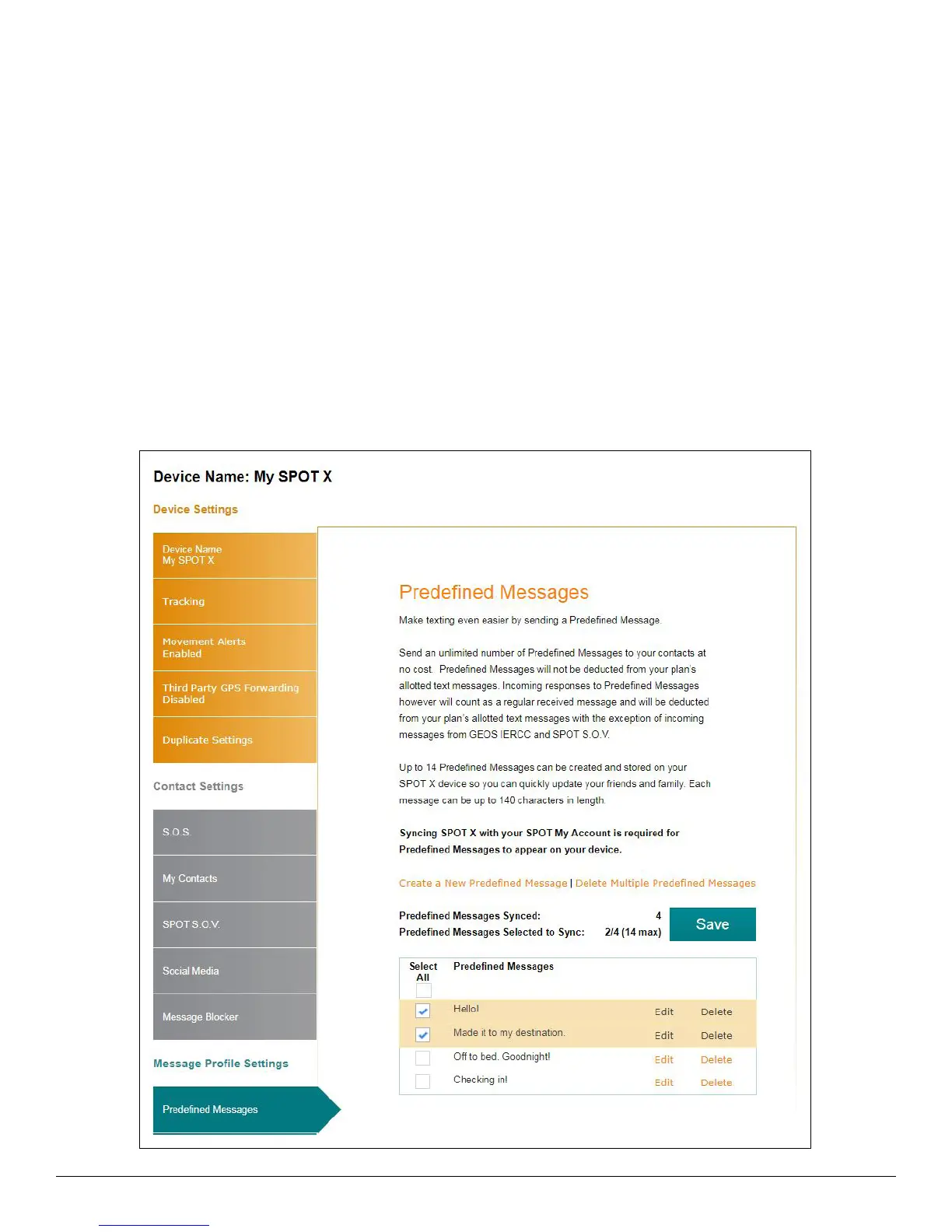
1. In the Predefined Message section, select Edit next to the message to be edited and the Edit/View a Predefined
Message popup will be displayed.
2. In the Message field, edit the Predefined Message and click Save.
SYNCHING PREDEFINED MESSAGES TO THE SPOT X
Syncing SPOT X with your SPOT My Account is required for Predefined Messages to appear on your device.
1. Select the Predefined Messages that you would like to sync to your SPOT X device by clicking on the appropriate
checkbox(s), click Save and then Confirm Changes. Up to 14 Predefined Messages can be selected.
2. Sync the SPOT X with My Account.



 To Next Page