53
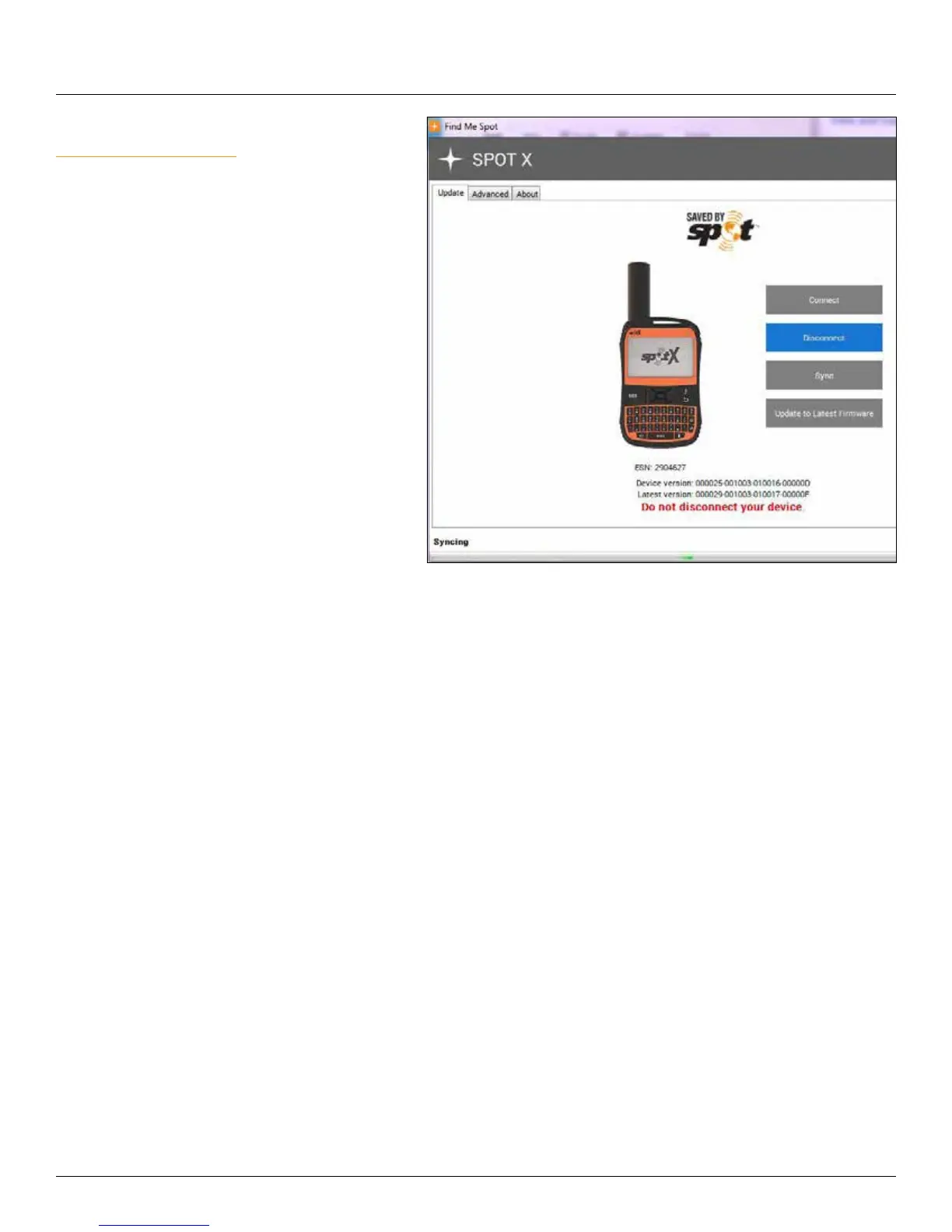
SYNCING SPOT X WITH MY ACCOUNT
To sync your SPOT X from My Account, visit
SPOT Firmware Updater to download the latest
firmware update.
1. Open the Find Me SPOT updater.
2. Log in with your My Account credentials.
3. Turn off your SPOT X.
4. Connect the USB cable to your SPOT X and
plug into a USB port on your computer.
5. Click on Connect.
6. Click on Sync.
7. Once the Sync is finished, click Disconnect.
SPOT X FIRMWARE UPDATE
To perform an update your SPOT X with the latest firmware, visit SPOT Firmware Updater to download the
latest firmware update.
1. Open the Find Me Spot updater.
2. Log in with your My Account credentials.
3. Turn off your SPOT X.
4. Connect the USB cable to your SPOT X and plug it to a USB port on your computer.
5. Click on Connect.
6. Click on Update to Latest Firmware.
7. Once the Update is finished, click Disconnect.



 To Next Page