50
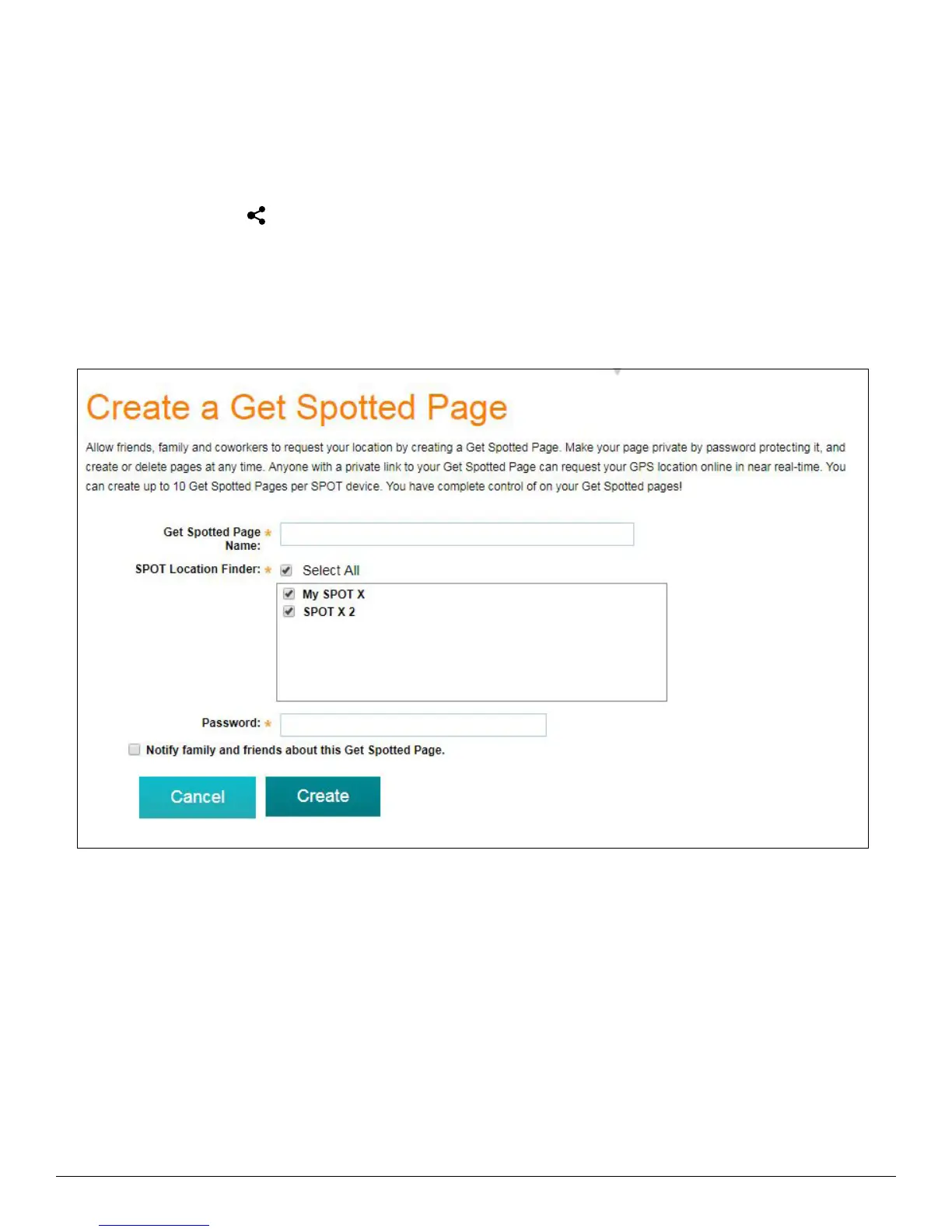
CREATE A GET SPOTTED PAGE
Allow friends, family and coworkers to request your location by creating a Get Spotted Page. Make your page private
by password protecting it, and create or delete pages at any time. Anyone with a private link to your Get Spotted
Page can request your GPS location online in near real-time. You can create up to 10 Get Spotted Pages per SPOT
device. You have complete control of on your Get Spotted pages!
1. Click on the Share icon
.
2. Click on Create a Get Spotted Page.
3. Enter the appropriate information and click Create.



 To Next Page