Publication no. 101557
Rev 14.1.1-2
Copyright 2006-2012 – STM Group, Inc.
White: lights steadily when power switch is on and unit has power. Flashes when loading
software.
Red: lights steadily when an error event occurs and during reboot.
White: flashes when the receiver is searching for the carrier.
Lights steadily when receiver is on and functioning properly.
Flashes when IP packets are received from the Satellite Interface (the Hub).
White: flashes rapidly when a continuous wave (CW) is transmitted.
Lights steadily when the VSAT is logged on to the DVB-RCS Hub.
Flashes when IP packets are transmitted to the Satellite Interface (the Hub).
White: lights steadily when Ethernet connectivity is OK.
Flashes slowly when Ethernet packets are transferred via the Ethernet interface.
Table 3: SatLink 1000 Front Panel LEDs
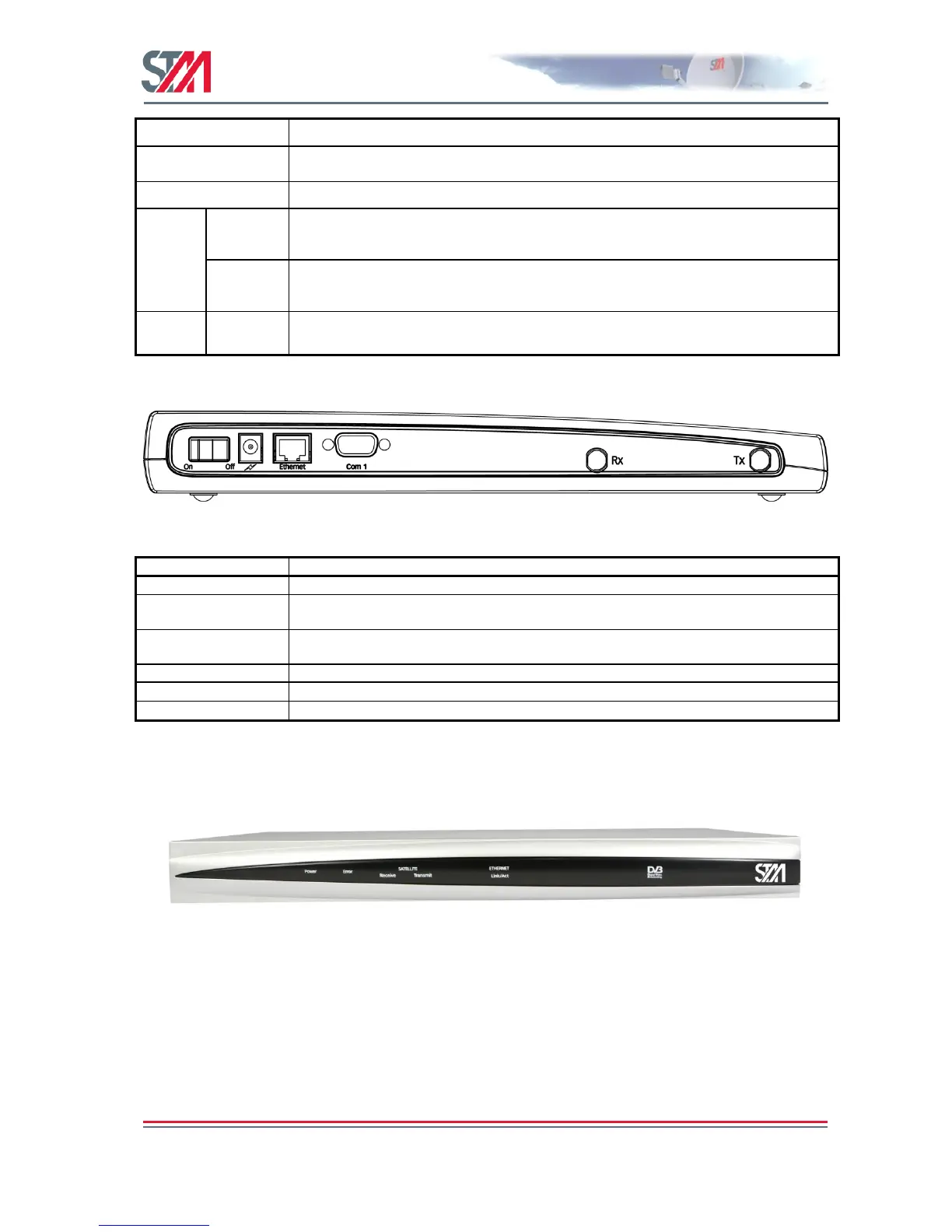
Figure 6: SatLink 1000 Rear Panel
Connector for cable to the 24 V DC power transformer (external power supply provided
with SatLink 1000 VSAT)
RJ45 connector for IP traffic to connect to a PC, Ethernet switch, IP router, etc. 10BASE-
T or 100BASE-T modes are detected automatically.
Nine pin connector for connecting CLI interface to a computer‘s DB-9 serial interface.
Coaxial 75 F-type jack for the cable to the LNB.
Coaxial 75 F-type jack for the cable to the BUC.
Table 4: SatLink 1000 Rear Panel Description
3.2.3 SatLink 1910 Front and Rear Panel
Figure 7: SatLink 1910 Front Panel



 To Next Page