Stonex S10A GNSS Receiver – User Manual 41
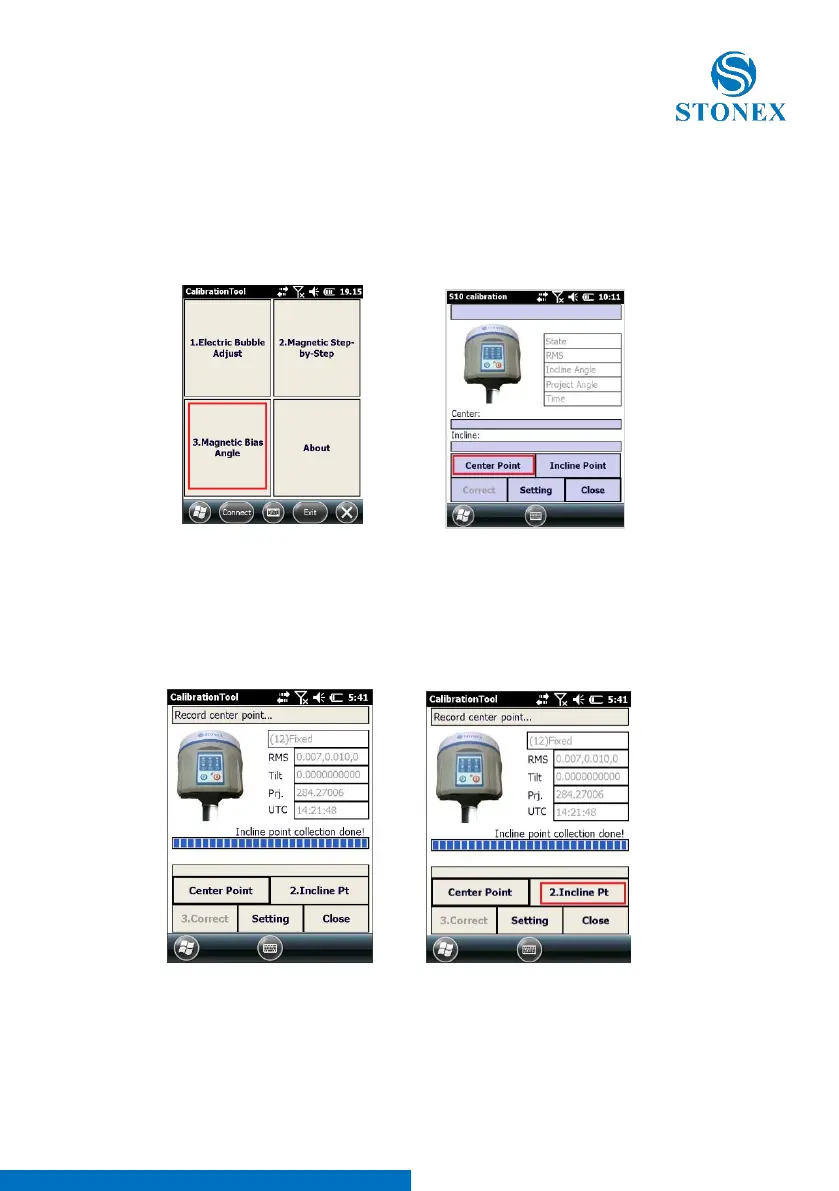
Choose one ground point and use it for the whole operation (do
not move the receiver from the same point): vertical position and 4
tilted positions, along 4 directions (East, South,West, North)
Next step is necessary to measure and store ten points for each geographic
direction, starting from EAST, then SOUTH, WEST and NORTH.
S10 automatically starts to save points
(10 totally); a beep is heard when
finished. The message “Incline point
collection done!” is displayed.



 To Next Page