Stonex S900
+
GNSS Receiver – User Manual 30
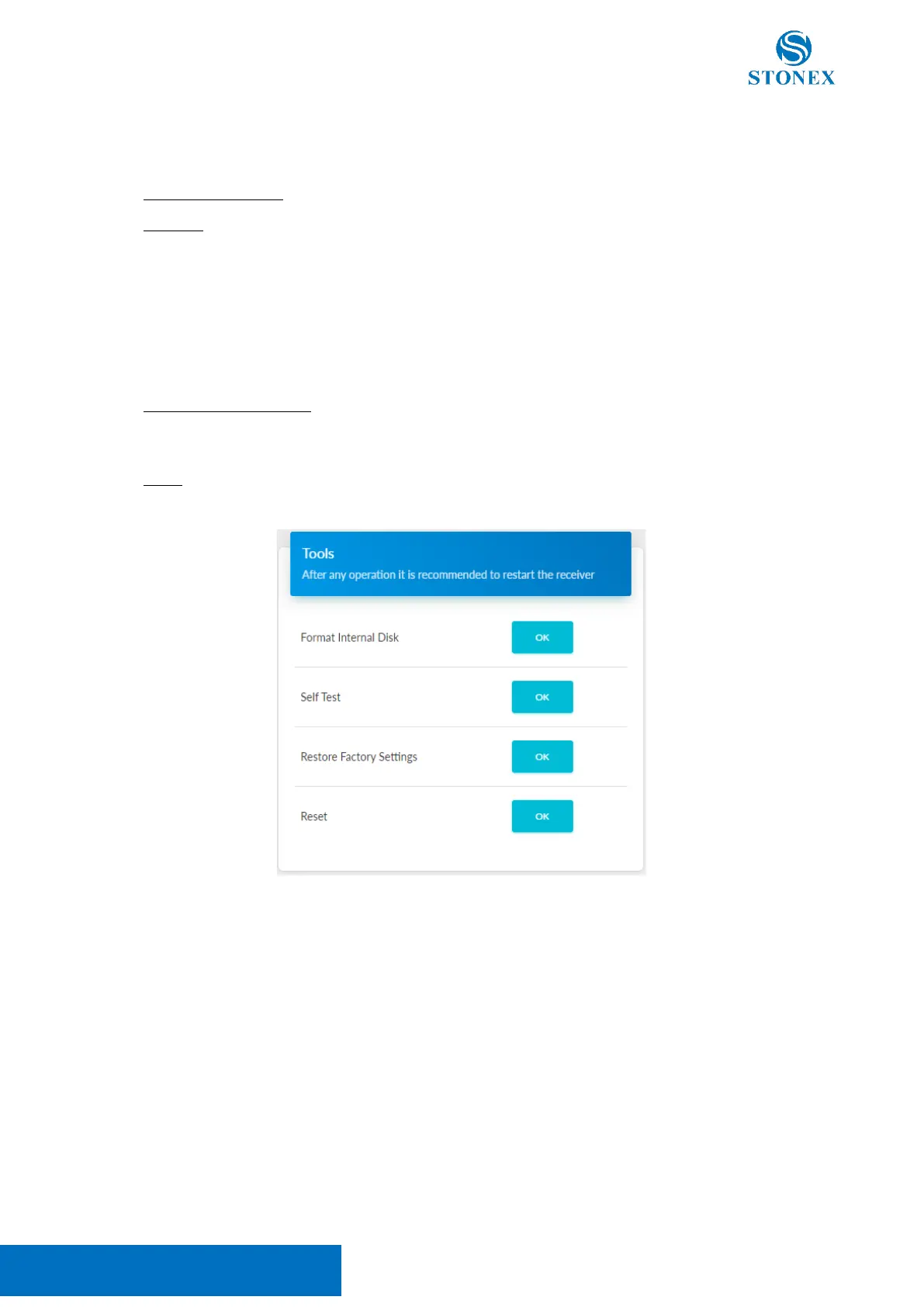
3.10.4 Tools
This section contains the following functions:
• Format Internal Disk: remove all the log files saved in the internal memory
• Self Test: the device will test the internal modules. Each module inspection is followed by its result, if
the module inspection passes, it will say “OK” and the respective LED will stay on until the whole self-
check finishes. If the module inspection fails, it will say “FAIL”, the respective led will flash until the
whole self-check finishes (ex. “GPS self-check. OK.”). Self-check lasts for about 1 minute, at the end
there will be a single beep if no module failed the test, otherwise, it will continue to beep until the
power button is pressed. The receiver starts to work after the whole self-check finishes. Contact your
local dealer if an error is found.
The test results are also shown in real-time in the WebUI, and a copy is saved in the internal memory.
• Restore Factory Settings: the device will perform a self-test then it will proceed with the factory
reset. Factory reset does not change the firmware installed nor the file in the internal memory but will
reset the device configuration.
• Reset: restart the device



 To Next Page