Stonex S900
+
GNSS Receiver – User Manual 6
3. Web Interface
S900
+
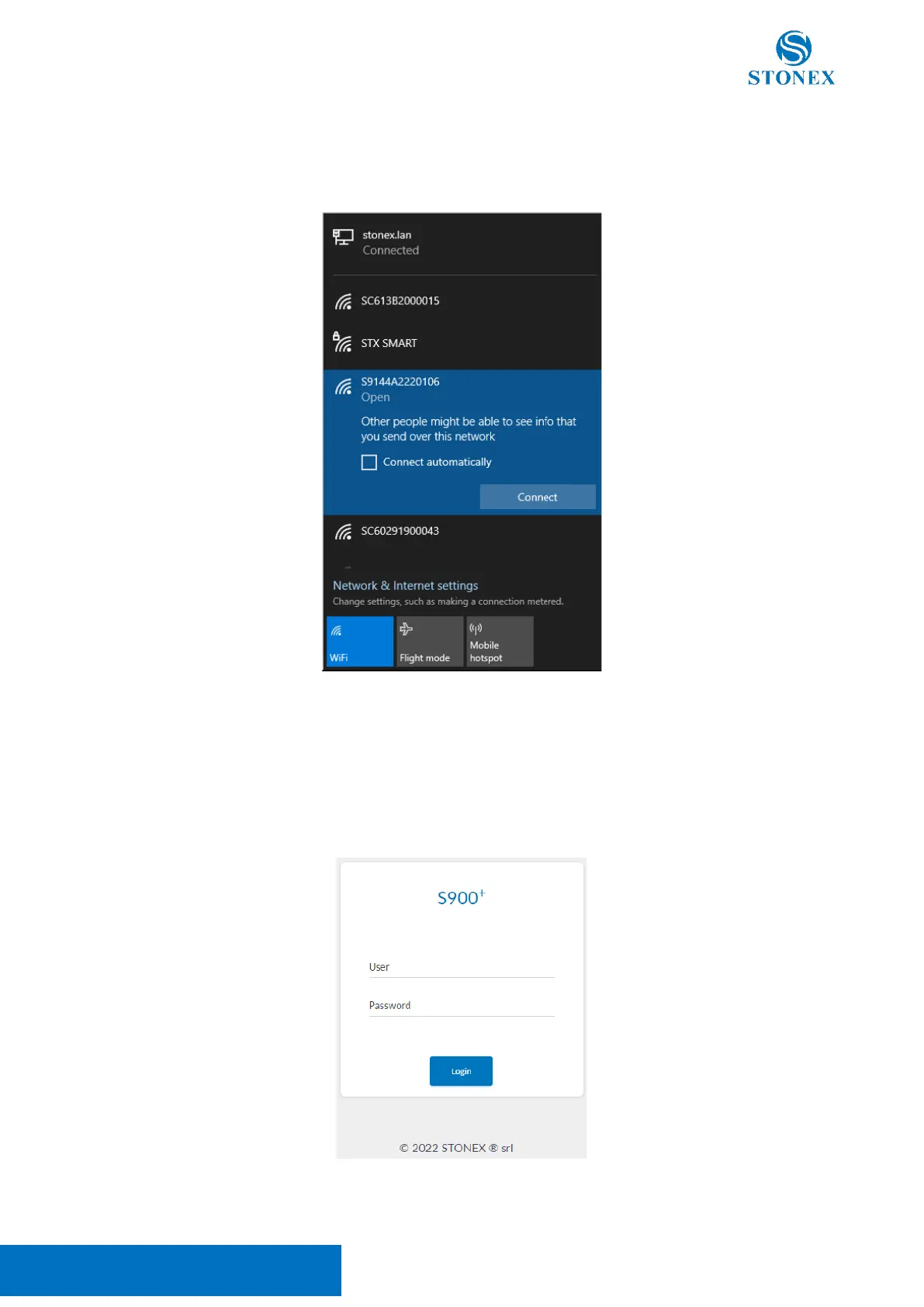
Web User Interface (WebUI) functionality allows managing the receiver by connecting to its Wi-Fi
hotspot. The name of the Stonex GNSS receiver hotspot is the receiver serial number.
Once connected with a smartphone or PC, using any internet browser the WebUI is found at the IP address:
192.168.10.1
The standard credentials to access the WebUI are:
User: admin
Password: password



 To Next Page