pg 11
Power Up Modes
Dry Signal
The Dry Signal can be set in one of three different ways�
• Digital Mode uses the converted dry signal and allows the MIX knob to
dial out the dry signal when turned past the 3 o’clock position�
• Analog Mode keeps the dry signal in analog�
• Kill Dry Mode mutes the analog dry path signal, allowing the MIX
knob to strictly control the “wet” effect output level� This is often
preferable if using Brig within an amp’s parallel effects loop or a
mixer’s aux or effects send�
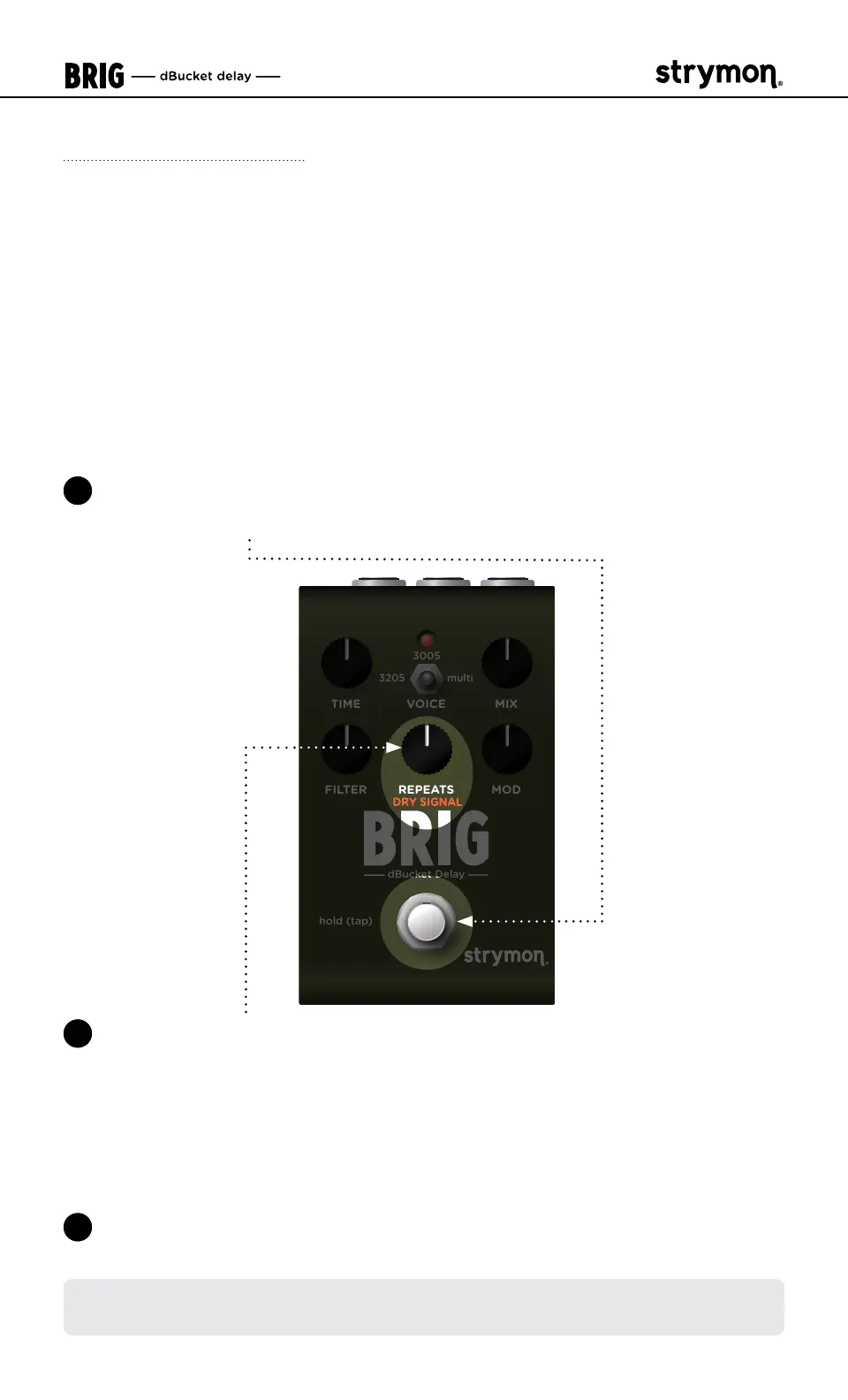
1 Press and hold the
FOOTSWITCH
for at least 2 seconds while powering
up Brig� Once the LED flashes RED, release the footswitch�
TIME VOICE MIX
FILTER MODREPEATS
hold (tap)
dBucket Delay
3205
multi
3005
2 Turn the REPEATS (DRY SIGNAL) knob to select one of the three Dry
Signal options� The LED will change color to indicate the current
status as you turn the knob�
• Digital Mode: GREEN (default, minimum)
• Analog Mode: RED (12 o’clock)
• Kill Dry Mode: BLUE (maximum)
3 Press the FOOTSWITCH to store the Dry Signal setting and begin using
Brig�
NOTE: The Dry Signal setting persists across power cycles and is not saved
per preset�



 To Next Page