pg 4
Knobs and Switches
Front Panel Controls
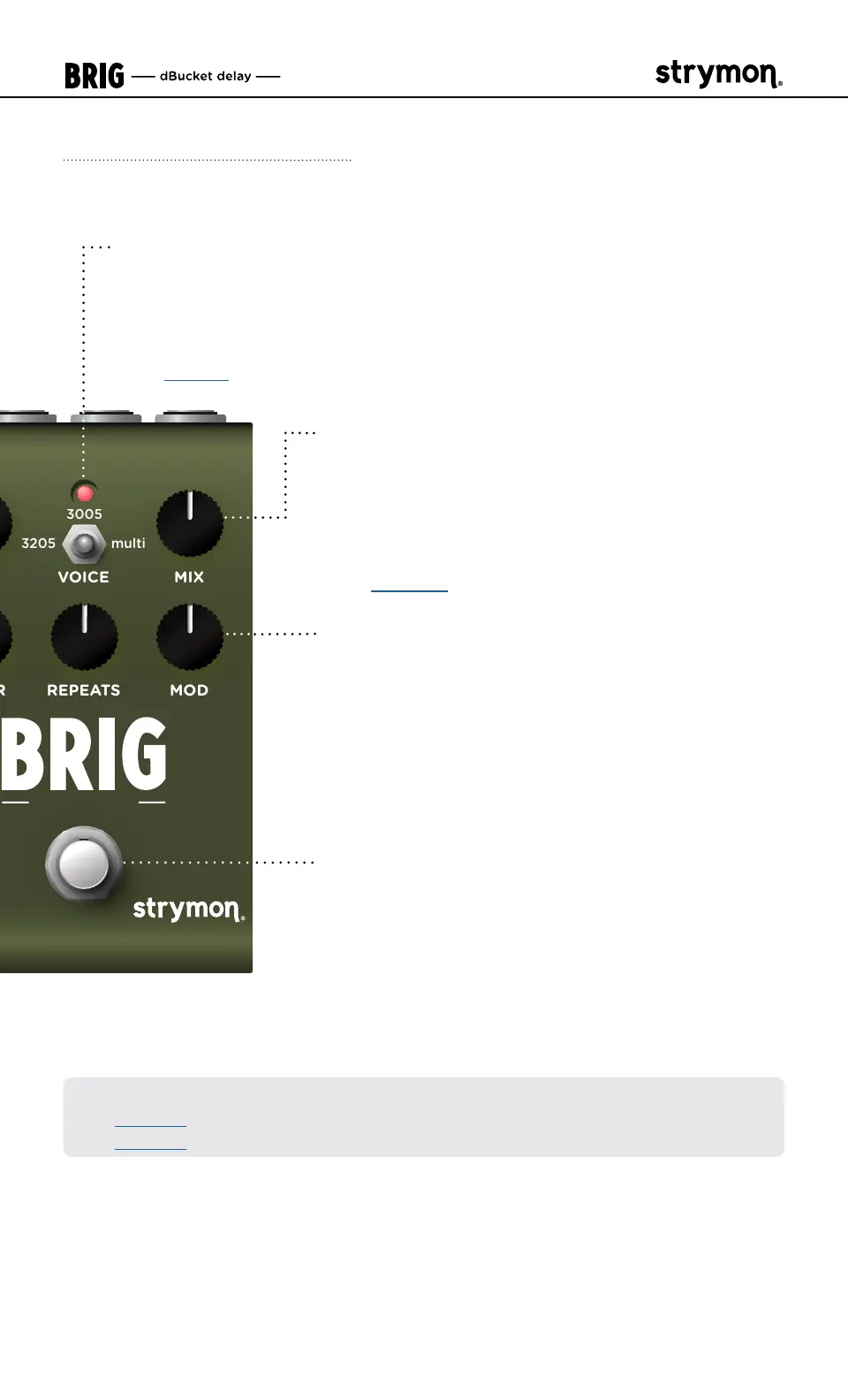
VOICE MIX
MODREPEATS
dBucket Delay
3205
multi
3005
MIX
Controls the delay mix from full dry at
minimum to full wet with no dry signal
at maximum� A 50/50 mix occurs at
approximately 3 o’clock on the knob�
(See page 11
for Dry Signal selection�)
MOD
Adds LFO modulation to the delay time�
Modulation is off at the minimum setting� The
modulation speed is slow in the first half of the
knob and fast in the second half of the knob,
increasing in intensity as the knob is turned
clockwise�
FOOTSWITCH
Engages and disengages the effect� The RED
LED on at the top of the pedal indicates that
the effect is engaged�
LED INDICATOR
Blinks at the tempo of the delay TIME when the effect is engaged�
Use the FOOTSWITCH to engage and disengage the effect� Also
flashes additional colors when configuring Power Up Mode features
(see page 9
)�
The FOOTSWITCH can also be utilized for Tap Mode, as covered on the
next page�
*NOTE: Press and hold the FOOTSWITCH for 3 seconds to enter Save Mode
(see page 31), or to configure Expression Pedal parameter assignments
(see page 16
)�



 To Next Page