pg 14
Deco - tape saturation & doubletracker
Live Edit Functions
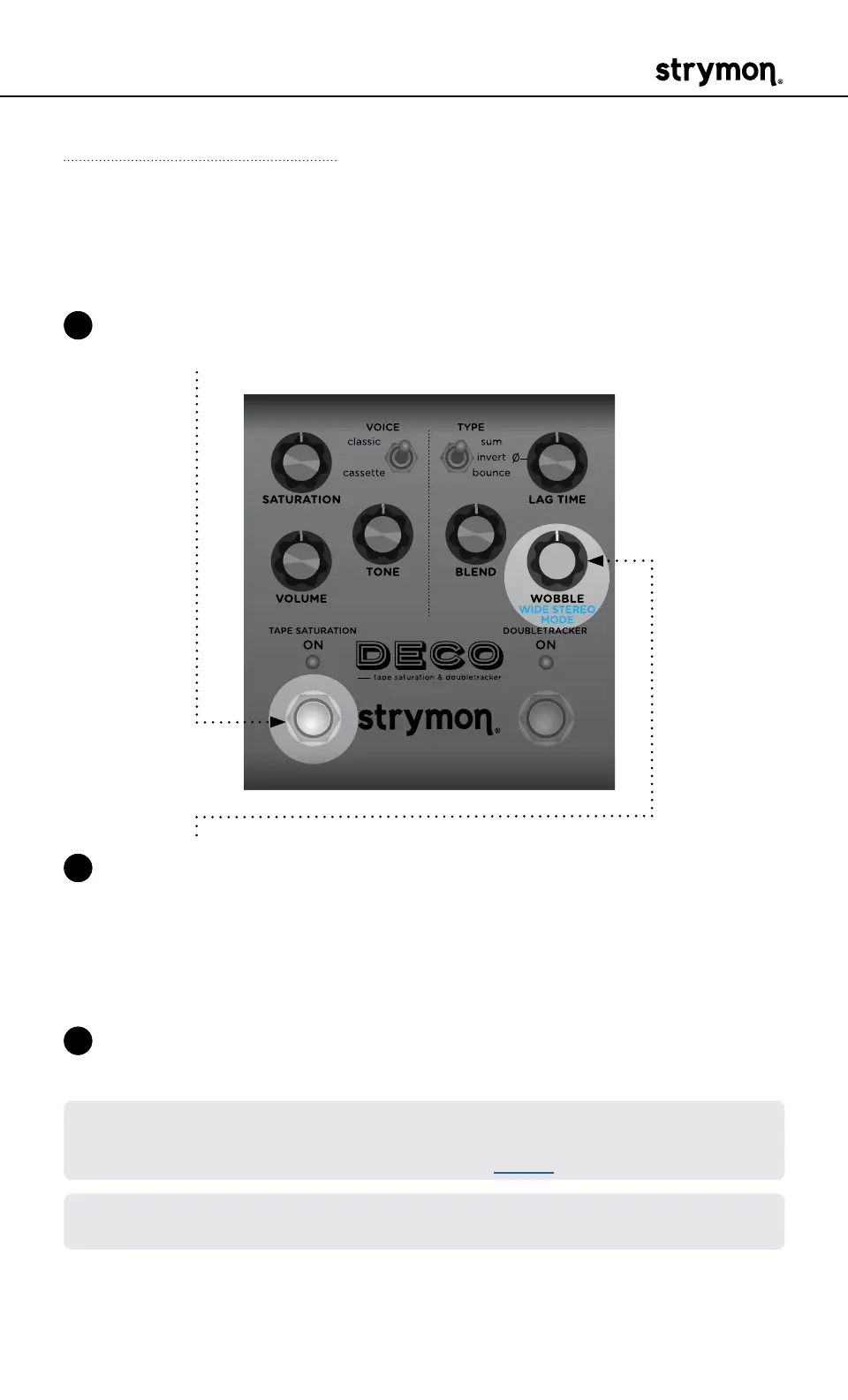
Wide Stereo Mode
Generates a wide stereo image by sending the Reference Deck signal
to the Left Out and the Lag Deck to the Right Out�
1 Press and hold the TAPE SATURATION ON footswitch to enter Live
Edit mode� Once both LEDs flash, release the footswitch�
2 Turn the WOBBLE (WIDE STEREO MODE) knob to turn the Wide
Stereo Mode On/Off� The DOUBLETRACKER ON LED indicates the
On/Off status:
• Turn knob to the left position: GREEN = Off (default)
• Turn knob to the right position: RED = On�
3 Press either footswitch to exit and store your Wide Stereo Mode
setting�
NOTE: Wide Stereo Mode is automatically disabled with mono output (when
only the LEFT OUT is connected)� Use the BLEND knob as a pan control by
adjusting the relative levels of the decks� (See page 4�)
NOTE: The Wide Stereo Mode setting is saved per Favorite setting or per
MIDI preset�



 To Next Page