pg 5
Deco - tape saturation & doubletracker
Knobs and Switches
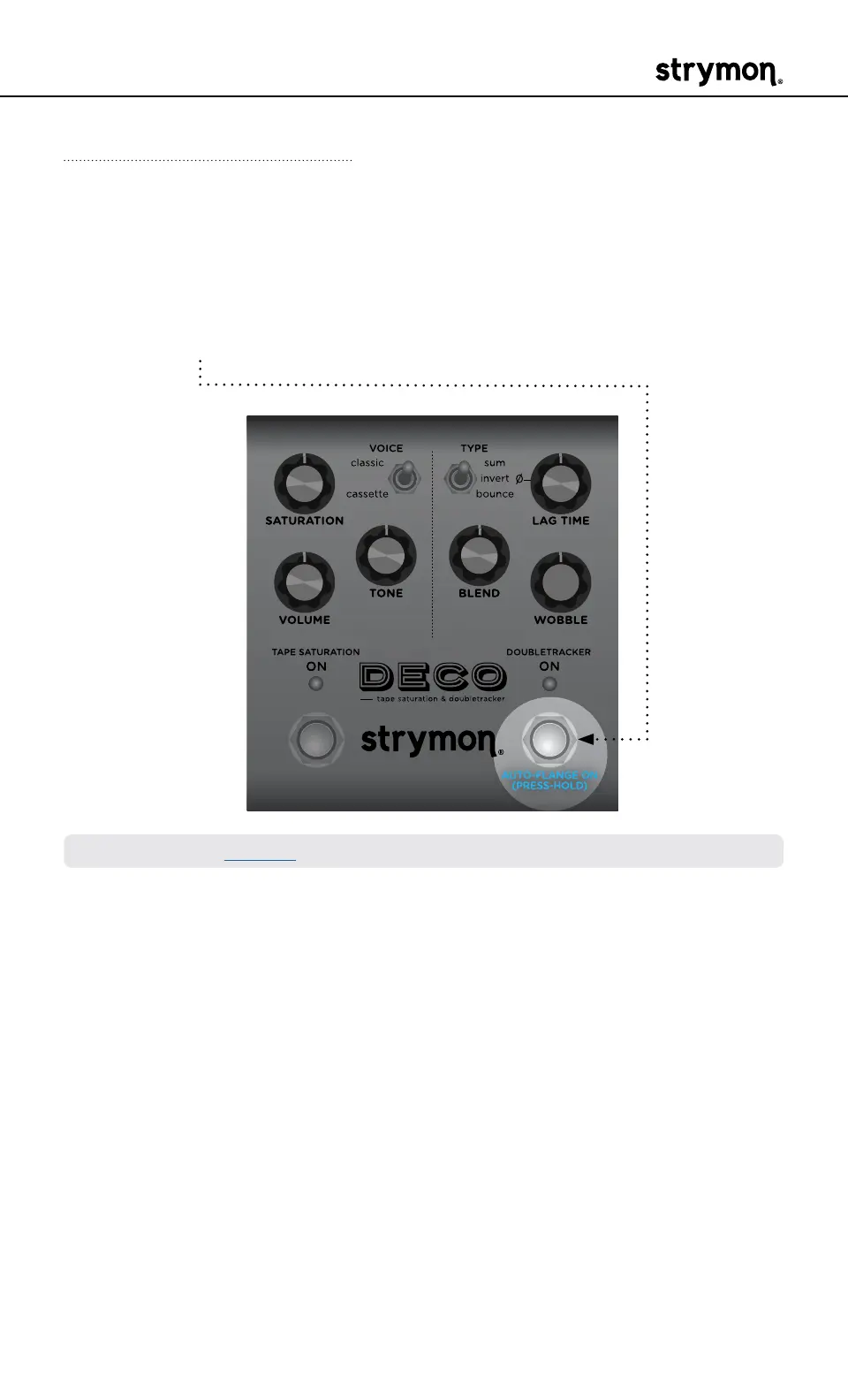
Front Panel Controls - Auto-Flange On/Off
Press and hold the DOUBLETRACKER ON (AUTOFLANGE ON) footswitch
to achieve a recording studio-inspired, Auto-Flange effect� This engages
a “virtual audio engineer” manning the faders and tape reels to create a
smooth and predictable through-zero flange experience on the fly�
NOTE: Also, see page 11 for setting the Auto-Flange effect’s time�



 To Next Page