SummaSign Pro T-series Cutters User’ s Manual
General Information 1-18
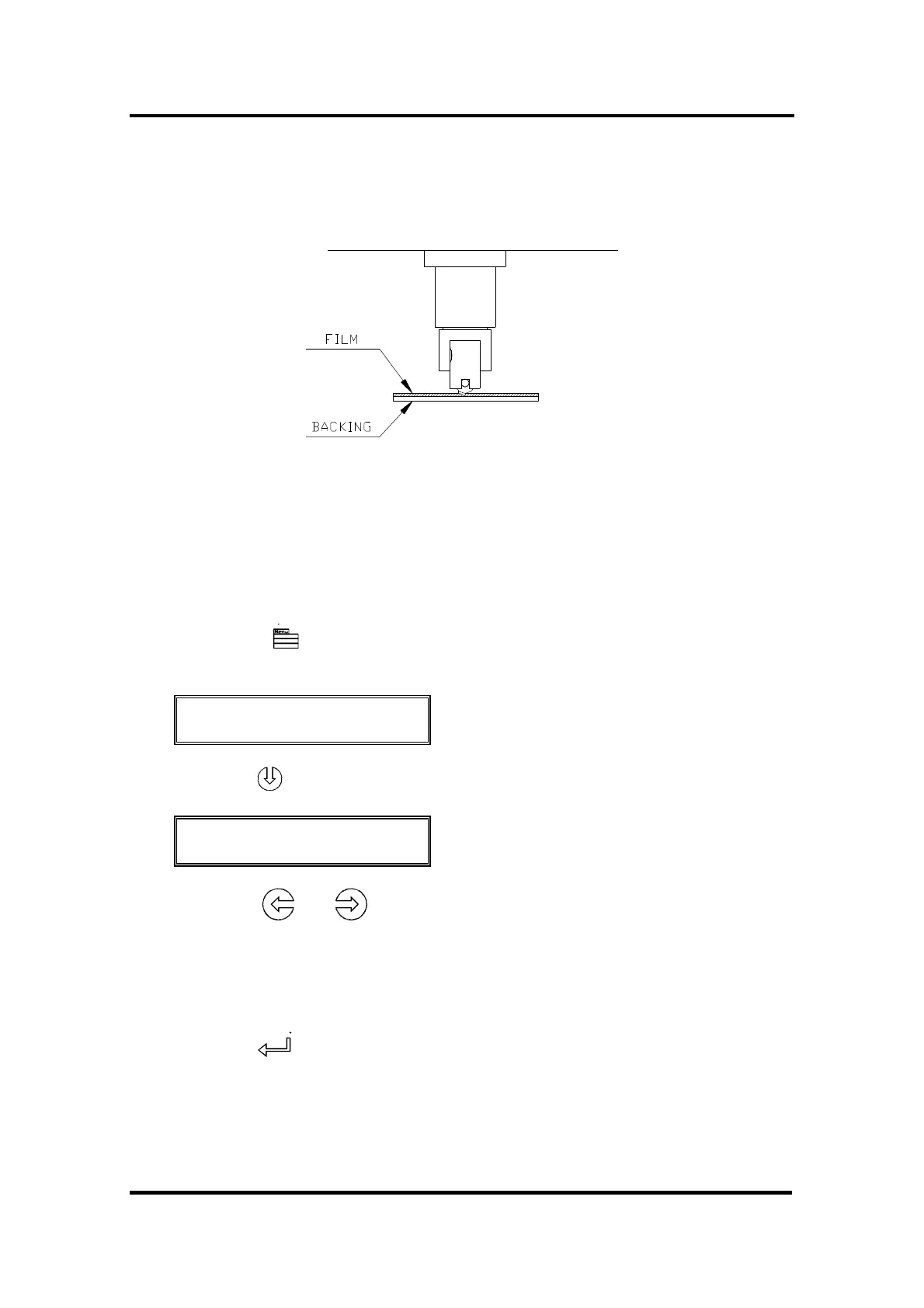
4. Holding the nose piece in place with one hand, adjust the knife depth
with the other hand by turning the knife holder clockwise until the knife tip
is just visible from under the nose piece as shown in Figure 1-7.
FIGURE 1-7 :
KNIFE DEPTH ADJUSTMENT
5. Set the knife pressure and knife depth as follows :
Load media and power on the cutter.
Press the key (MENU) key until the message 'USER CONFIG 1' is
displayed on the LCD.
↓ USER CONFIG 1
← →
Press the jogging key until the message 'KNIFE PRESS’ is displayed.
↑↓ KNIFE PRESS
← * 120 g → 1= TEST
Press the or key to modify the knife pressure.
To increase the cutting depth, turn the knife holder clockwise. To
decrease the cutting depth turn the knife holder anticlockwise while
holding the nose piece in place with the other hand.
Press the key to confirm the selection.
Press the 1 key to perform a knife depth test as illustrated in Figure 1-8 .



 To Next Page