SummaSign Pro T-series Cutters User’s Manual
Contour Cutting 5.5
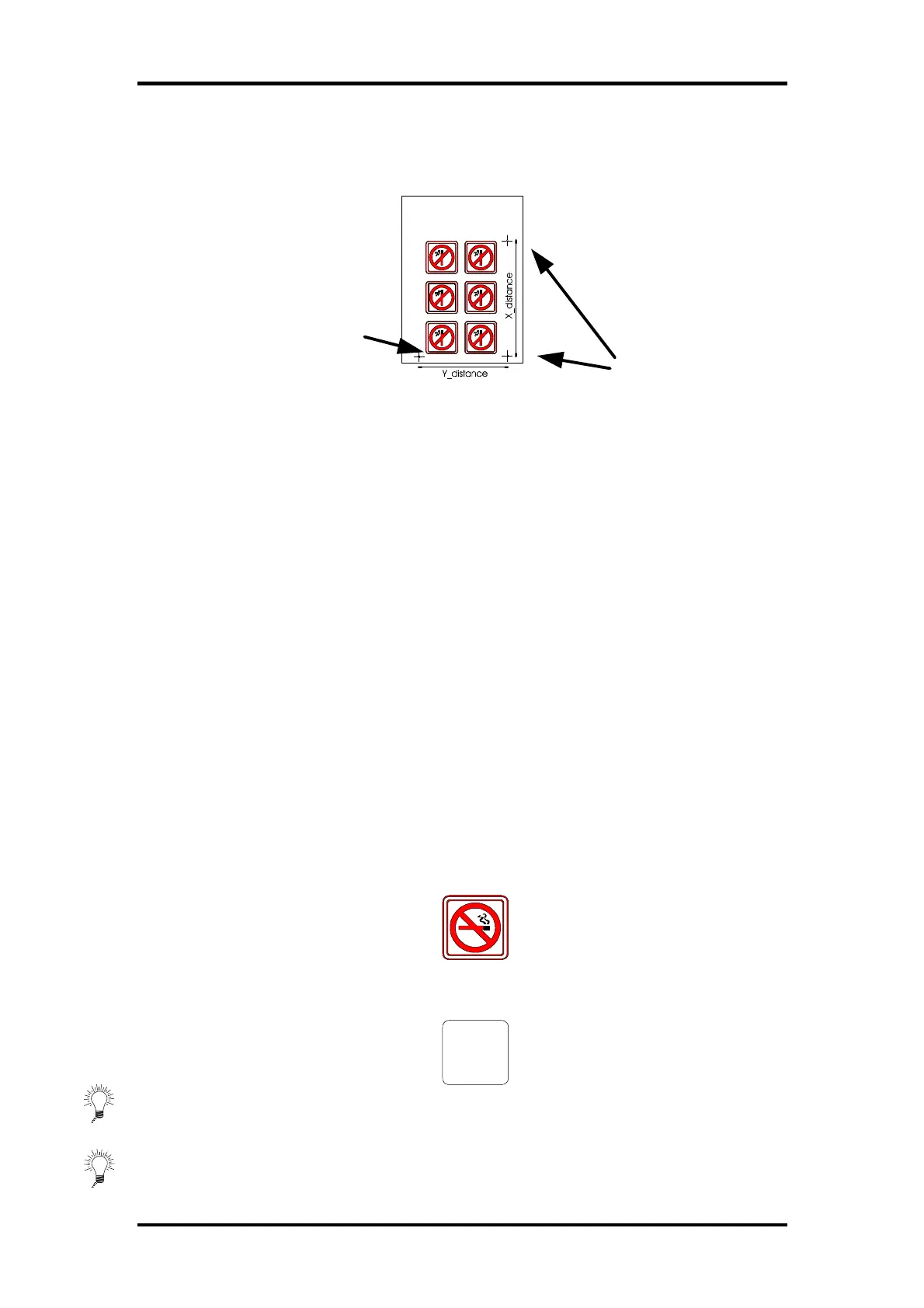
two parameters (x_distance and y_distance). These distances define the
position of the two points along the axes . This is the most accurate manual
alignment method.
5.2 GENERAL
For accurate Contour Cutting with the alignment methods, proceed as
follows:
• Create the design on which you want to perform the contour cut.
• Place cross-marks around your design.
• Print out the design with the cross marks.
• Load the printed design in the cutter and set the cross-mark parameters in
the cutter (only when using the XY-adjustment method ).
• Execute the special load procedure.
• Cut out the contour.
5.3 CREATING THE DESIGN
• Create in your software the design you want to print and Cut:
• Define the Contour:
⇒ Do not define the contour exactly on a printed line. This way it will not
catch the eye if the contour has moved a little during cutting.
Origin point
X-Axis point
Y-Axis point
Three cross-
marks indicating
the origin, the X-
axis and the Y-
axis.



 To Next Page