SummaSign Pro T-series Cutters User’ s Manual
Operation 2-4
ONLINE 1
Menu
800mm/s 120g K
USER CONFIG 1
INTERNAL TESTS
↓
↓
←
→
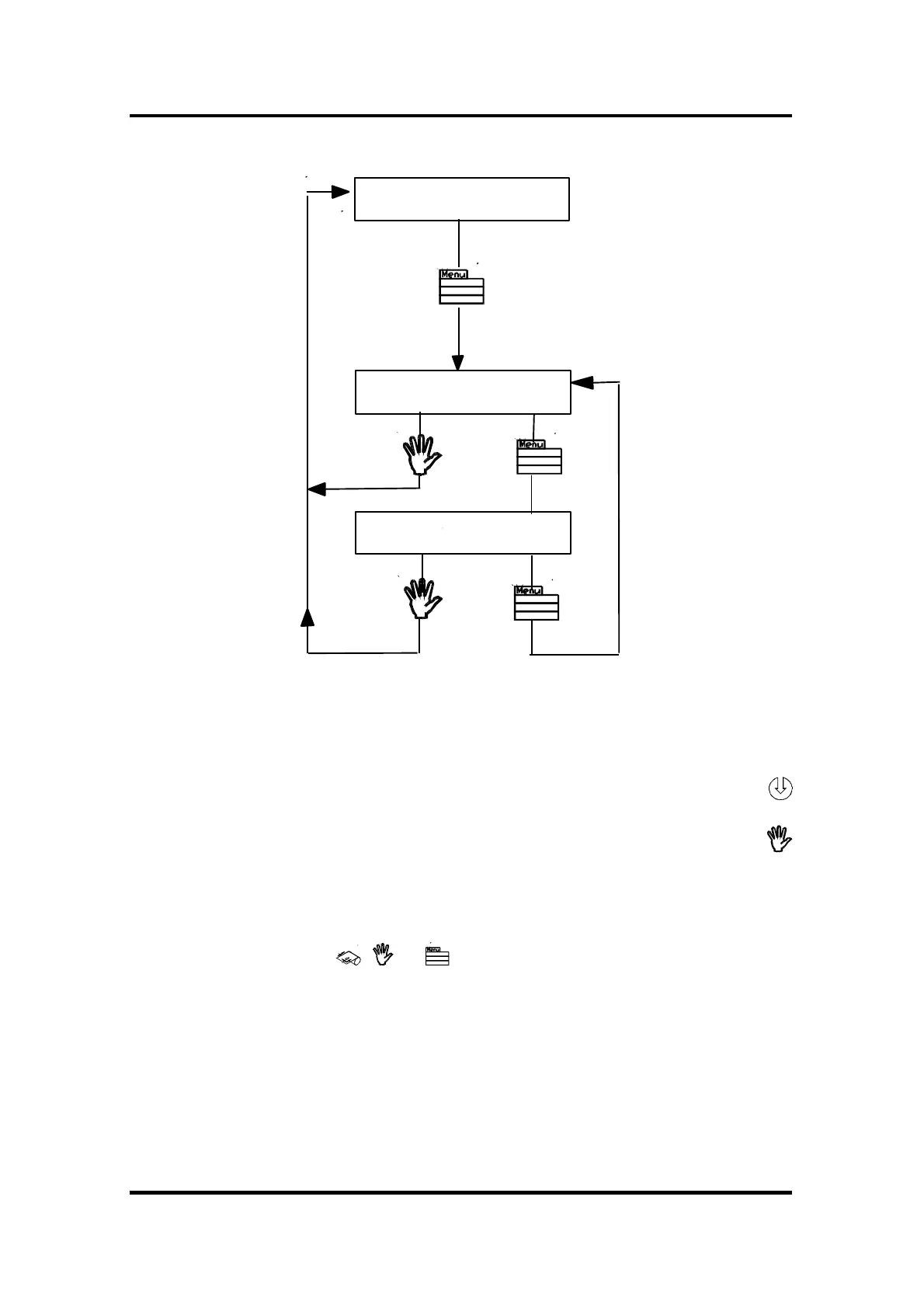
FIGURE 2-2 :
SUMMASIGN PRO T-SERIES CONFIGURATION SUBMENUS
To select a menu by scrolling through the different options, press the
jogging key .
To exit from the menus and resume the previous on line operation, press the
key (ON LINE).
Under normal conditions, the cutter is on line; it may then be selected by the
host computer for a cutting or plotting operation or deselected by the host
computer. Pressing the , or key will make the cutter go off line, in
order to initiate another operation.
The contents of the different menus are summarised in Table 2-1.



 To Next Page