SummaSign Pro T-series Cutters User’s Manual
Contour Cutting 5.6
⇒ Place the contour on a separate layer, assign a unique color to it,
etc. (refer to your software documentation), so that it is easy to select
the contour or the design.
NOTE
Most dedicated sign-making software will provide some easier ways to do
all this. Please contact your dealer.
• Make multiple copies if necessary (of both the design and the contour):
5.4 PLACING THE CROSS-MARKS
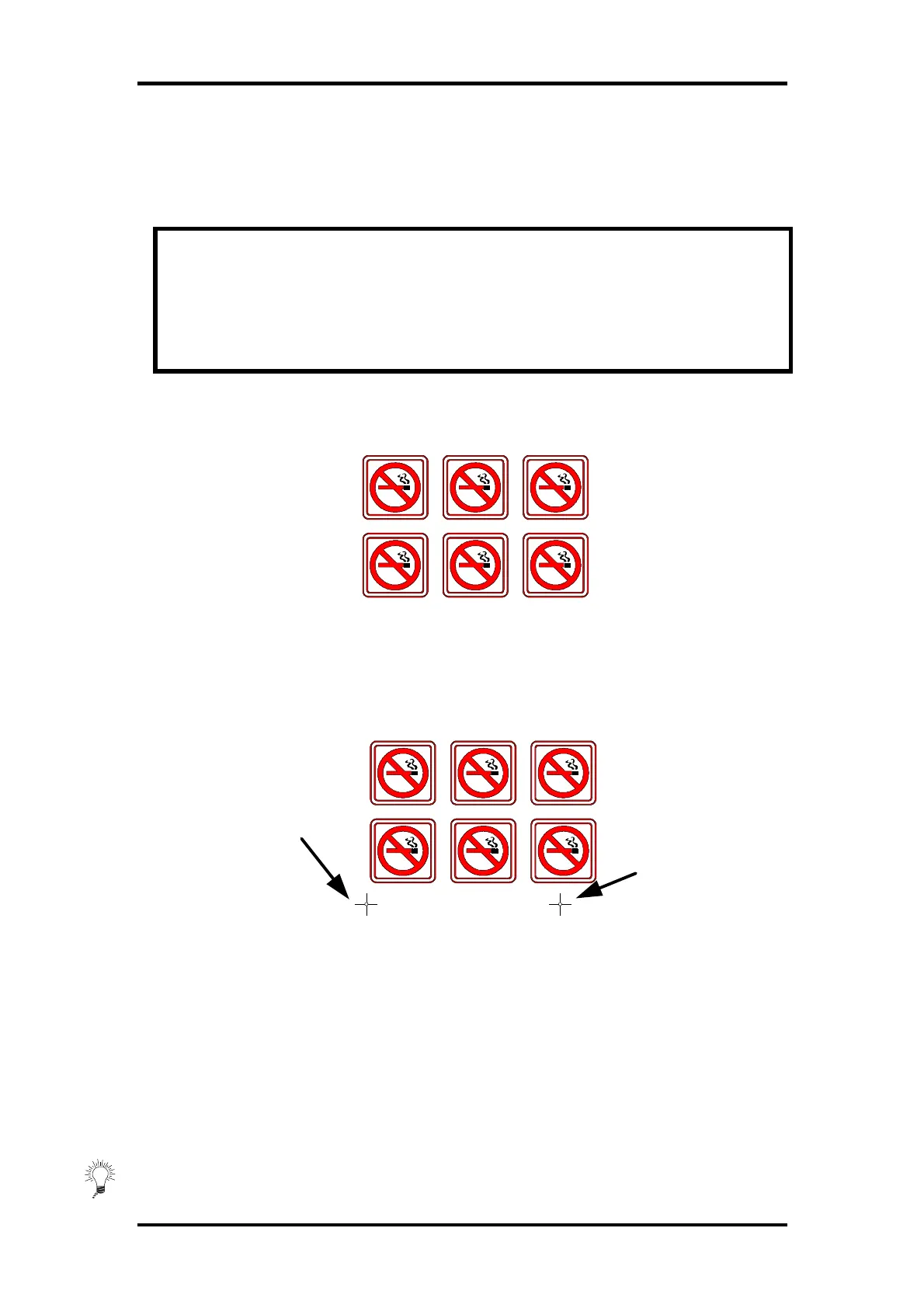
• Place two cross-marks indicating the X-axis.
♦ Make sure that the origin cross-mark is situated completely at the
left side and below all the contours that will be cut.
♦ Make sure that the two cross-marks are situated exactly at the
same height.
♦ The cross-marks may be of any type.
♦ The exact distance between the two points that are indicated
by these cross-marks must be known (only when using the XY-
adjustment method). Do not measure these distances on the
print out but measure them in the software!
Origin cross-mark
X-Axis point



 To Next Page