SummaSign Pro T-series Cutters User’ s Manual
General Information 1-29
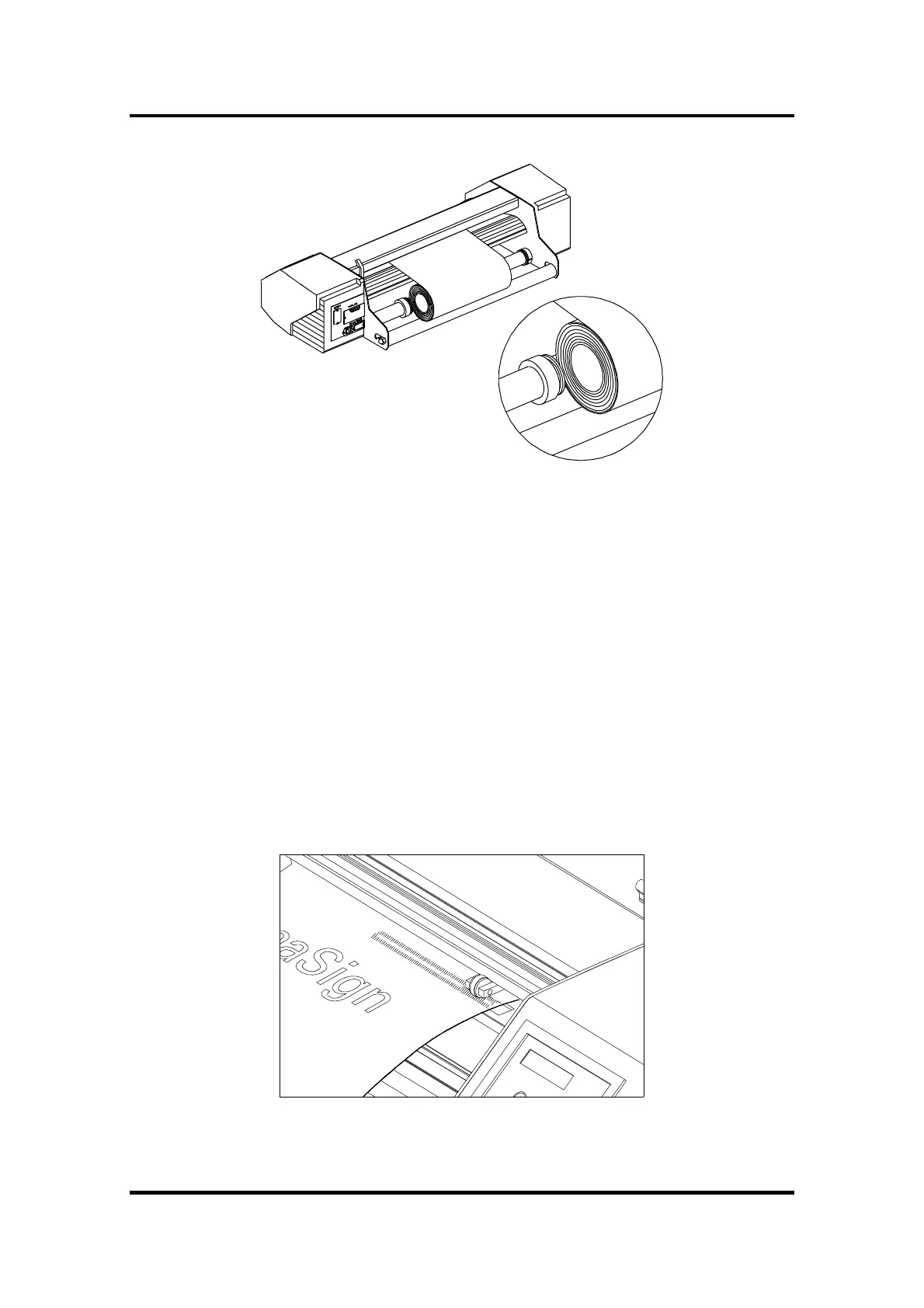
FIGURE 1-17 :
FEEDING ROLL MEDIA WITHOUT USING MEDIA FLANGES
4. Make sure that the media follows a straight path from the roll of material.
To accomplish this, you can slide the media roll & guide bushes from the
left to the right along the media support rollers.
5. The pinch rollers should be positioned over the drive sleeves about 3 to 15
mm (0.1” to 0.6”) away from the media’s outer edges.
For wide media on the T1010 Pro and T1400 Pro units, slide the central low-
pressure roller into position. Ideally, it should be half-way between the two
edge rollers and above a drive sleeve.
If the central low-pressure roller does not run over one of the drive sleeves,
you may have to turn the knob on the back of the low-pressure roller to
disable this roller.
FIGURE 1-18:
PINCH ROLLER POSITIONING
Use the first holes when
using rolls without media
flanges



 To Next Page