SummaSign Pro T-series Cutters User’ s Manual
Operation 2-23
2.5.1.2. ADJUST LAT. test routine
ADJUST LAT
↑↓ 0 1
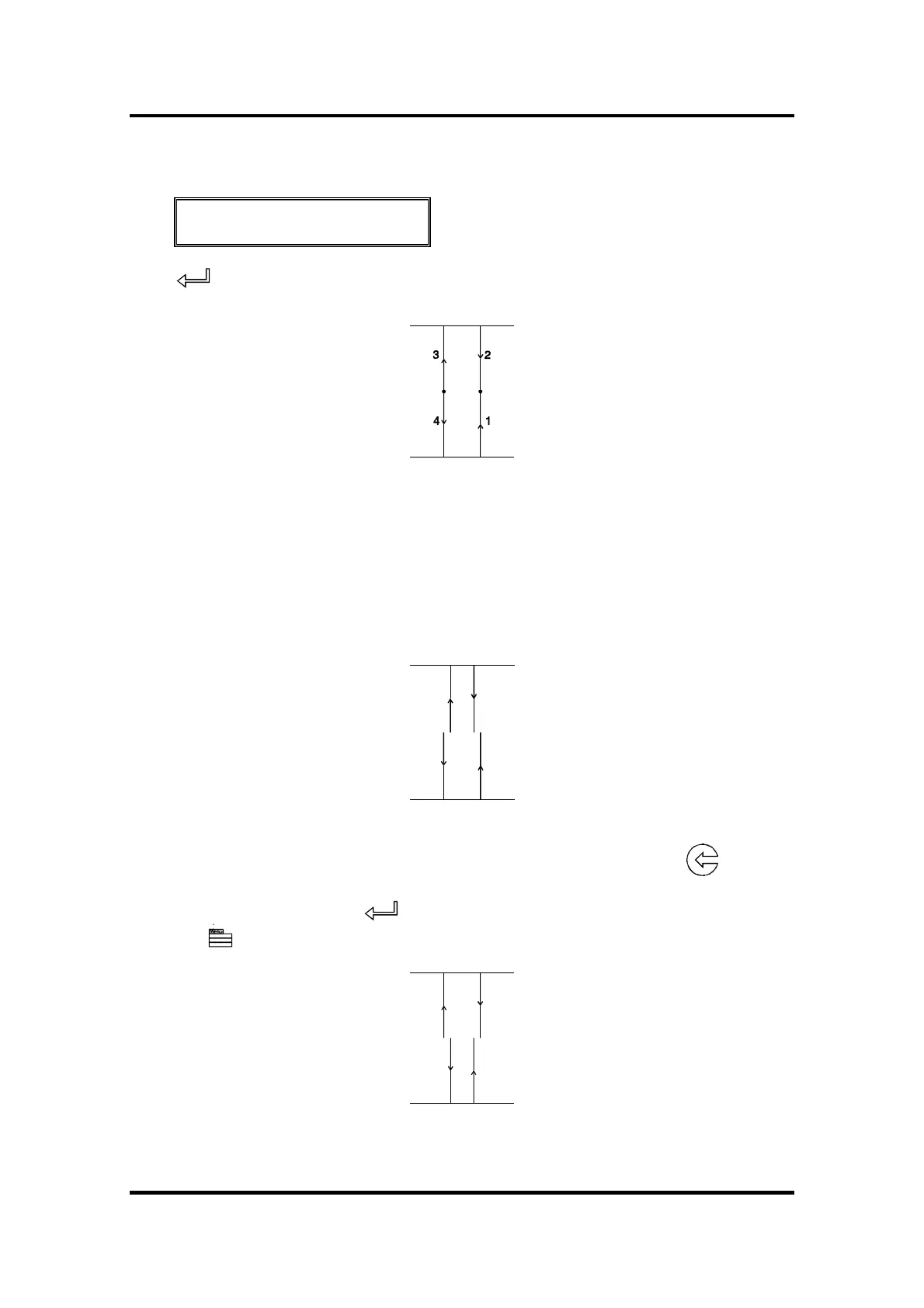
Press to execute the LAT test.
1 runs from the horizontal line at the bottom to the centre.
2 runs from the horizontal line at the top to the centre.
3runs from the centre to the horizontal line at the top.
4runs from the centre to the horizontal line at the bottom.
Carefully check the alignment of the different cuts: the two vertical lines should
meet seamlessly precisely in the middle, without any gaps.
Weed out the rectangle and if you obtained the kind of pattern illustrated
above, decrease the value displayed on the LCD by pressing the jogging
key to correct closing of the lines cut.
To repeat the test, press the key.
Press the key to go to the next step of the procedure.



 To Next Page