SummaSign Pro T-series Cutters User’s Manual
Contour Cutting 5.10
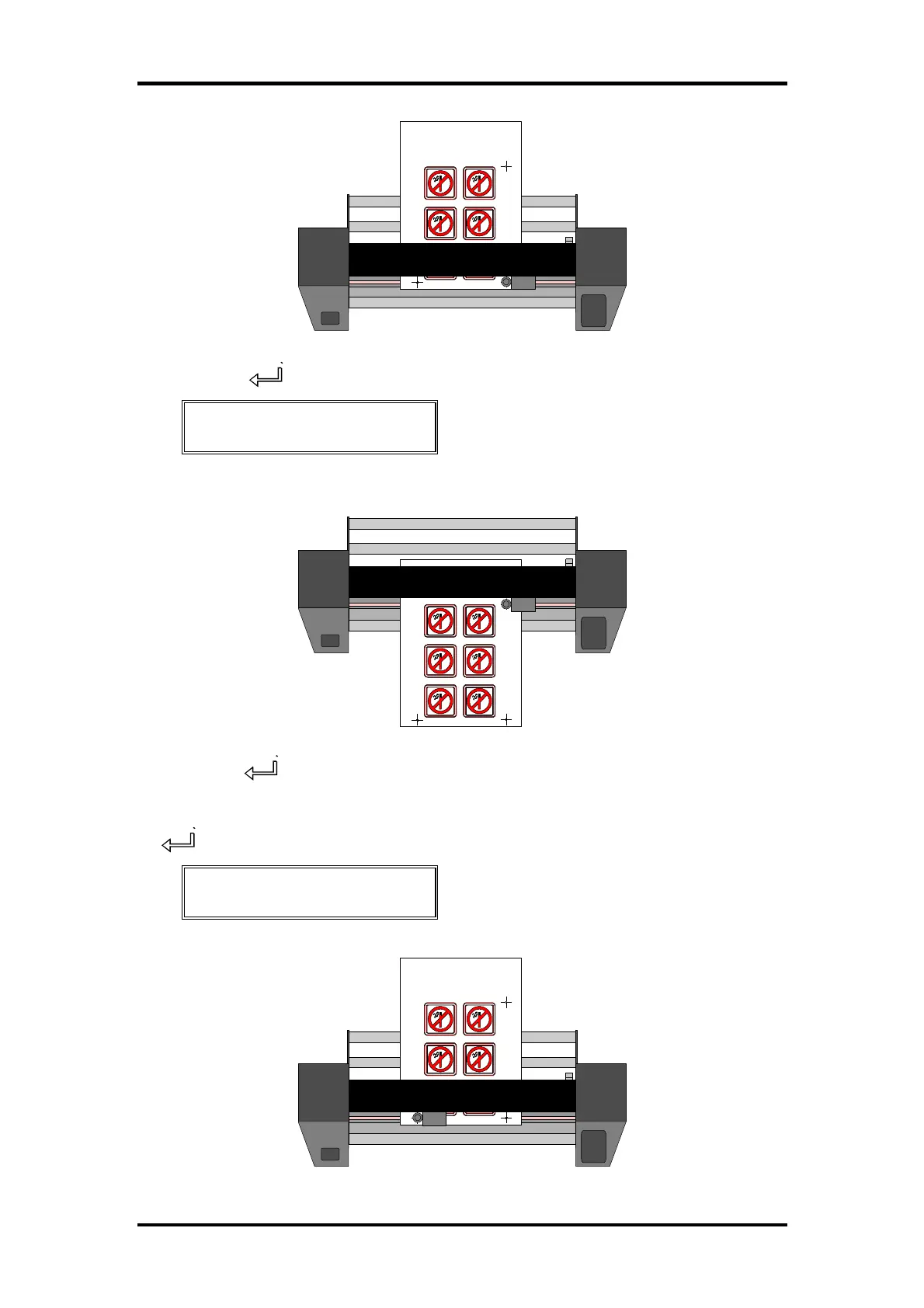
• Press the key.
DIGITIZE POINT
X = 100 Y = 0
↵
• Position the knife tip exactly above the mark indicating the X-axis.
• Press the key. If the X-axis-alignment method has been choosen, the
special load procedure will stop here. For the two other methods: position
the knife tip exactly above the cross-mark indicating the Y-axis. Press the
key .
DIGITIZE POINT
X = 0 Y = 100
↵



 To Next Page