6-38 Sun StorEdge 3000 Family Installation, Operation, and Service Manual • May 2004
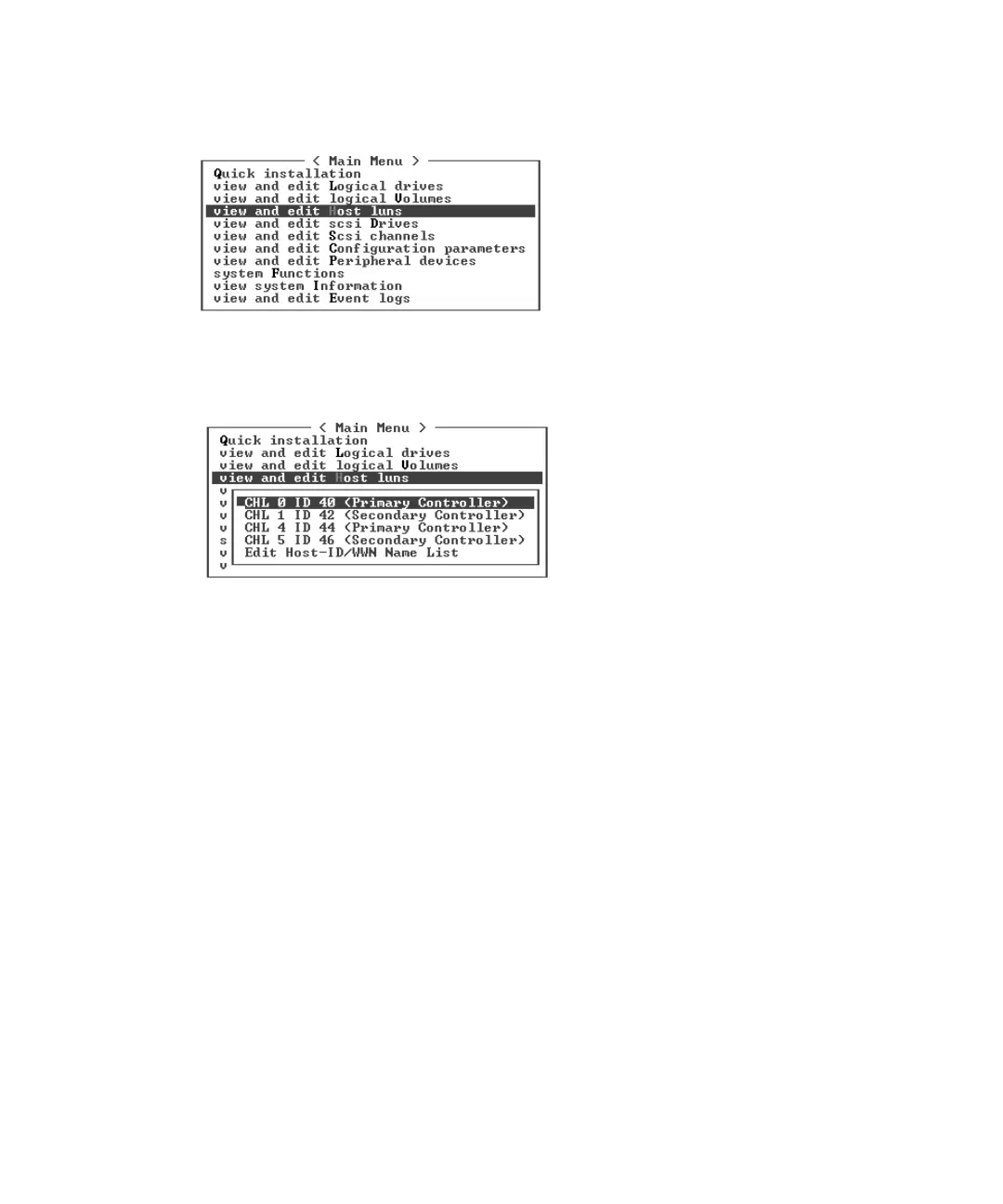
1. From the Main Menu, choose “view and edit Host luns.”
A list of available channels and their associated controllers is displayed.
2. Select a channel and host ID on the primary controller and press Return.



 To Next Page
 Loading...




