B-12 Sun StorEdge 3000 Family Installation, Operation, and Service Manual • May 2004
2. Select the Enable JBOD Support checkbox.
3. To immediately display the JBOD array in the main window, you need to probe
for new inventory. Choose “View → View Server” and click Probe.
4. Click OK.
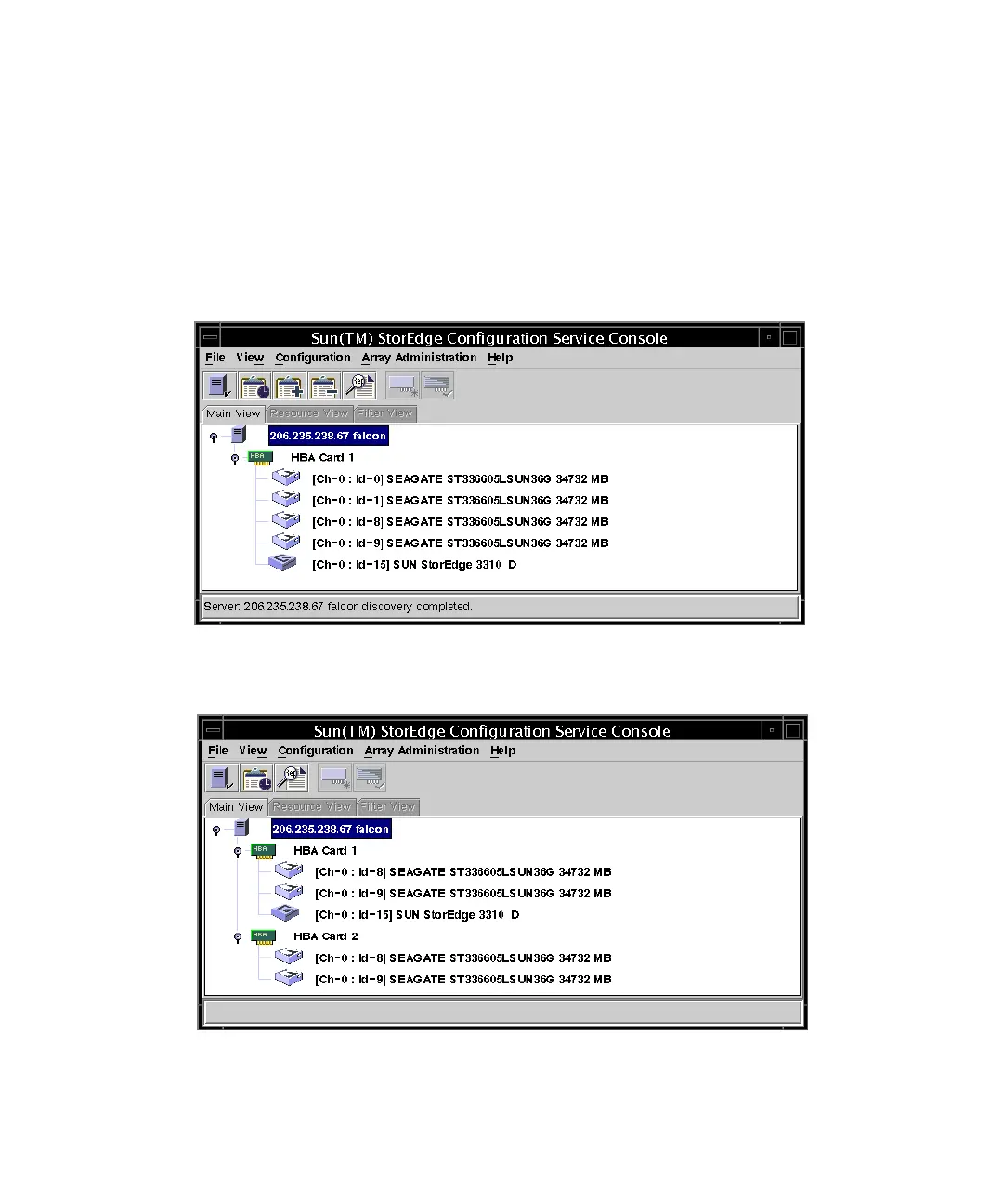
The JBOD array is displayed in the main window.
In a single-bus configuration, both ports of the JBOD array are connected to one
HBA on the server, as shown in the following example:.
In a split-bus configuration, each port is connected to its own HBA, as shown in the
following example:



 To Next Page
 Loading...




