G-8 Sun StorEdge 3000 Family Installation, Operation, and Service Manual • May 2004
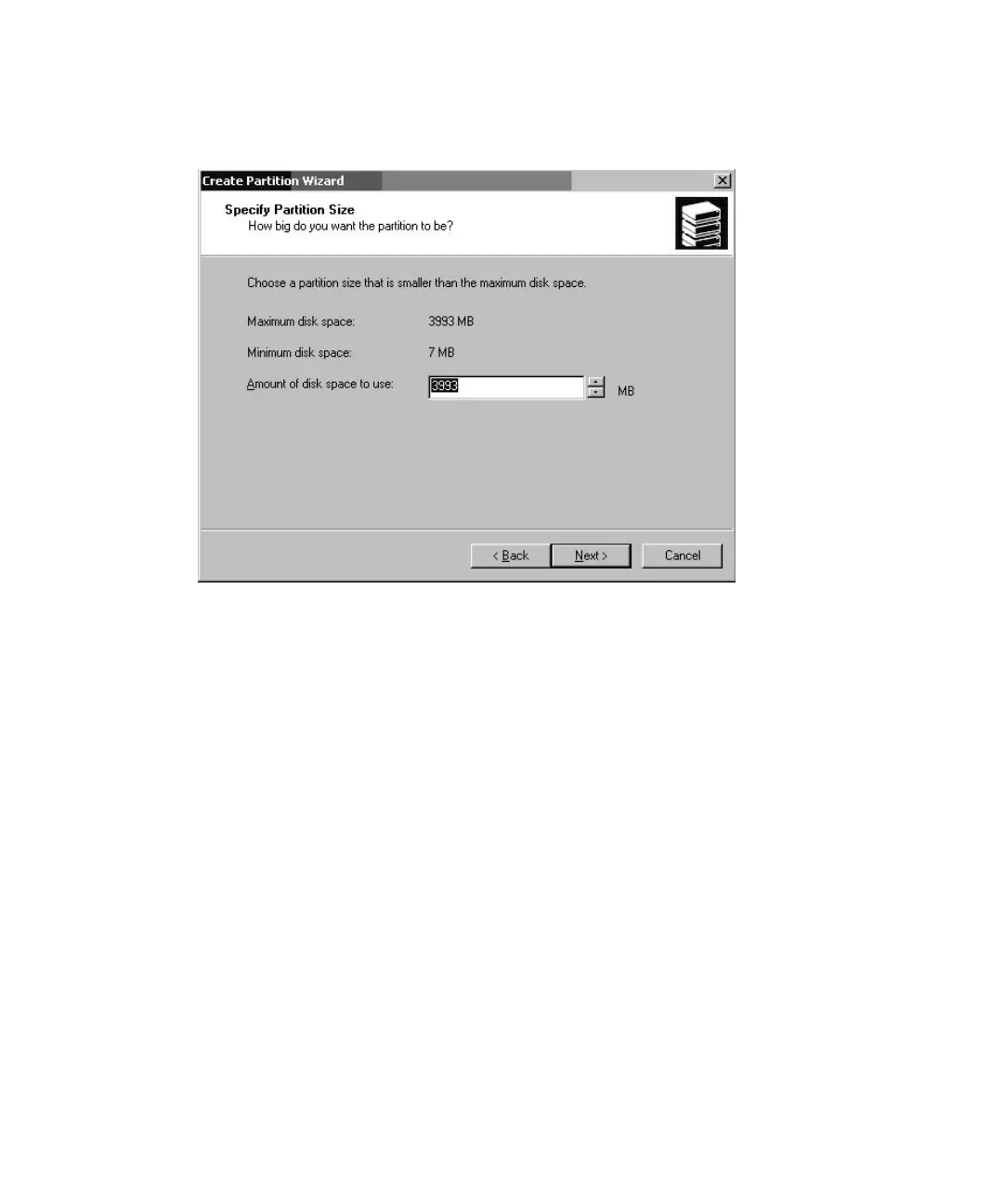
9. Specify the amount of disk space to use or accept the default value, and click
Next.
10. Assign a drive letter, if desired, and click Next.
11. Select “Format this partition with the following settings.”
a. Specify NTFS as the “File system to use.”


 To Next Page
 Loading...




