32
Chapter 2
Getting Started
Chapter 2. Getting Started
Logging on to KeyAdvantage
Log on to the KeyAdvantage software to perform the tasks necessary to maintain your KeyAdvantage system.
To log on to the KeyAdvantage software, do the following:
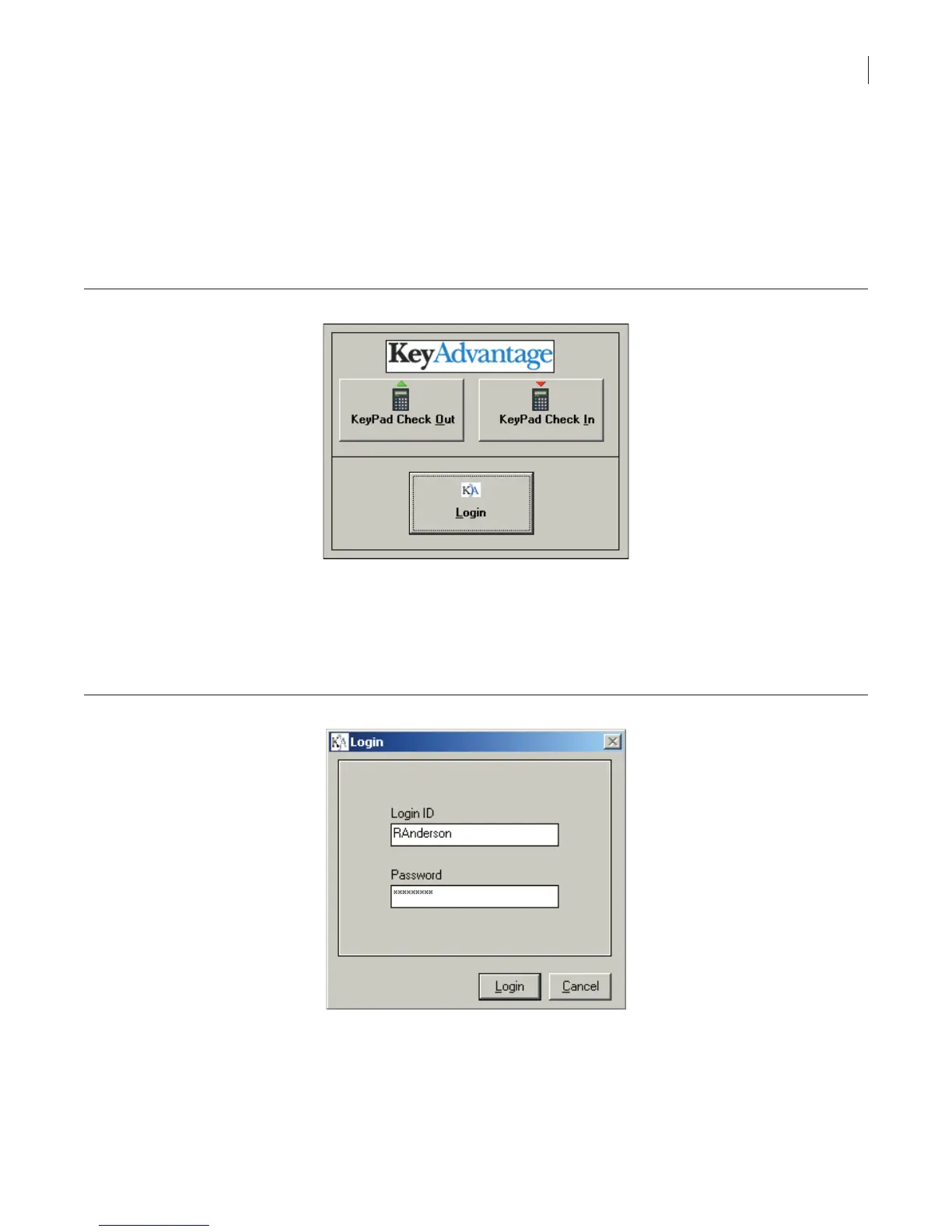
1. Start the KeyAdvantage software. The KeyAdvantage Login screen displays (Figure 1).
Figure 1. KeyAdvantage login screen
2. Click Login. The Login window displays.
3. Enter your login ID and password (Figure 2).
Note: The dealership system administrator creates the login ID and password during the KeyAdvantage
software installation process. The dealership system administrator can set up login IDs and passwords for
others needing access to the KeyAdvantage software.
Figure 2. Enter login ID and password
4. Click Login.
The menu options available to the user when logged on to the KeyAdvantage software depend on the
permissions set up by the administrator when creating the user record.
If the KeyAdvantage software detects no activity from the user for more than 20 minutes, it will automatically log
the user off the application.



 To Next Page