43
KeyAdvantage User Manual
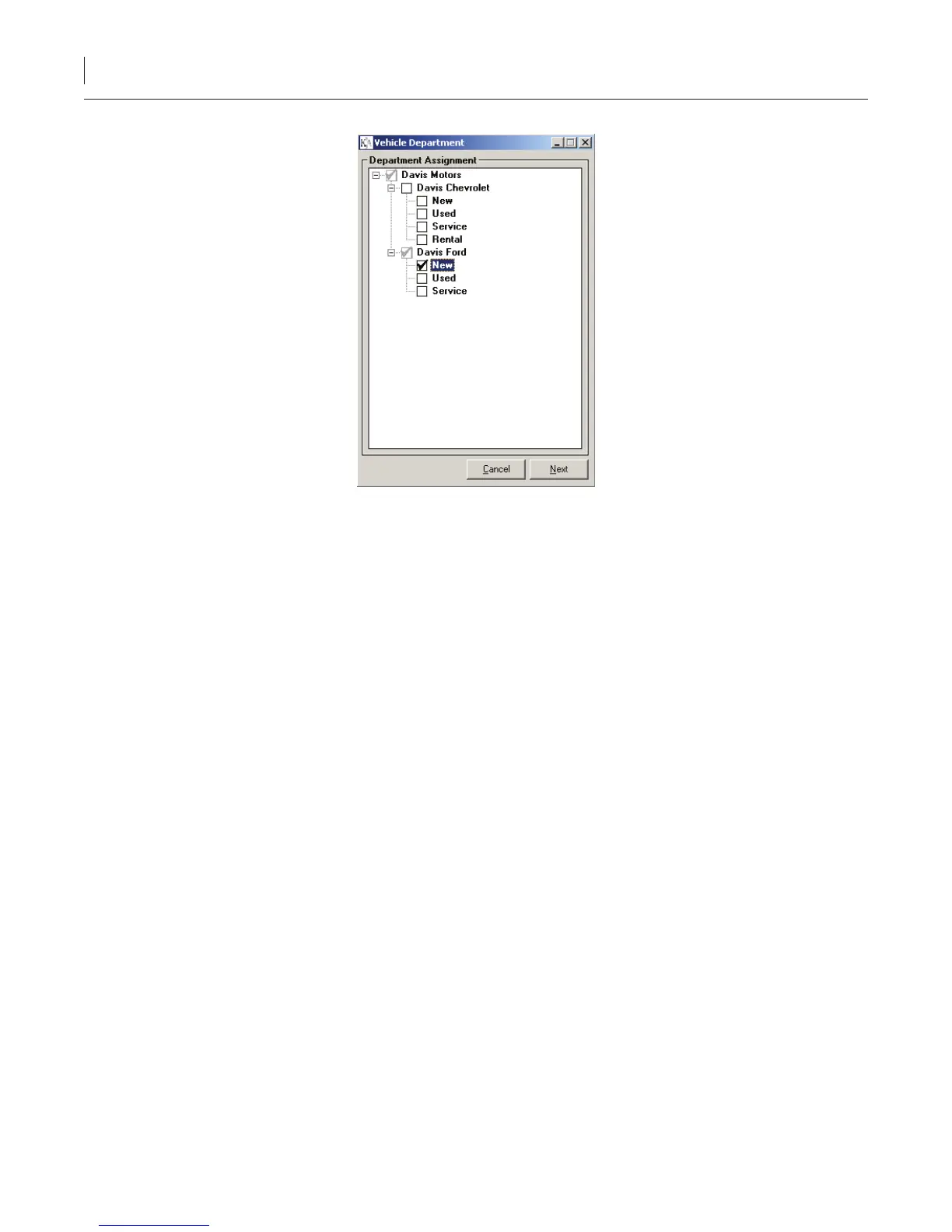
Figure 16. Vehicle assignment window
5. Click Next.
6. A message displays, prompting you to choose how to handle imported vehicle records with VINs identical
to existing vehicle records in the KeyAdvantage database.
• Click Yes to have the imported vehicle information override the existing vehicle information for
identical records.
• Click No to have the existing vehicle information override imported vehicle information for identical
records.
7. A status bar displays the number of records imported.
A log le generates automatically that displays the total number of vehicles successfully imported, as well as any
skipped records and the reason why they were not imported.
Assigning KeyTags to Vehicles
Once the vehicle information has been entered, assign a KeyTag to the vehicle record.
To assign a KeyTag to the vehicle, do the following:
1. Attach the vehicle keys to the KeyTag.
2. Click Vehicle Information > Modify Vehicle Information. The Modify Vehicle Information window
displays, as shown in Figure 17.



 To Next Page