41
KeyAdvantage User Manual
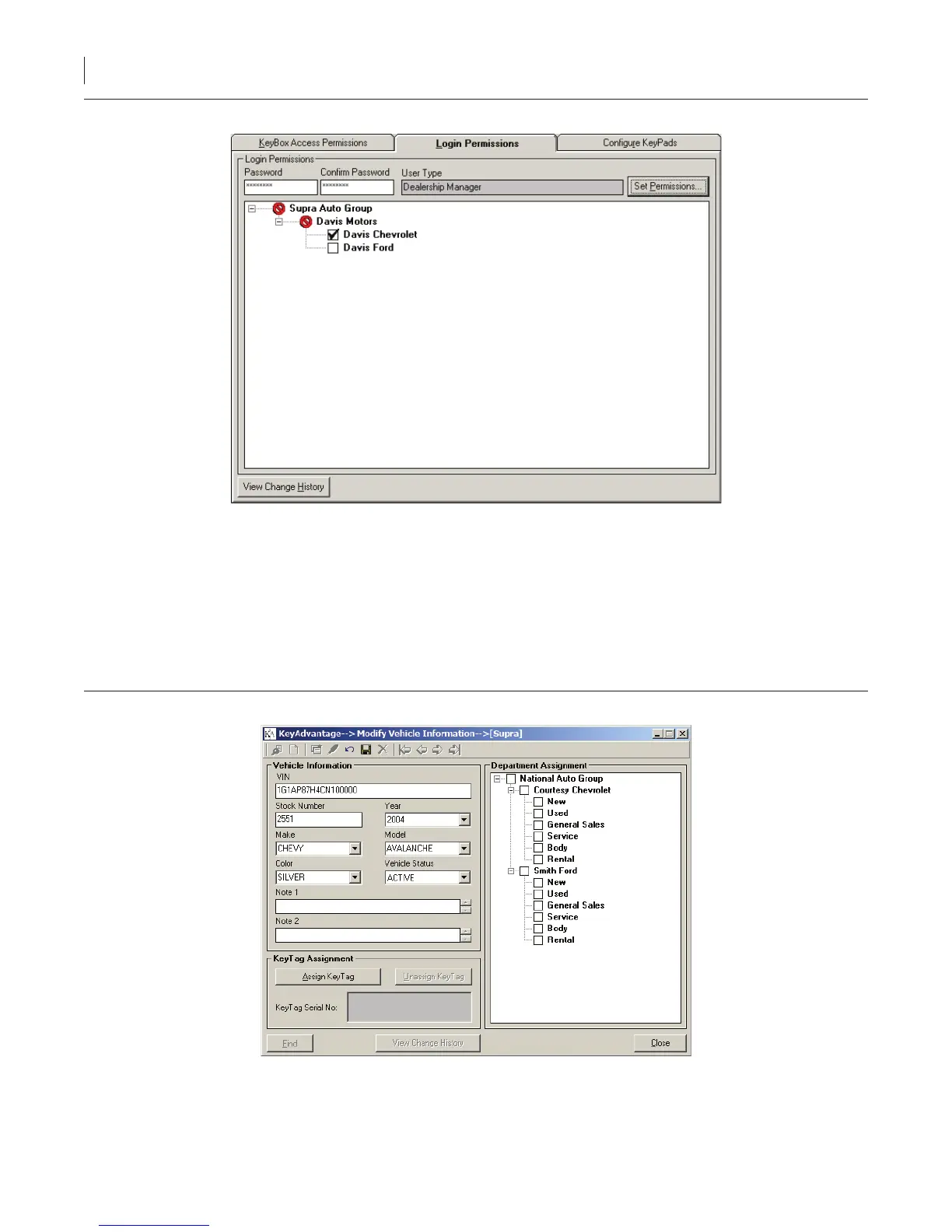
Figure 13. View change history button in login permissions tab
Entering Vehicle Information
You must enter the vehicle information into the KeyAdvantage System before a KeyTag can be assigned to the
vehicle.
To enter a vehicle information, do the following:
1. Click Vehicle Information > Modify Vehicle Information. The Modify Vehicle Information window
displays, as shown in Figure 14.
Figure 14. Modify vehicle information window
2. Click Add New.
3. Enter the VIN.



 To Next Page