15
KeyAdvantage User Manual
User Operations
KeyBox user operations include accessing vehicle keys, viewing KeyBox access information, and modifying,
programming, and diagnosing the KeyBox. Visit www.keyadvantage.com to view more KeyAdvantage
documentation.
Access Vehicle Keys
Note: The KeyBox can only be accessed by a KeyPad that has been
checked out by a key holder with permissions to open that KeyBox.
• When the KeyPad has unlocked the KeyBox, press up on the
key container to release it and access the vehicle keys.
Note: The key container must be released within one second
of pressing up or the key container will re-lock.
• To relock the key container, push the key container back up
into its locked position. A KeyTag must be in place for the
key container to lock. The KeyPad is not needed to close a
KeyBox.
• The key container has two contacts that recognize when
a KeyTag is attached to the KeyBox. The KeyTag must be
correctly inserted into the key container so the contacts in the
KeyBox can read the serial number of the KeyTag.
To open the KeyBox to obtain vehicle keys:
1. Press the Start ( ) button to turn on the KeyPad.
2. After the KeyPad displays the user name, enter the 4-digit PIN code and press the Enter button.
3. Enter the purpose code and press the Enter button.
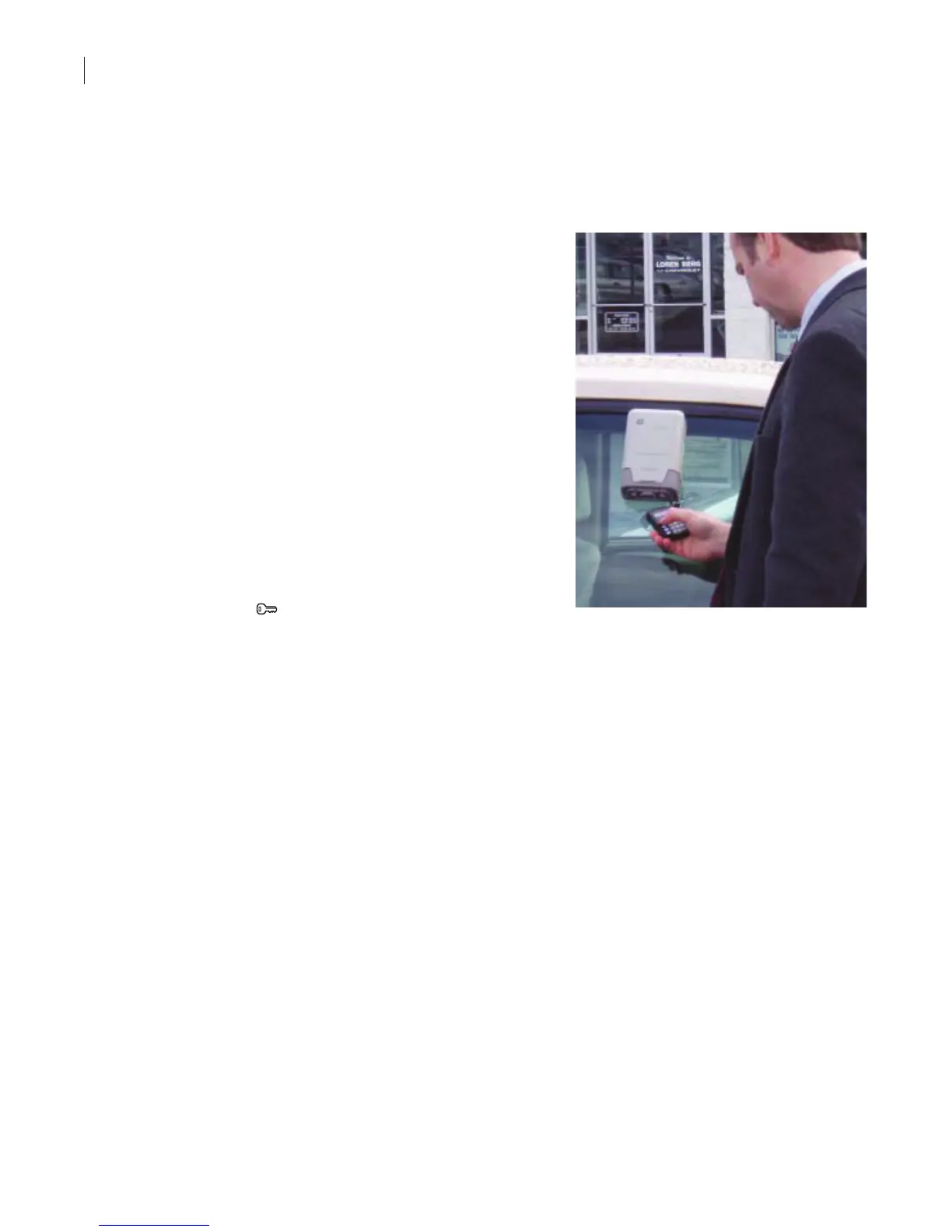
4. Connect the KeyPad to the KeyBox using the IR ports. The key holder has up to two minutes to connect
with the KeyBox.
5. When you hear the operation complete tones (4 short beeps), press up on the key container to release it
and access the vehicle keys.
After authorization has been granted, the user has 12 seconds to access the KeyBox.
View KeyBox Access Information
• When an authorized KeyPad accesses a KeyBox, the access information for that event and the previous
event are recorded in the KeyPad.
• KeyBox access information can be viewed on a KeyPad or in the KeyAdvantage software through the use
of a programming base.
• Performing a Read KeyBox function with the KeyPad downloads the last 35 access records from the
KeyBox to the KeyPad.
– The rst ve access records can be immediately viewed on the KeyPad or accessed at a later time.
– The most recent vehicle access data is displayed on the KeyPad rst. Additional access records can
be displayed by scrolling. Navigation through the records is bidirectional.
– The user name and KeyTag serial number are displayed rst on the screen. Press Enter to display
the corresponding date and time of the record.
– When the KeyPad is checked in at the end of the shift, the KeyBox read is downloaded to the
KeyAdvantage software where it can be viewed in the form of Access reports.



 To Next Page