39
KeyAdvantage User Manual
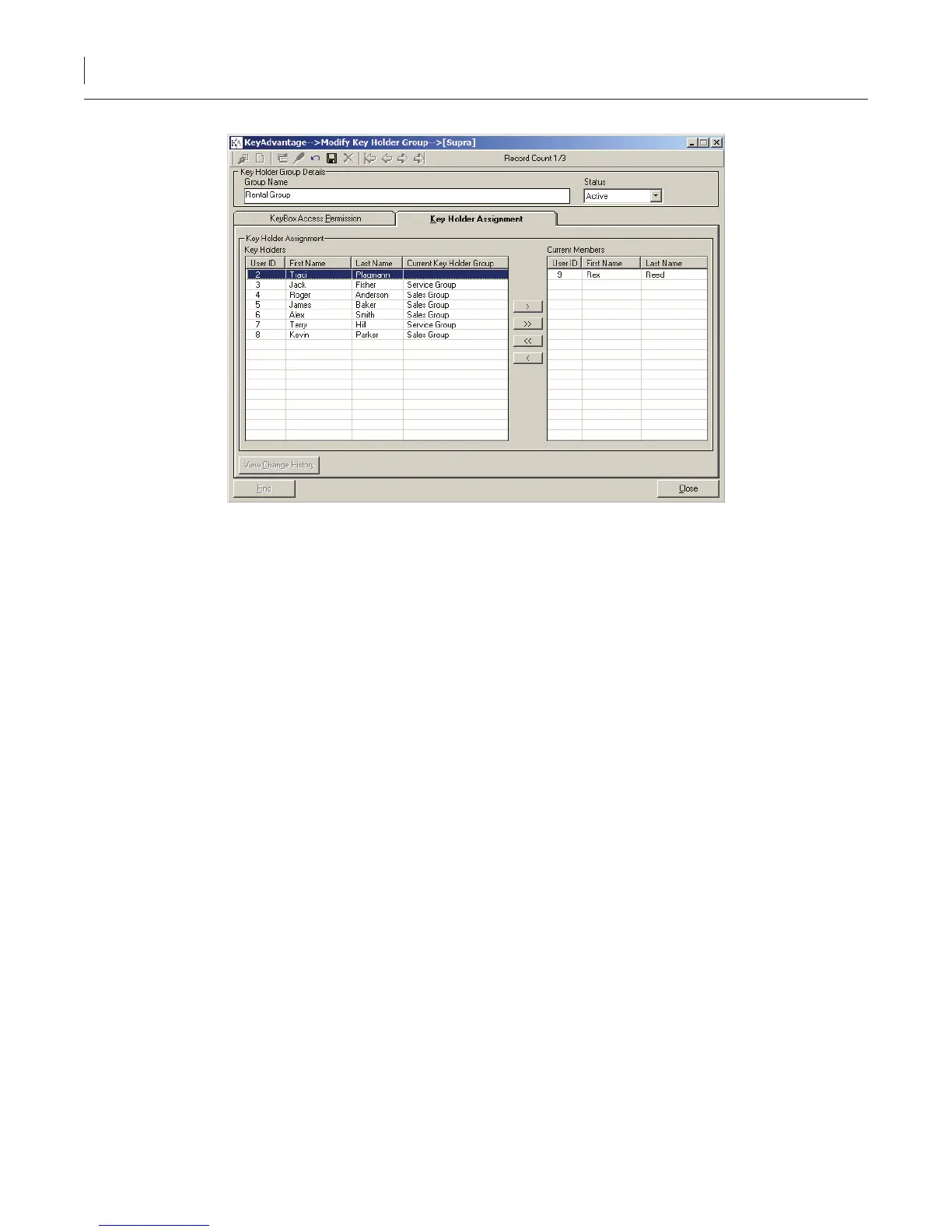
Figure 11. Key Holder Assignment tab
8. Highlight users and click the right arrow button to add them to the group.
9. Click Save.
Assigning KeyPads to Key Holders
The KeyAdvantage system can be congured to do one of the following:
• Assign KeyPads to specic key holders.
• Allow key holders to check out any KeyPad.
Before you can assign KeyPads to specic key holders, you must congure your system to do so. Administrators
can enable the Assign KeyPads to key holders option in the Administrator > Conguration menu under the
Customer site options tab.
To assign a KeyPad to a key holder, do the following:
1. Click Modify Users on the Users menu.
2. Click Search.
3. Enter or select the key holder search criteria in any active eld.
4. Click Find.
5. Click the Congure KeyPads tab. The Congure KeyPads tab becomes active, as shown in Figure 12.



 To Next Page