51
KeyAdvantage User Manual
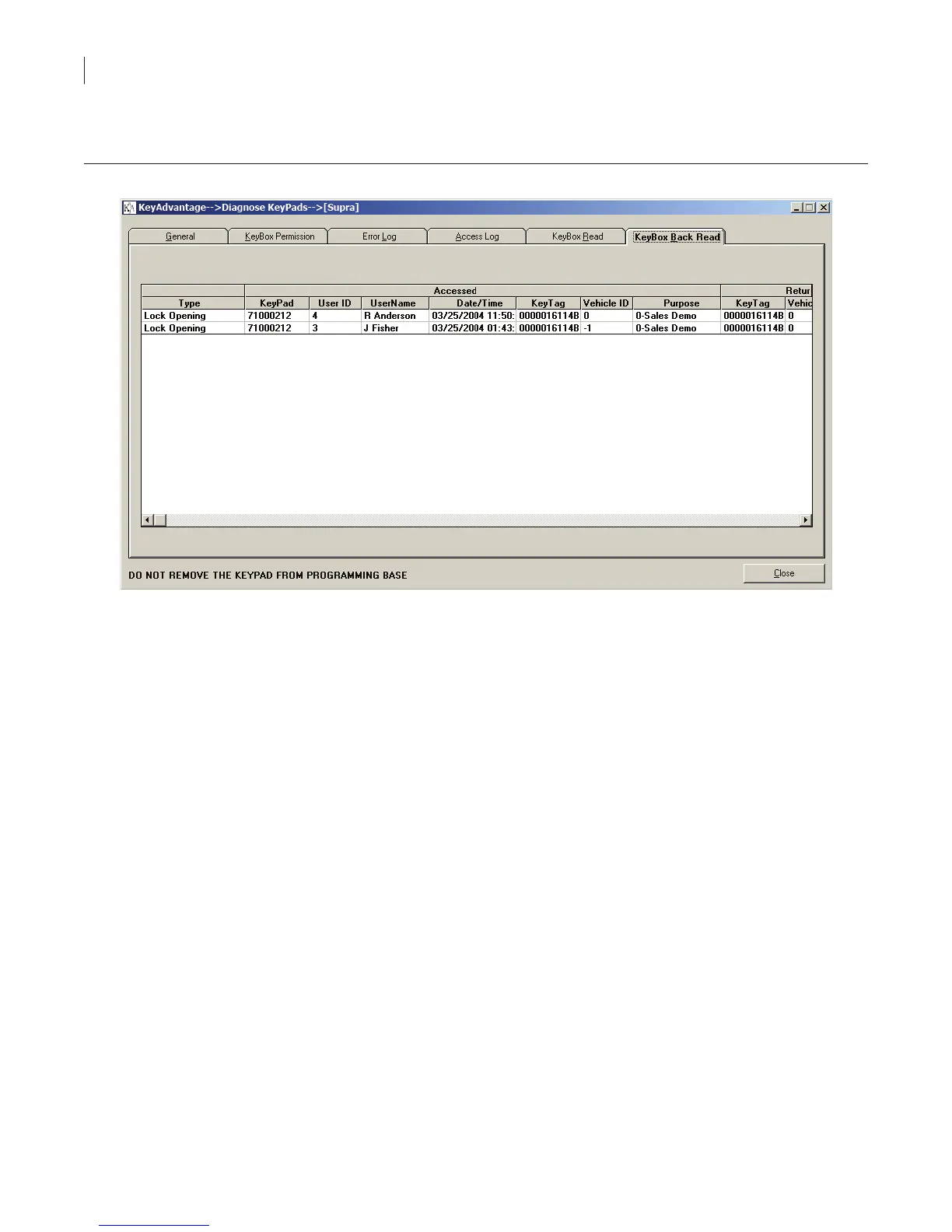
• The KeyBox Back Read tab (Figure 28) displays KeyBox access information stored in the KeyPad. Each
time a user accesses a KeyBox, the KeyPad stores the previous access in the KeyBox.
Figure 28. KeyBox back read tab
Flashing KeyPads
If Supra releases a new version of KeyPad rmware, the KeyAdvantage software lets you import the new version
into your system and then “ash” the KeyPads to update the rmware.
Importing rmware
To import a new rmware le into your KeyAdvantage system, do the following:
1. Copy the .HEX rmware le from Supra to the KeyAdvantage computer.
2. Click File > Import.
3. Click Browse and navigate to the .HEX rmware le saved on the computer.
4. Highlight the .HEX le and click Open.
5. Click the Import button.
6. Click Close.
Flashing KeyPads
To ash KeyPads with the new rmware, do the following:
1. Click KeyPad > Flash KeyPads. The Flash KeyPads window displays, as shown in Figure 29.



 To Next Page