54Chapter 3
Using KeyPads and KeyBoxes
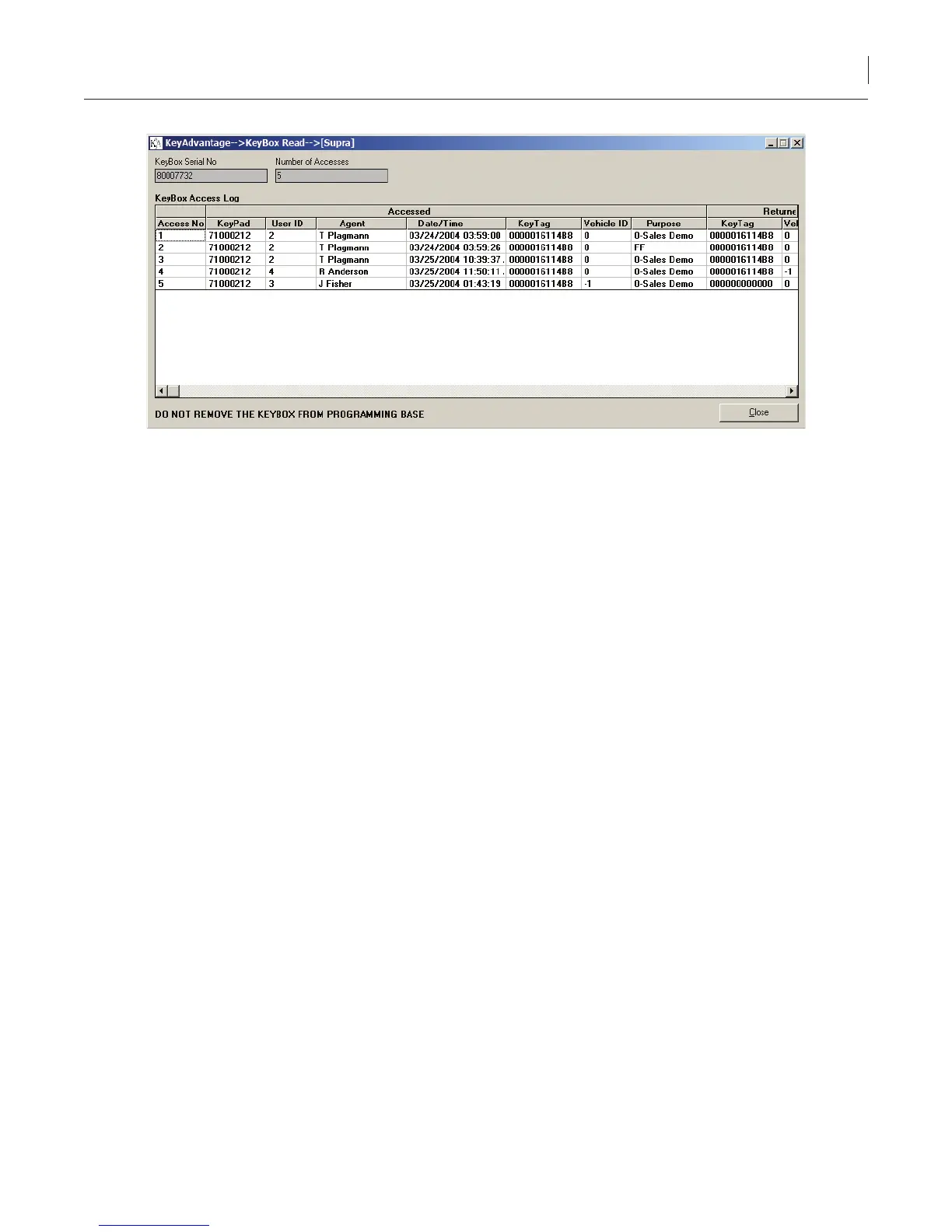
Figure 32. KeyBox read window
3. Information about the 35 most recent KeyBox accesses displays. The user name, the date and time the
user removed the KeyTag, and the date and time the user replaced the KeyTag display.
Diagnosing KeyBoxes
The Diagnose KeyBoxes menu option displays the settings programmed into the KeyBox and provides
information that is helpful in diagnosing the KeyBox.
To diagnose a KeyBox, do the following:
1. Place the KeyBox in the programming base.
2. Click KeyBox > Diagnose KeyBoxes.
3. The diagnostic information displays the following:
• The General tab (Figure 33) displays general information on the KeyBox.



 To Next Page